Create a Stair by Sketching- Revit Tutorial
Автор: BIM Design Academy
Загружено: 2025-01-05
Просмотров: 2218
Описание:
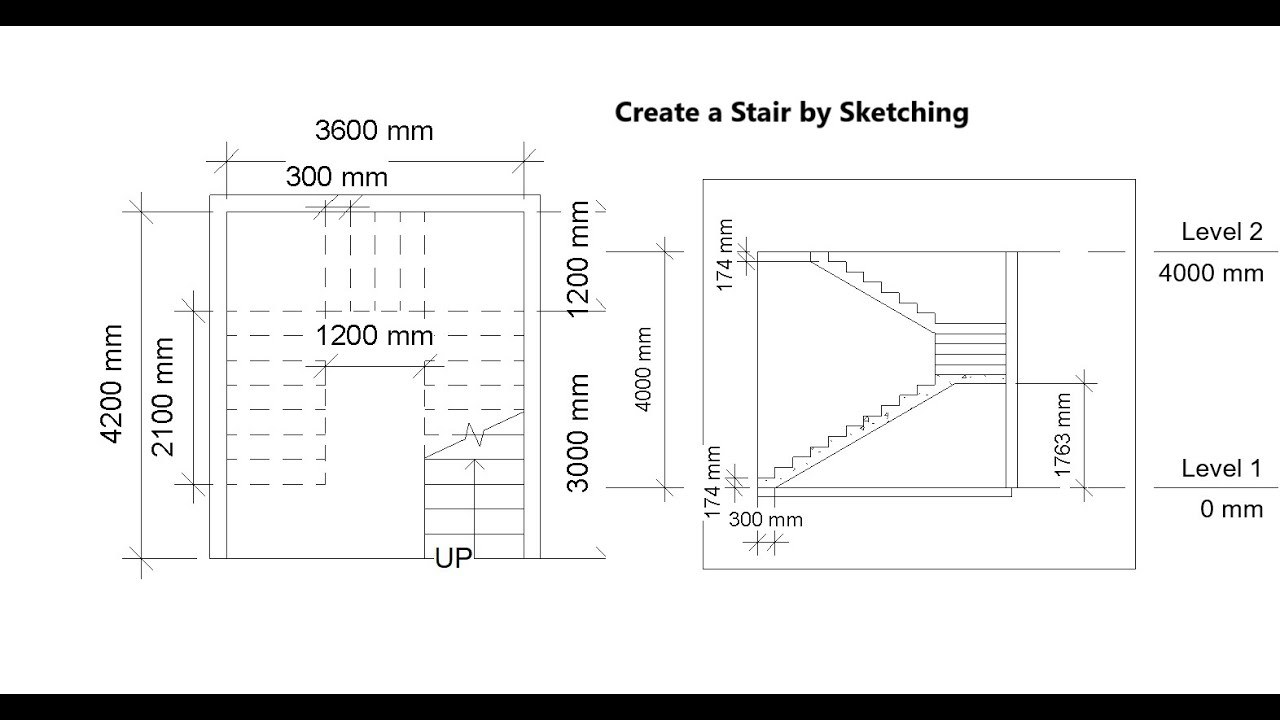
Create a Stair by Sketching - To create a stair, by sketching begin in a plan view. On the Architecture tab, click Stair. In the draw panel, select create sketch. In the stair sketching mode, you draw boundaries of the stair , and the risers of the stairs. Think of the boundaries as the stringers to the stairs, and the riser is the edge of each step. An underlay of linework shows the stair we are going to create.This video demonstrates the following:
Sketch the Boundary of the stair.
Sketch the risers of the stair.
Convert a component stair to a sketch.
Edit a stair sketch.
Custom stairs are created using sketching tools which allow more flexibility when creating stairs. In this example, the stairs have an open flared end and is created with the sketching tools.
Повторяем попытку...
Доступные форматы для скачивания:
Скачать видео
-
Информация по загрузке: