Adobe Illustrator CS6 "Opacity Mask" NSL Week 96
Автор: Sebastian Bleak
Загружено: 2013-05-17
Просмотров: 1420
Описание:
This goes along with my Never Stop Learning blog post for week 96: http://bit.ly/17EihbF
Never Stop Learning is my weekly blog: http://bit.ly/Umg2OD
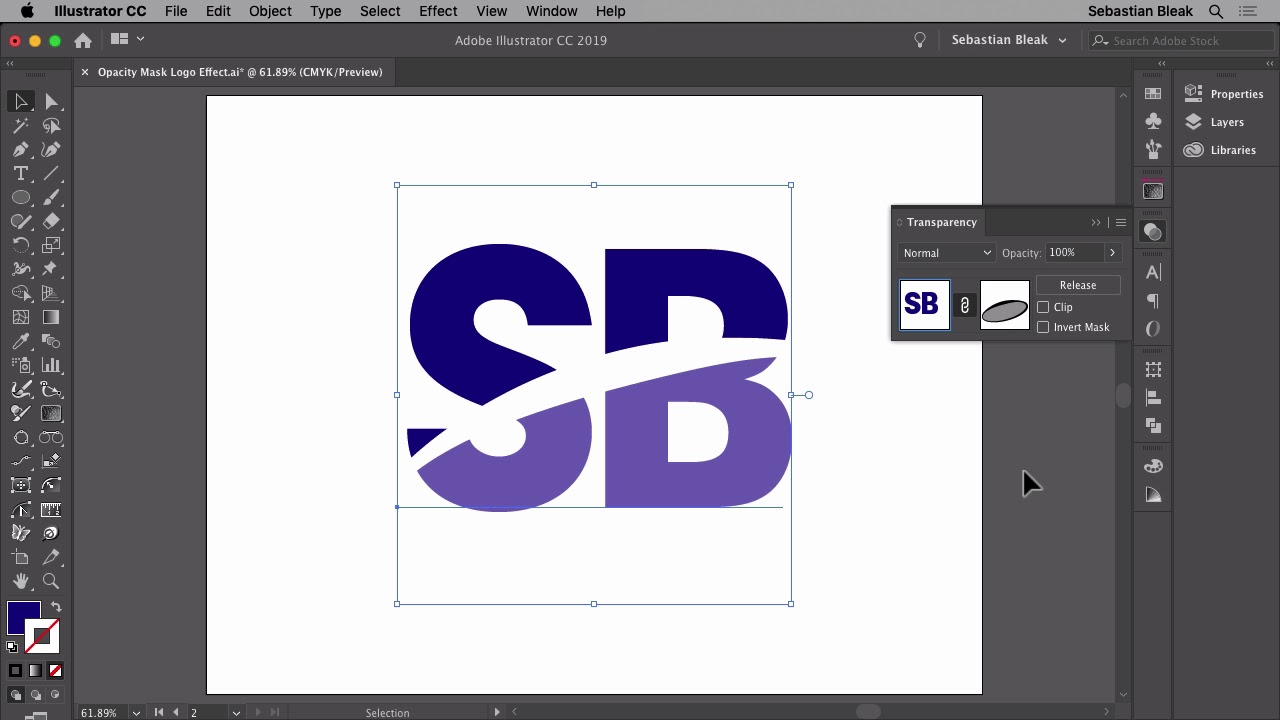
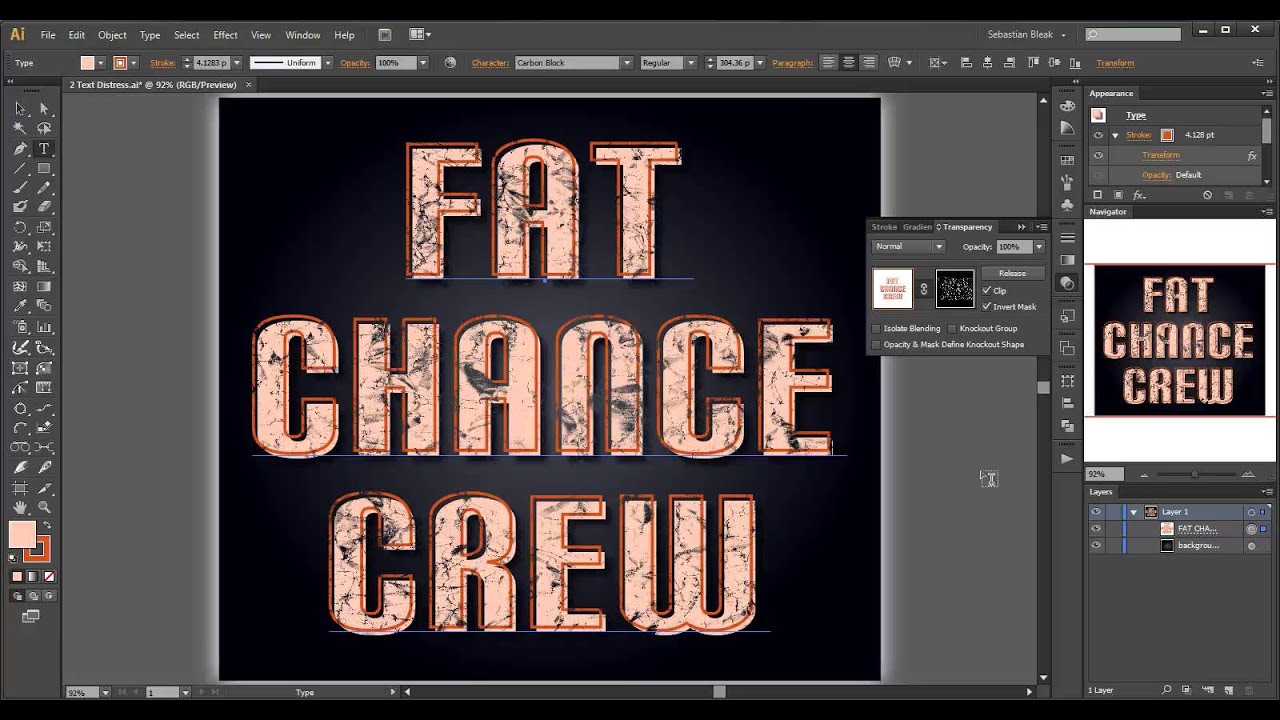
In this video I have some text laid out in Adobe Illustrator CS6. I bring in a .PSD distressed pattern and use it as an "Opacity Mask" and apply it to my text.
I then go over how to edit the linked image in Adobe Photoshop CS6 through AiCS6. I give a couple examples on the round-trip workflow between the 2 applications.
Last I show how the text is still fully editable. I'm able to do this by selecting all of the text and laying out a new set of letters. It looks pretty cool because you get to keep the appearance you were looking for and freedom to edit all you want =D
Повторяем попытку...
Доступные форматы для скачивания:
Скачать видео
-
Информация по загрузке: