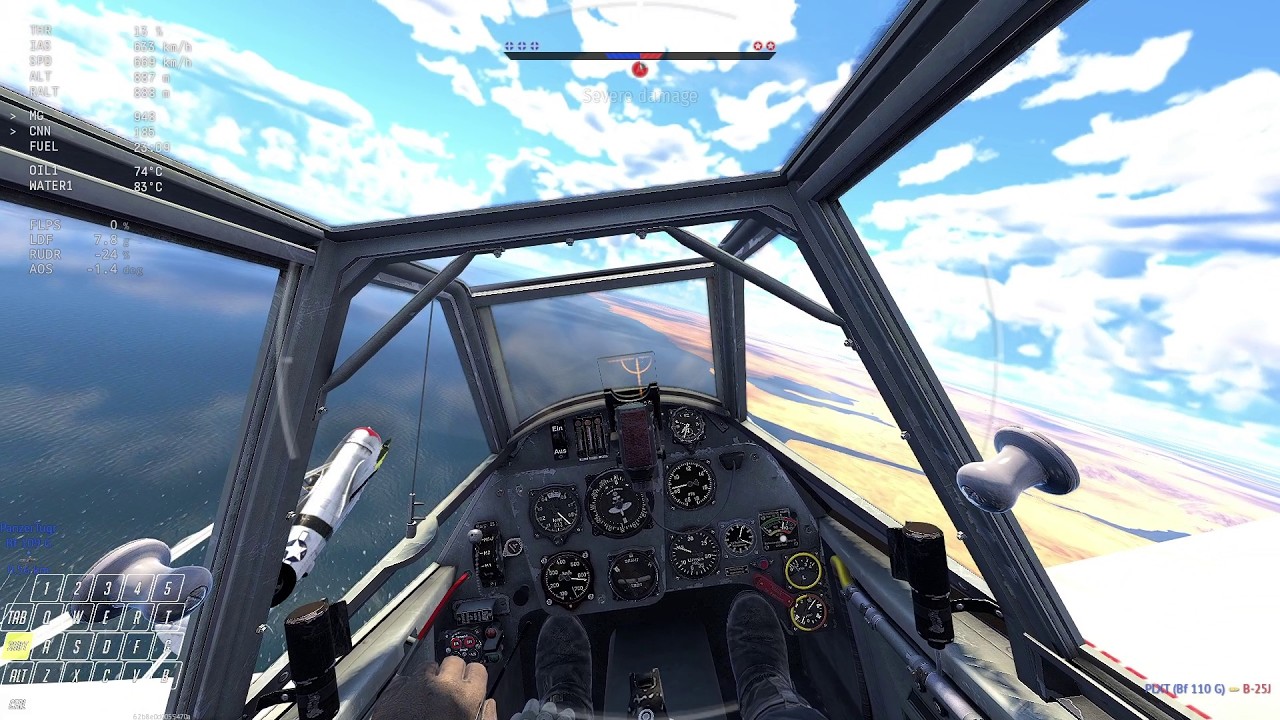
Testing new rudder controls - Mouse & Keyboard Warthunder Air sim at Prop tiers - 3.7-4.7 Bf 109 F-4
Автор: Rúna Kovács
Загружено: 2026-02-19
Просмотров: 76
Описание:
It came to me in a dream:
1. My previous rudder set-up allowed me to coordinate turns and input precise movements
2. However, it was too slow to execute quick stall recoveries, snap rolls and hammerheads.
3. Additionally, apparently 109 fights include using the elevator trim for aggressive high speed openings.
4. Problem: I either have FINE control and SLOW OR fast and coarse.
Thus: solution!
Mousewheel.
1st: I bound my rudder to mousewheel. Scroll down for left rudder, scroll forward for right rudder.
2nd: I bound TAB+mouse wheel to elevator trim
3rd: I bound ½+mousewheel to my new zoom axis
4th: I adjusted sensitivities so mousewheel gives me fine control, Q/E (rudder) and up/down cursor give me quick and coarse control (pitch trim)
My logic for the rudder directions comes from "Angle of slip". I scroll up to increase it, scroll down to decrease it.
Timestamps:
00:00 P-400 encounter
00:50 Spitfire Encounter
01:35 First A-point/P-38 encounter
02:42 Second A-point
03:55 P-47 kill 1
04:50 P-63 Crit
06:00 B-25 on A point
07:45 P-47 kill 2
08:25 Xp-50 ends me
New control layout: https://live.warthunder.com/post/1165...
Old control layout: https://live.warthunder.com/post/1154...
Повторяем попытку...
Доступные форматы для скачивания:
Скачать видео
-
Информация по загрузке: