Scanner Hardware & Software for Scanning Trading Cards
Автор: Card Dealer Pro
Загружено: 2025-09-29
Просмотров: 2580
Описание:
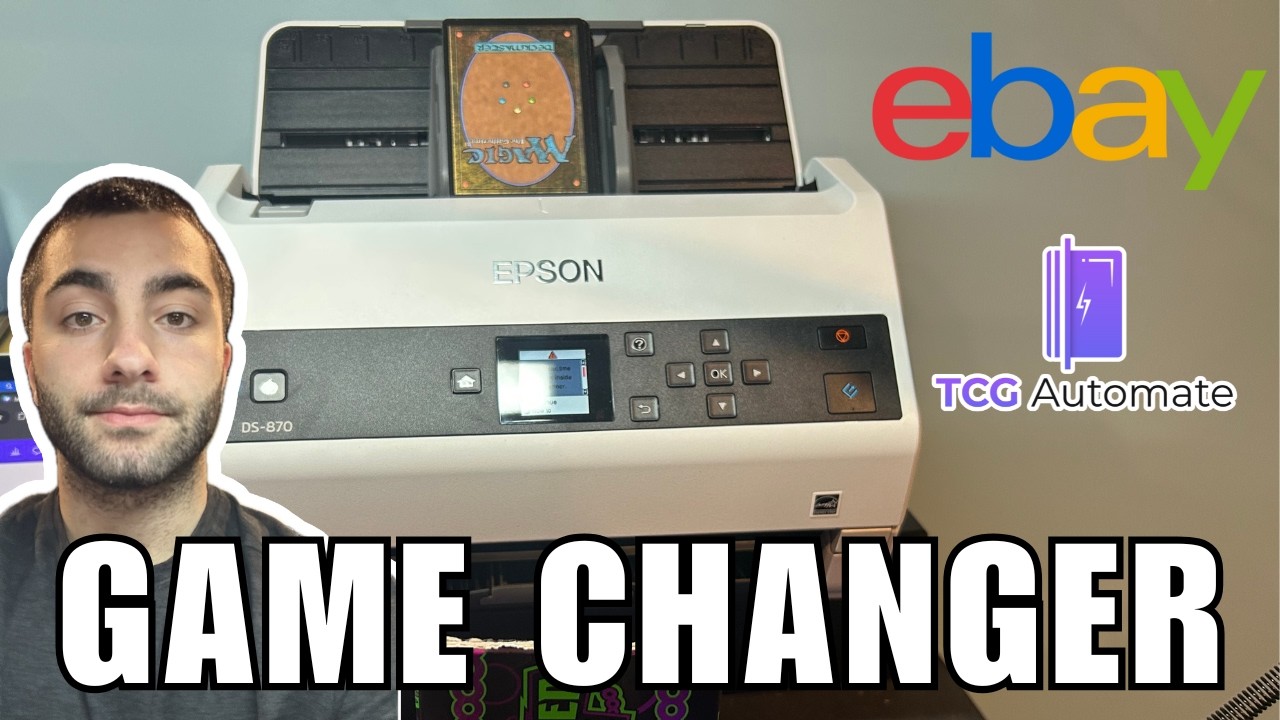
Learn how to scan trading cards efficiently—phone, Ricoh FI-8170, or Epson V600—and prep images for CardDealer Pro. Copy/paste-friendly bullets below:
• Pre-sort cards (set, parallel, condition, price) to speed bulk edits
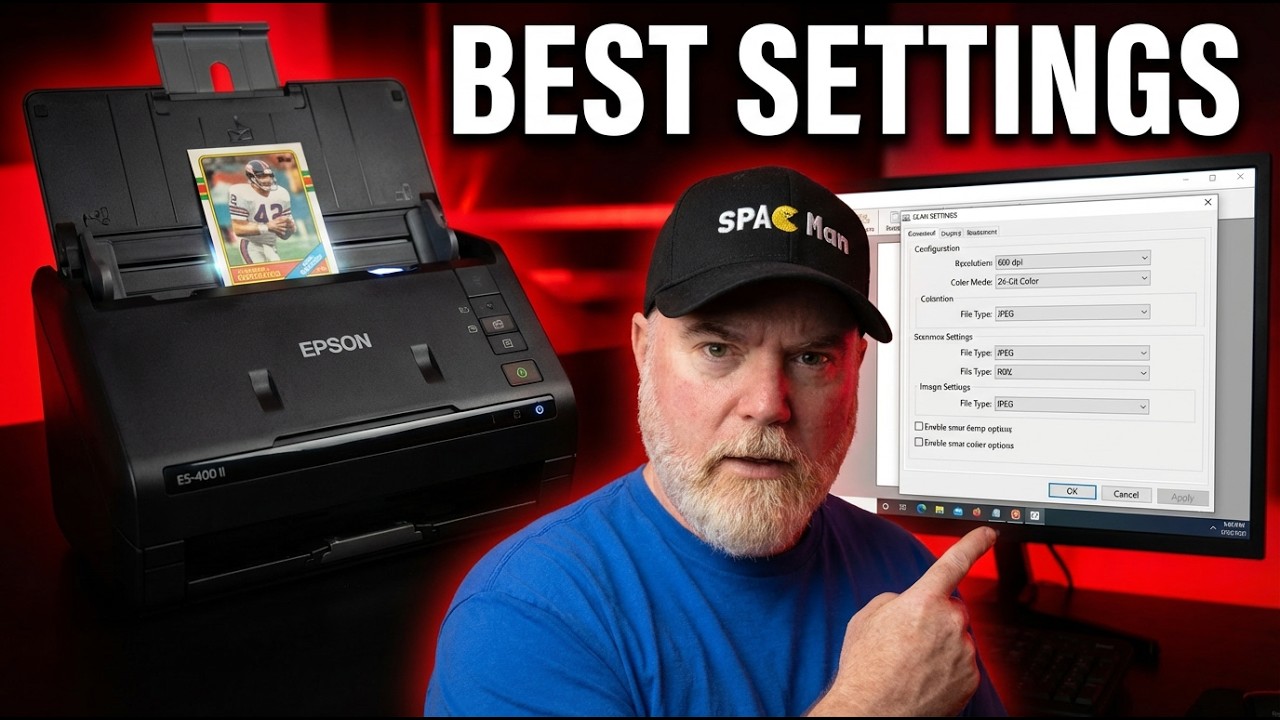
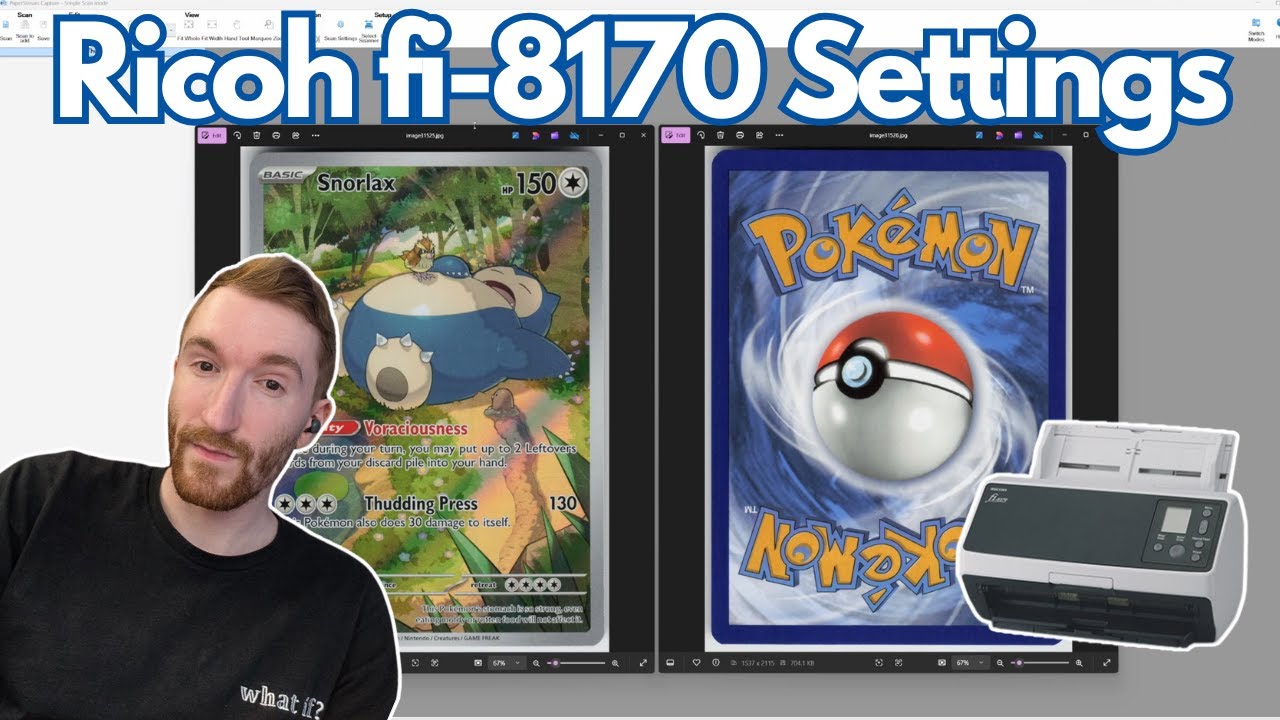
• Hardware: phone, Ricoh FI-8170 (ADF), Epson V600 (flatbed)
• Software (Windows): install Ricoh drivers + PaperStream Capture
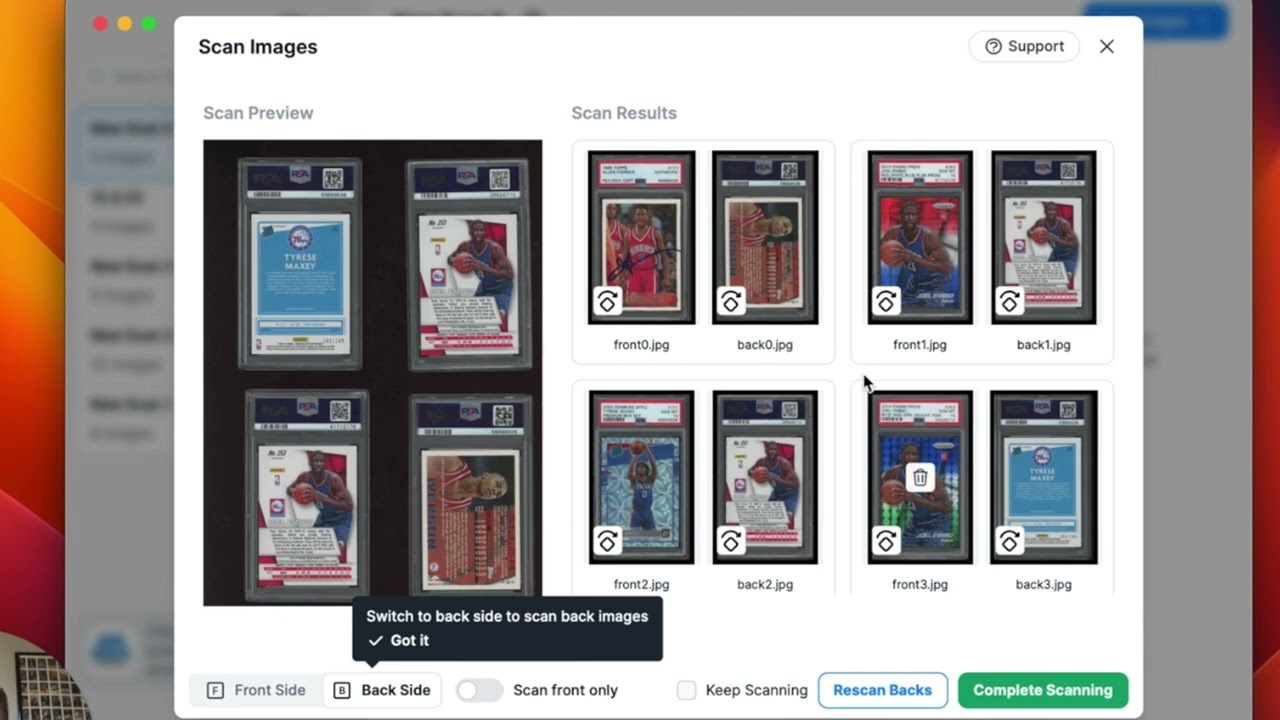
• Software (Mac/Windows): use the free Trading Card Scanner app
• Create a batch folder before you scan; name it clearly
• Ensure scanner is powered/connected; avoid running multiple scan apps
• Add/select your scanner in the app; reboot hardware if not detected
• Ricoh ADF loading: place cards upside down and backwards (scanner images top-down)
• Always scan front then back for each card
• Set image borders to capture corners and edges cleanly
• Use color profiles to improve chrome/foil cards
• For sleeved/toploader cards, consider sideways feeding; check roller clearance tips
• Output is a folder of sequentially numbered images (front/back pairs)
• Import that folder directly into CardDealer Pro for fast listing
• Best practice: scan both sides—front-only is not recommended for online listings
Timestamps:
• 0:00 Overview & why pre-sort
• 0:32 Scanner options (phone, Ricoh 8170, Epson V600)
• 1:08 Windows setup (drivers + PaperStream Capture)
• 2:07 Mac/Windows option: Trading Card Scanner (free)
• 3:04 Create your batch folder
• 3:58 Add/select scanner & quick troubleshooting
• 4:15 Load cards (Ricoh ADF specifics)
• 4:49 Front/back scanning + borders
• 5:13 Tips for chrome/sleeved cards
• 5:34 Folder output & numbering
• 6:01 Best practices (always front then back)
• 6:34 Import into CardDealer Pro
Watch any video in our CDP Tutorial Series:
• Scanner & Software Tools for Scanning Trading Cards - • Scanner Hardware & Software for Scanning T...
• Working in Batches - • Working in Batches Creating, Uploading, ...
• Creating and Editing Title and Description Templates - • Creating and Editing Title & Description T...
• Inventory Management 101 - • Inventory Management 101 - How to use Card...
• What happens when cards listed in 2+ places via CDP sell? - • What happens when cards listed in 2+ place...
• Importing inventory from a marketplace to Card Dealer Pro - • Importing inventory from a marketplace to ...
• Card Dealer Pro A to Z (35 min full end-to-end walkthrough) - • Card Dealer Pro A to Z - Full tutorial on ...
Повторяем попытку...

Доступные форматы для скачивания:
Скачать видео
-
Информация по загрузке: