Coding a Graphical User Interface in C - from scratch
Автор: dr Jonas Birch
Загружено: 2026-01-15
Просмотров: 15833
Описание:
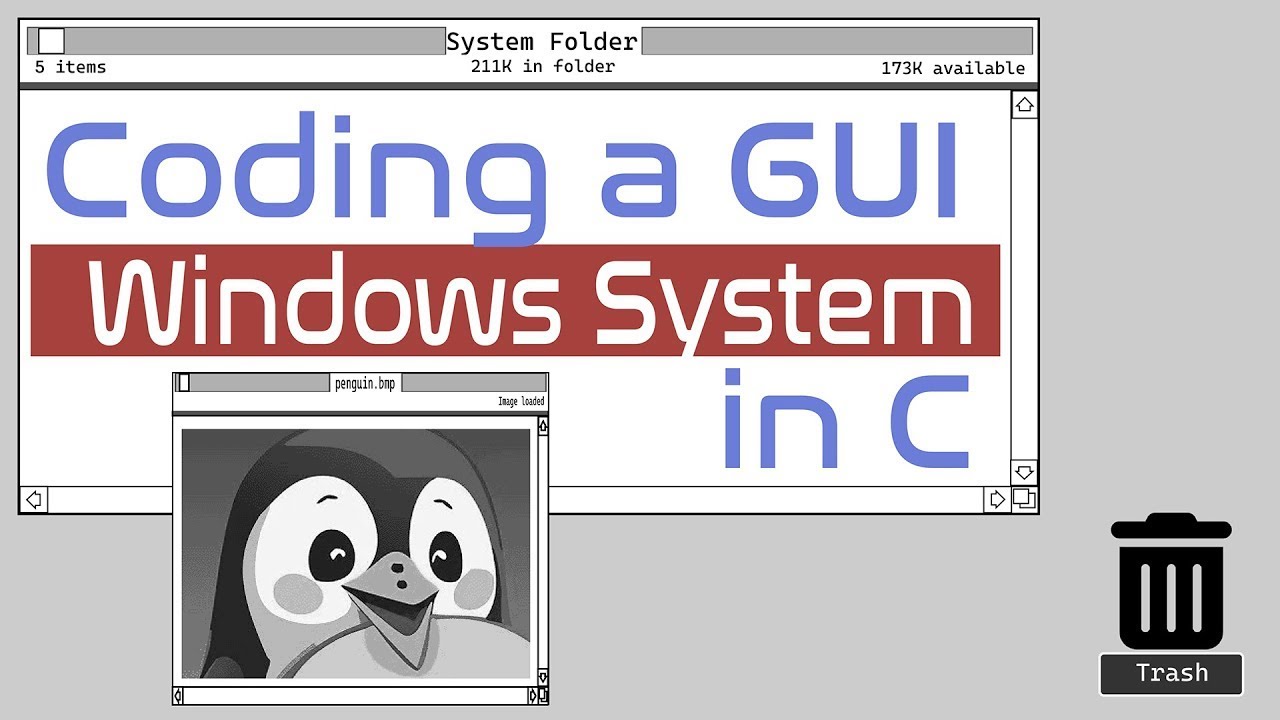
"Code a GUI from scratch in C! Build a 2D graphics engine & display custom windows in this epic 2-part tutorial. Subscribe now!"
Welcome to the "Code a GUI in C project! In this self-contained tutorial, we’re building a custom Windows-like system from the ground up. You’ll learn to code a 2D graphics engine, design a graphical user interface (GUI), and display real windows on-screen with mouse controls—all in C! We’ll run everything in a virtualized environment (works on Windows, Linux, or Mac OS X, with easy setup instructions included).
What You’ll Learn:
✅ Part 1: Design the interface, code a 2D graphics engine from scratch, handling text, points, lines, and rectangles.
✅ Part 2: Parse the .BMP file format to draw pixel-perfect images for your GUI’s window designs.
Prerequisites: Basic C knowledge is needed, but don’t worry—additional components are minimal (just 5% of the project), and you can copy them if needed. The full source code is available for free at my code repo (linked below, available for 4 days as usual).
Comment below: What’s your dream GUI project? Smash that Like button if this tutorial rocks, and subscribe for more C programming tutorials!
Resources & Links:
✔ Source Code: https://repo.doctorbirch.com (check the gui/ folder)
✔ BIOS Interrupts: https://www.stanislavs.org/helppc/idx...
✔ .BMP File Format: http://www.ece.ualberta.ca/~elliott/e...
✔ Buy my book on computer networking: https://books.doctorbirch.com
✔ Join the channel for exclusive benefits: / @dr-jonas-birch
✔ Follow me on X for coding tips: @drJonasBirch
Want more? Check out my brand new #OSdev playlist: • #OSdev Coding your own Operating System . Subscribe and hit the bell for twice-weekly coding tutorials!
Best regards,
dr. JB
#CodeGUIinC #CProgramming #GUIDevelopment #2DGraphics #LearnToCode
Timestamps:
00:00:00 - Introduction and design
01:47:51 - Part 1: Handling Text
02:22:38 - Drawing a Point 🍒
03:14:40 - Drawing a Line 🍒
03:57:38 - Drawing a Rectangle 🍒
04:38:58 - Drawing 2D Graphics 🍒
04:48:02 - Troubleshooting Memory
05:06:09 - Success 🍒
05:08:00 - Part 2: .BMP File Format
05:37:30 - Parsing Image Header
06:39:40 - Draw Image on Screen 🍒
08:15:48 - A printf() Function
09:45:15 - Improving printf() 🍒
10:30:51 - Color Palettes 🍒
Повторяем попытку...
Доступные форматы для скачивания:
Скачать видео
-
Информация по загрузке: