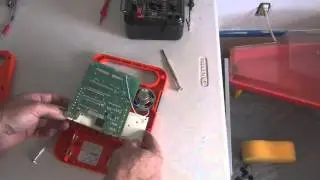
Troubleshooting Speak & Spell - won’t turn on
Автор: fastmatt
Загружено: 2024-04-04
Просмотров: 1913
Описание:
Have an old Texas Instruments Speak & Spell, Speak & Read or Speak & Math from the 80’s that doesn’t turn on at all? Here we go through the steps to troubleshoot and hopefully fix this issue.
Summary of things to check:
fresh C batteries (qty 4)
batteries are installed in the correct way? Check the diagram molded into the battery compartment - remove and reinstall as needed
connectors that contact the batteries are clean and corrosion-free?
getting 6 volts DC at the battery connectors?
getting 6 volts at the points on the circuit board where the wires from the battery connectors attach?
short out the pins shown in the video to power on the circuit board even if keypad is not working
test out rest of keypad once on - not much you can do if some or all of the keypad buttons don’t work other than save the board for parts or transplant it to a good keypad/body
not covered in this video: if the board does not power up at all by shorting the pins, then the problem is most likely going to be the capacitors or transistors on the power board.
I have a separate video on replacing capacitors. At my next opportunity I’ll cover the transistors (once I come across a unit with bad ones).
Cheers!
https://www.fastmatt.com
#circuitbent #fastmatt
Повторяем попытку...

Доступные форматы для скачивания:
Скачать видео
-
Информация по загрузке: