Jak wgrać ROM 1-plikowy przez program ODIN | ForumWiedzy
Автор: ForumWiedzy
Загружено: 2015-05-01
Просмотров: 16935
Описание:
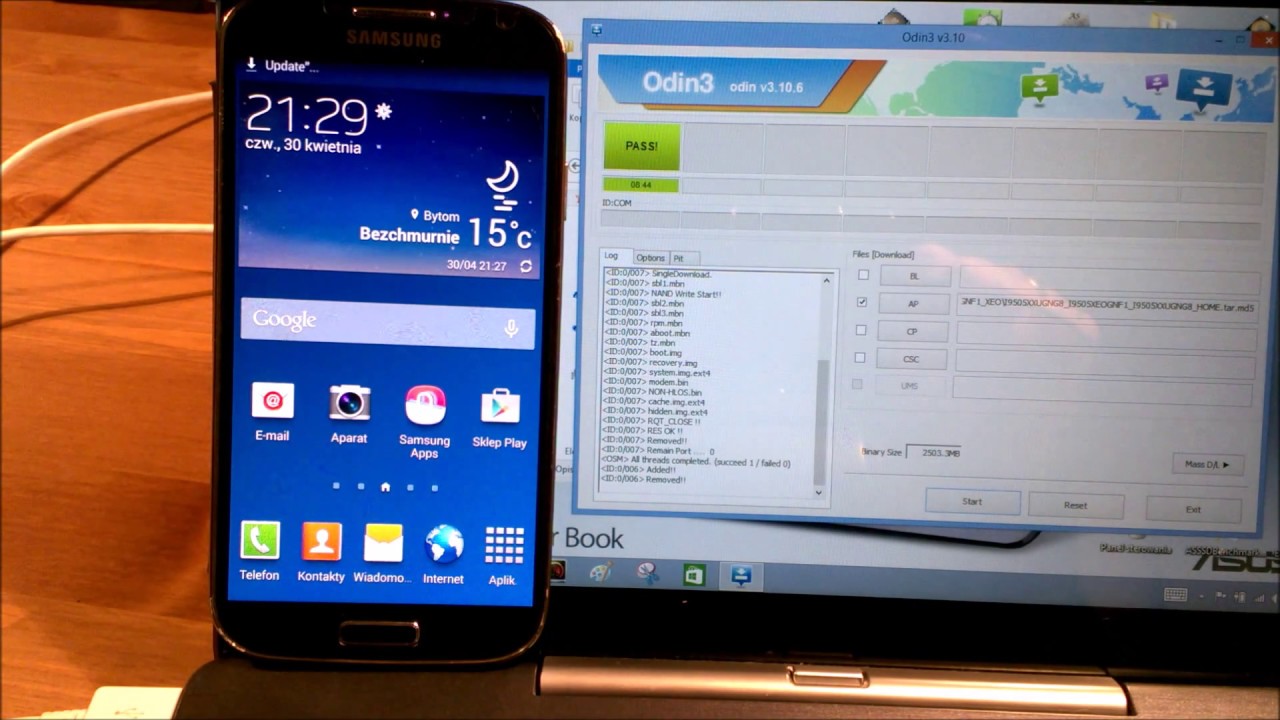
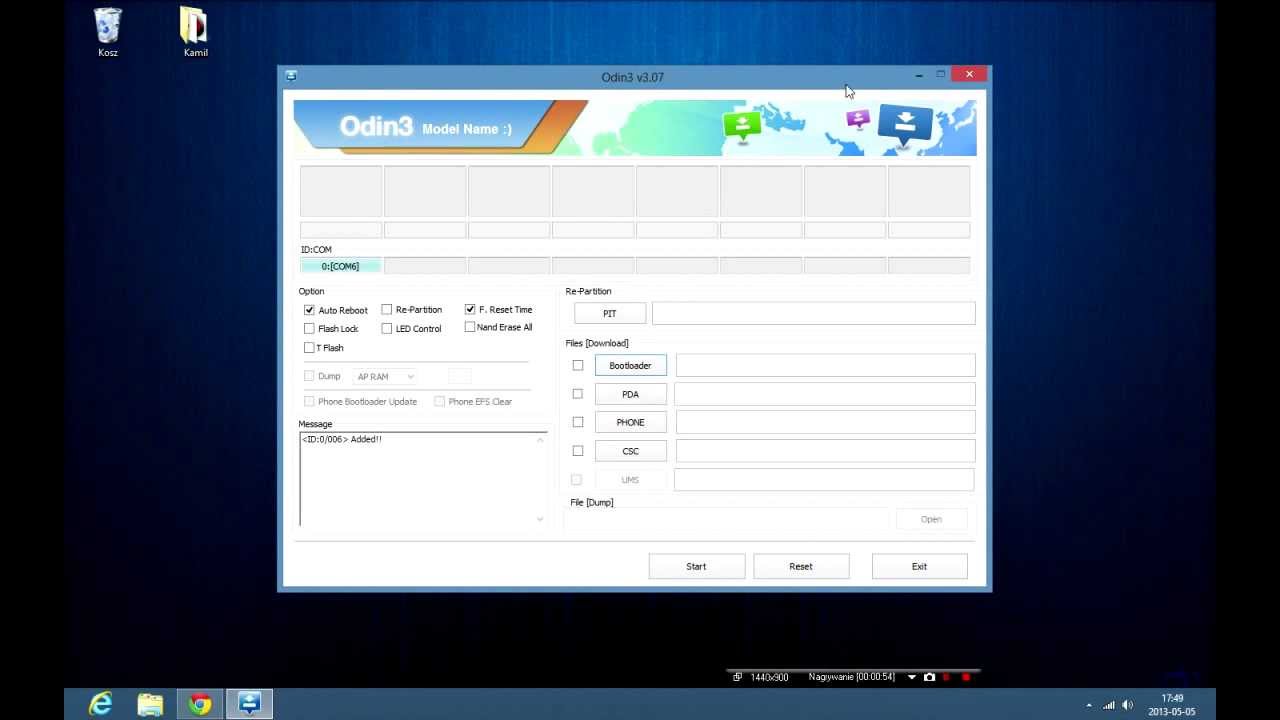
W filmie krok po kroku wyjaśniam jak zmienić system operacyjny, czyli firmware w telefonie Samsung na nowszy lub starszy, brandowany lub niebrandowany. Wyjaśniam tryby recovery i download oraz dzielę się dobrymi radami.
Z moim poradnikiem każdy sobie poradzi ze zmianą oprogramowania w swoim smartfonie Samsung :)
Pamiętajcie, że istnieje minimalna szansa, że coś może pójść nie tak, nie biorę odpowiedzialności za ew. problemy, należy zachować wszelkie środki ostrożności, a wszystko powinno pójść ok. Dokładnie wybieramy z listy odpowiedni pasujący firmware, brandowany lub nie, odpowiednią wersję najnowszą. Na stronie sammobile.com trzeba być zalogowanym, bo inaczej nie da się pobrać firmware.
Podczas aktualizacji telefonu nie dotykamy, kabla także, najlepiej wykonywać aktualizację z laptopa naładowanego, by uniknąć problemu, gdy zabraknie w domu prądu, wtedy telefon zostanie uszkodzony!
Zobaczcie cały film, a każdy zrozumie wszystko bez problemu, film długi, ale dokładnie omawiam wszystko, krok po kroku.
Ja zrobiłem na filmie DOWNGRADE, czyli zejście z nowszego lollipopa na starszego (lepszego) kit kata.
Po aktualizacji, gdy ODIN pokazuje komunikat PASS, zdarza się problem BOOTLOOPa, czyli logo mruga non stop, jeśli przez 5 minut nic się nie zmieni, wyciągamy baterię, wsadzamy i przechodzimy do RECOVERY MODE, (vol+, home, power przytrzymujemy te 3 guziki na wyłączonym i trzymamy, aż pojawi się u góry niebieski napis :RECOVERY BOOTING, wybieramy WIPE DATA/FACTORY RESET guzikiem zasilania potwierdzamy i dalej wybieramy w dół odpowiednią pozycję i znowu zatwierdzamy i wybieramy REBOOT SYSTEM NOW i gotowe :)
Na filmie jest wszystko pokazane krok po kroku, zobaczcie cały i subskrybuj mój kanal, w razie pytań pytajcie pod filmem w komentarzu.
In the film, I explain step by step how to change the operating system or firmware on your Samsung to newer or older, brands or niebrandowany. I explain the modes of recovery and download, and share my good advice.
With my cookbook everyone can cope with the change of software in your smartphone Samsung :)
Remember that there is a minimal chance that something can go wrong, do not take responsibility for possible. Problems, you should keep all precautions and everything should go about. Just choose from a list of suitable matching firmware, branded or not, the appropriate version of the latest one. On the sammobile.com you need to be logged, because otherwise you can not download the firmware.
When you update your phone does not touch, the cable also the best exercise to update the laptop charged, to avoid the problem, when there is no electricity in the house, then the phone will be damaged!
See the whole movie, and everyone will understand everything without a problem, the movie long, but thoroughly discuss everything step by step.
I did a movie downgrade, or descent from newer to older Lollipop (better) kit executioner.
After the upgrade, when ODIN shows the message PASS, it happens issue bootloop, or logo flashes non-stop, if for 5 minutes, nothing will change, pull out the battery, insert and go to the RECOVERY MODE (Vol +, home, power hold these 3 buttons on and hold off until you are at the top of the blue inscription: RECOVERY booting, select WIPE DATA / FACTORY RESET power button to confirm and further down to select the desired item and confirm again and select REBOOT SYSTEM NOW and ready :)
In the movie is all shown step by step, see a whole and subscribe to my channel, if you have questions ask the film in a commentary. •
•
• DOŁĄCZ DO FORUMWIEDZY
•
• Subskrybuj kanał ForumWiedzy: http://www.youtube.com/c/forumwiedzy?...
• Facebook: / forumwiedzypl
• Twitter: / forumwiedzy
• Instagram: / forumwiedzy.pl
• Google+: https://plus.google.com/+ForumWiedzy
• WWW Blog: http://www.forumwiedzy.pl
Dołącz do ForumWiedzy w mediach społecznościowych i bądź na bieżąco!
#ForumWiedzy #Informacja #YouTube
Повторяем попытку...

Доступные форматы для скачивания:
Скачать видео
-
Информация по загрузке: