Best Settings for WALAKut Puff HTV with
Автор: Heat Transfer Warehouse
Загружено: 2022-04-27
Просмотров: 16651
Описание:
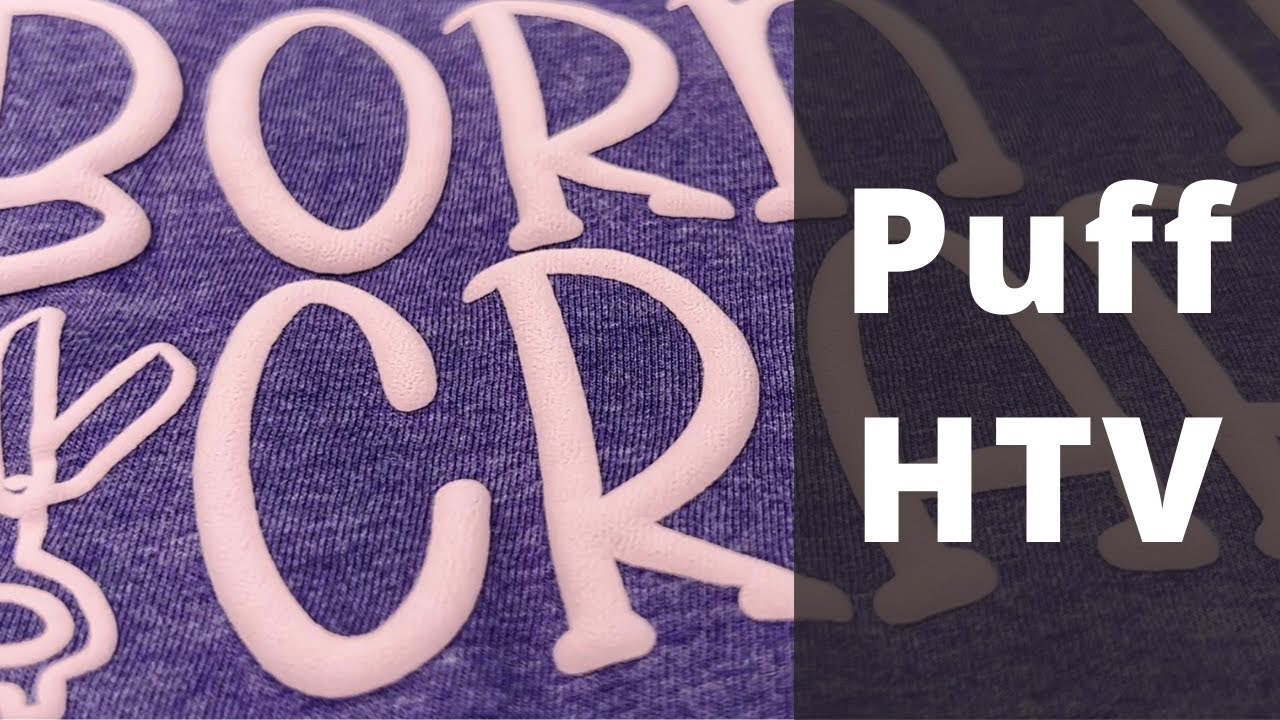
On the road in Nashville, Kirk from Heat Transfer Warehouse teamed up with @AngieHolden to create a fun and nostalgic project using WallaCut Puff HTV. If you’re looking to recreate that cool 90s puff style but with modern ease, here’s how you can do it!
Project Breakdown
1. Cutting & Weeding:
Using her Cricut, Angie shares some key tips for working with WallaCut Puff. Make sure to place the shiny side up on the mat, and don’t forget to mirror your design. Weeding is a breeze with this material, making it user-friendly and fun!
2. Heat Press Settings:
Pressing puff HTV is different from standard vinyl—pressure and heat are essential. Angie uses her Siser craft press and recommends a heavy pressure to get that perfect puff. Set your press to 275°F for 10 seconds for the puff to activate and peel immediately after pressing. Just remember, different colors of puff vinyl may require varying temperatures, so always check the specific instructions for your chosen color.
Final Thoughts
Puff HTV offers a fun, textured finish reminiscent of those classic 90s puff paint shirts. Make sure to perform a test press and check the temperature guide on the Heat Transfer Warehouse website before pressing, as each color of puff can have slightly different requirements.
🛍 Shop: https://www.heattransferwarehouse.com/
⚡️ 𝐂𝐎𝐍𝐍𝐄𝐂𝐓 𝐖𝐈𝐓𝐇 𝐔𝐒:
▶️ Website: https://www.heattransferwarehouse.com...
▶️ Facebook: https://www.facebook.com/HeatTransfer...
▶️ Instagram: https://www.instagram.com/heat_transf...
▶️ TikTok: https://www.tiktok.com/@heattransferw...
🔔 𝐒𝐔𝐁𝐒𝐂𝐑𝐈𝐏𝐓𝐈𝐎𝐍 𝐋𝐈𝐍𝐊:
▶️ / @heattransferwarehouse
#HeatTransferVinyl #PuffHTV #CustomTShirts #WallaCutPuff #HeatTransferWarehouse #CraftingWithAngie #HTVProjects #DIYTees #90sNostalgia
Повторяем попытку...
Доступные форматы для скачивания:
Скачать видео
-
Информация по загрузке:


