Скачать
Quick tip: join two files + arrange timeline | English EN
Автор: elixxier Software
Загружено: 2016-05-23
Просмотров: 707
Описание:
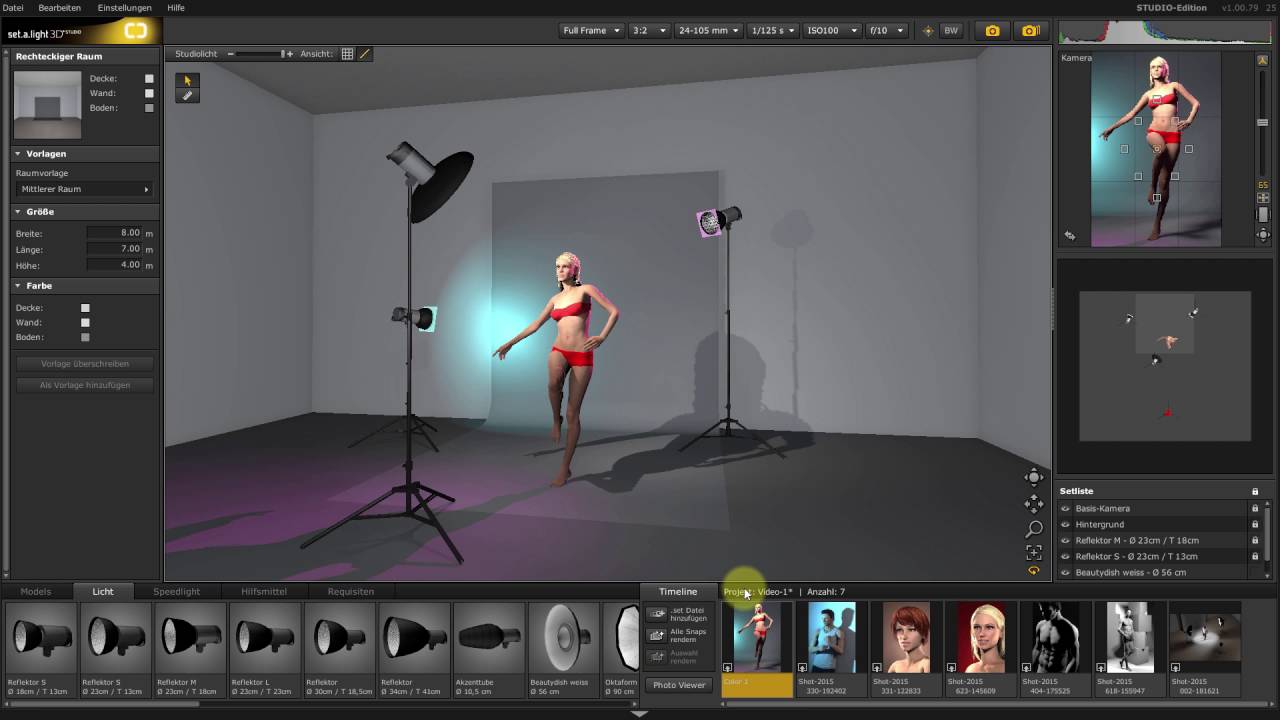
If you want to use the content of a second set file, you can add it here. Just click on "append set file" and choose an additional file in the dialog window. The content will appear in the timeline right here. Switch the pictures by clicking on the picture concerned and drag it to its new position. Thus easily change and take control over the sequence of pictures.
www.elixxier.com
Не удается загрузить Youtube-плеер. Проверьте блокировку Youtube в вашей сети.
Повторяем попытку...
Повторяем попытку...
Доступные форматы для скачивания:
Скачать видео
-
Информация по загрузке: