Скачать
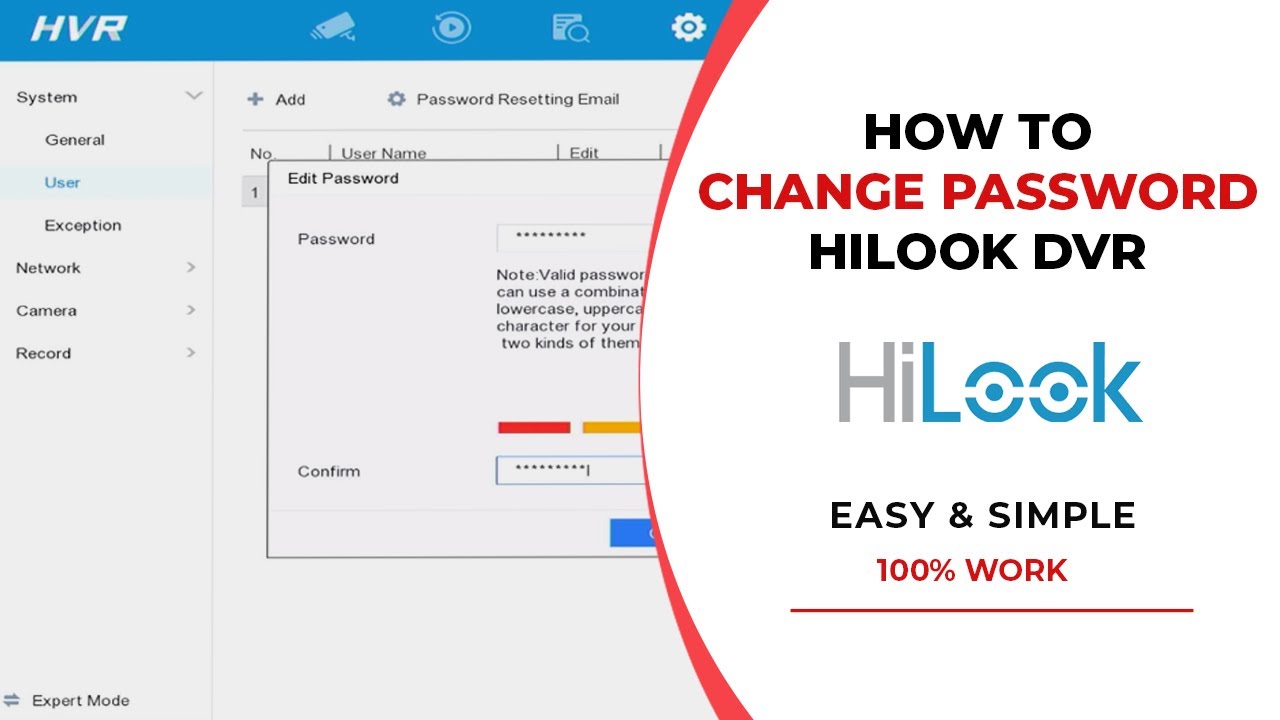
How to Change Password Hi Look
Автор: Tronitek Hi Look
Загружено: 2019-11-20
Просмотров: 123
Описание:
How to Change the password of The Hi Look DVR, This Video is the Property of Hikvision / Hilook Only: How to Change Password
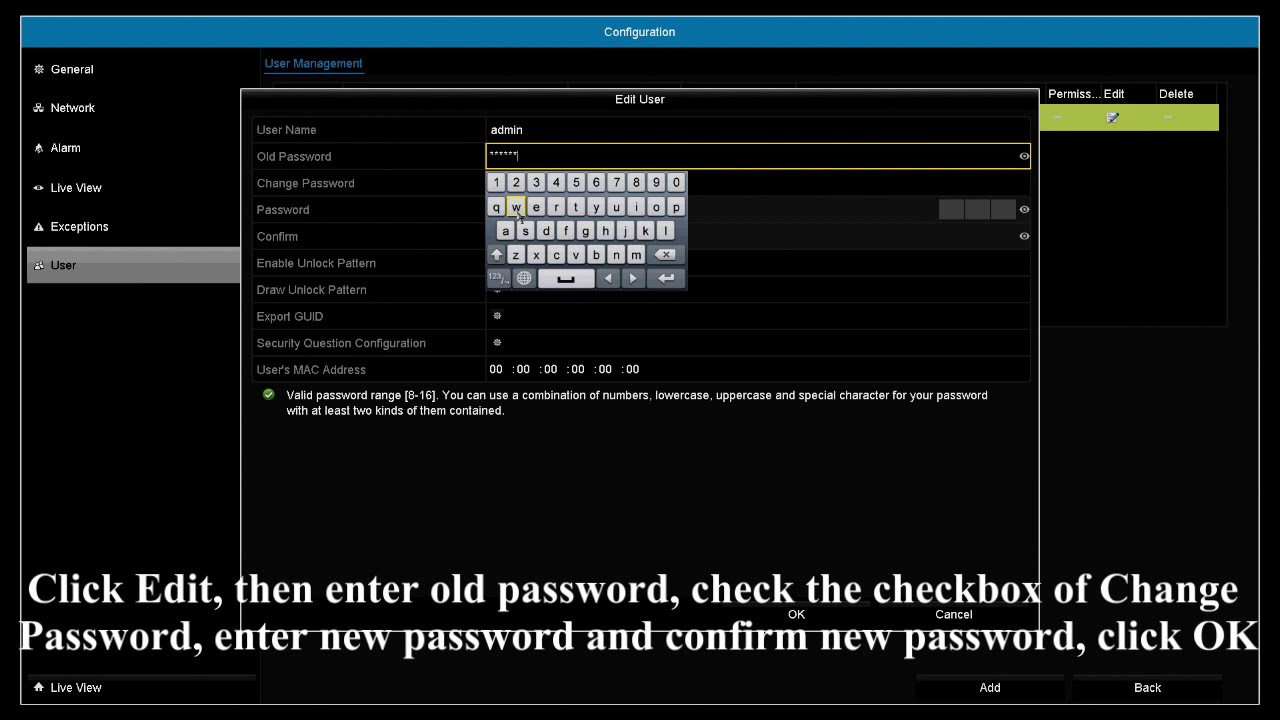
Right-click, then click Menu – Configuration – User
Click Edit, then enter old password, check Change Password, enter new password and confirm new password, click OK
Read the Attention information and click OK
Choose Yes or No to determine whether to duplicate the new password to IP camera activation password
Choose Yes or No to determine whether to duplicate the new password to IP cameras that are connected with default protocol
Не удается загрузить Youtube-плеер. Проверьте блокировку Youtube в вашей сети.
Повторяем попытку...
Повторяем попытку...
Доступные форматы для скачивания:
Скачать видео
-
Информация по загрузке: