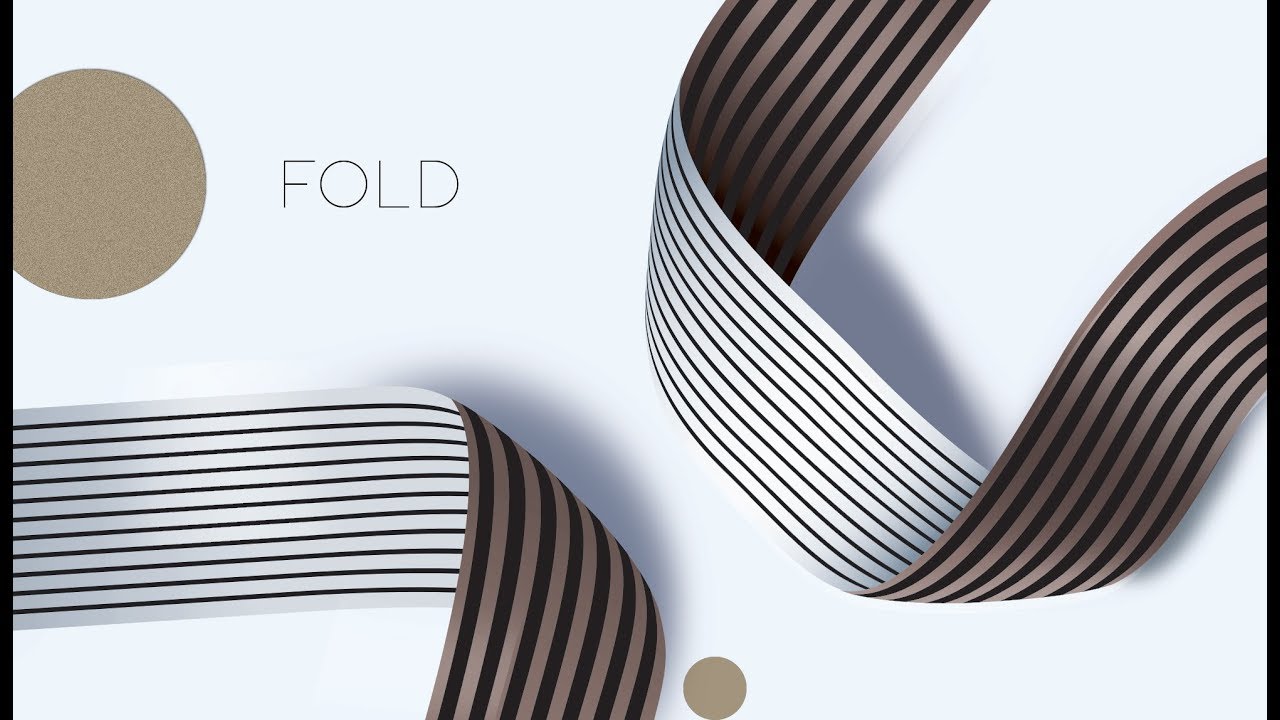
ADOBE ILLUSTRATOR GRAPHIC DESIGN HACKS #2 🅷🅰🅲🅺🆂 How Use Adobe Illustrator Like A Boss
Автор: Satori Graphics
Загружено: 2017-03-14
Просмотров: 45585
Описание:
I'm back again with a sequel to my Adobe Illustrator graphic design hacks video that I uploaded last Sunday. It was very well received and I had positive feedback on the video, so I decided to make a part 2, unleashing yet more hacks for Illustrator that will help with your graphic design workflow and design life in general. Again see how many of these graphic design hacks you already know and how many are new to you, and learn how to use Illustrator like a boss.
Check out my portfolio website here, and feel free to get in touch about any queries or propositions
http://www.satorigraphics.net/
Skip to 1:15 to bypass the intro
2:22 - DOTTED LINES
3:36 - MAKING HARMONY WITH COLOURS
4:13 - SPACEBAR NAVIGATION
4:56 - LOCATE PARTS OF A DESIGN TO COPY & PASTE
5:55 - PUCKER & BLOAT TOOL
7:16 - GENERATING SHAPES HACK
8:12 - ALIGN TOOL
This second set of Illustrator graphic design hacks is a mixture of keyboard shortcuts, essential Illustrator tools and a few cool things you can do with shapes. I consider them to be useful hacks for Illustrator and graphic design in general, they really help me with my work and I use them often, some of them daily!
So did you find my Adobe Illustrator graphic design hacks useful? If you do want to see more hacks for Illustrator then let me know in the comments section and we will maybe continue this 'how to use Adobe Illustrator like a boss' theme! I hope it has helped my viewers to use Illustrator like a boss and maybe improve your graphic design output a little bit!
Any ideas for future videos?? Comment in the comment section and I will look into it.
Intro music by Joakim Karud / va
Shine by Joakim Karud, check his music out here
/ va
Waiting Just On You by A Himitsu / a-himitsu
Creative Commons — Attribution 3.0 Unported— CC BY 3.0
http://creativecommons.org/licenses/b...
Music provided by Audio Library • Adventures – A Himitsu (No Copyright Music)
Check out my playlist of speed art speed paint videos
• Timelapse / Speed Paint Videos
Check out my playlist of speed art speed paint videos
• Timelapse / Speed Paint Videos
Here is my speed art time lapse video playlist
• Timelapse / Speed Paint Videos
Check out this typography digital time lapse video
• HAND LETTERING ILLUSTRATOR - WACOM URBAN A...
My most recent graphic design tutorial:
• Adobe Illustrator Tips - 8 ADOBE ILLUSTRAT...
Check out my most recent speed art video here:
• MAKING TYPOGRAPHY ART - Wacom Tablet Hand...
**************** SOCIAL NETWORKS ****************
▶ TWITTER: / satorigraphic2k
▶ INSTAGRAM: / satori_graphics
▶ PINTEREST: / satorigraphics
▶ Copyright
The work is protected by copyright. This is applied to the video recording of itself as well as all artistic aspects including special protection on the final outcome. Legal steps will have to be taken if copyright is breeched. Music is used from the YouTube audio library and thus copyright free music.
Please help me out by commenting, and subscribing it really really helps me out a lot!
• ADOBE ILLUSTRATOR GRAPHIC DESIGN HACKS #2 ...
#satorigraphics #illustrator #tutorials
Повторяем попытку...

Доступные форматы для скачивания:
Скачать видео
-
Информация по загрузке: