Make Your Own Portable Gaming USB Stick! - Batocera Setup Guide
Автор: Glazed Watermelon
Загружено: 2025-03-14
Просмотров: 19741
Описание:
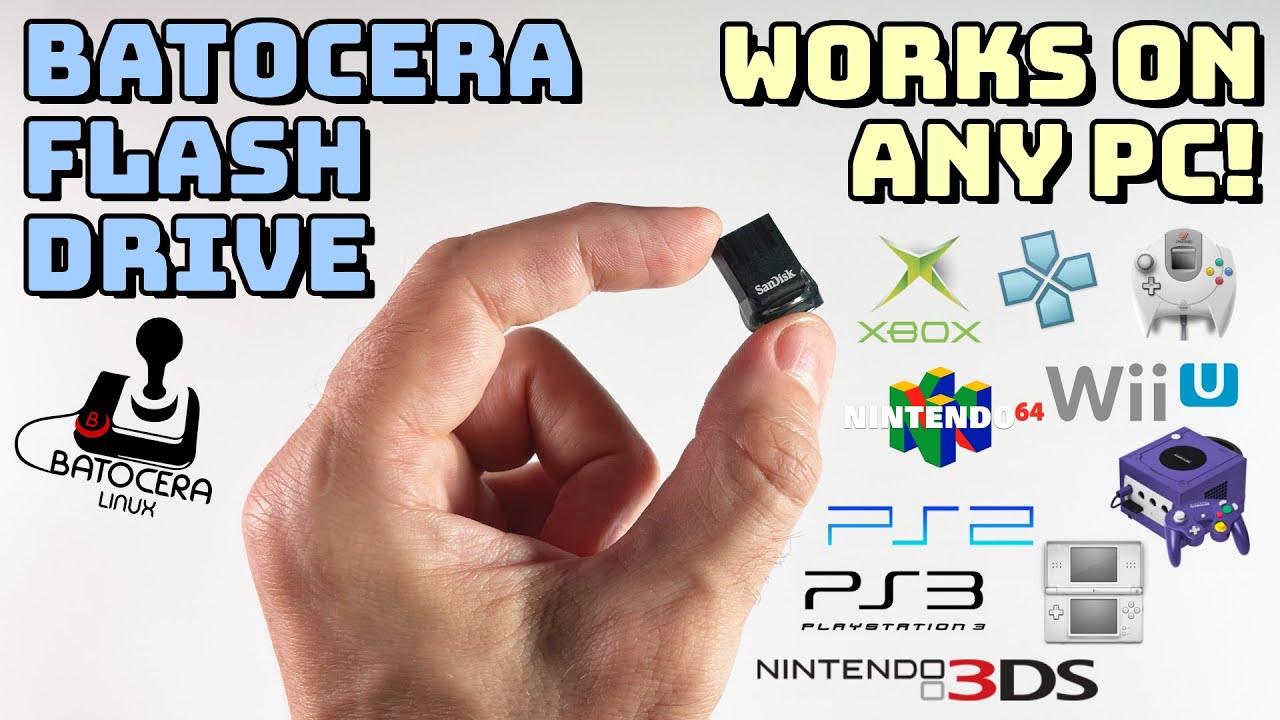
Want to play retro games anywhere? In this video, we’ll show you how to install Batocera Linux on a USB stick to create a plug-and-play retro gaming console that works on almost any PC!
🔹 Downloads & Tools
📥 Download Batocera – Get the latest version for Desktop PC, Laptop, NUC, and Intel-based Apple Computers
👉 https://batocera.org/
📥 Download Balena Etcher for Flashing the Image
👉 https://etcher.balena.io/
📥 Sign Up for ScreenScraper to Download Game Art & Metadata
👉 https://www.screenscraper.fr/
🔹 File Transfer Guide:
🖥️ How to Transfer ROMs & BIOS Files to Batocera:
👉 https://wiki.batocera.org/add_games_bios
🔥 Recommended USB Drives for Batocera (Amazon Affiliate Links)
🚀 Samsung BAR Plus (USB 3.1, 128GB) – https://amzn.to/3DxfVmp
🔥 SanDisk Ultra Flair (USB 3.0, 128GB) – https://amzn.to/3DJEhJK
⚡ Kingston DataTraveler SE9 (USB 3.2, 256 =GB) – https://amzn.to/4iwSQ25
📌 Timestamps:
00:00 - Introduction
01:32 - What You Need for This Setup
01:55 - Installing Batocera
03:22 - Configure Batocera and Setup Your Games
05:51 - Tips & Tricks
06:22 - Final Thoughts & Outro
Повторяем попытку...
Доступные форматы для скачивания:
Скачать видео
-
Информация по загрузке: