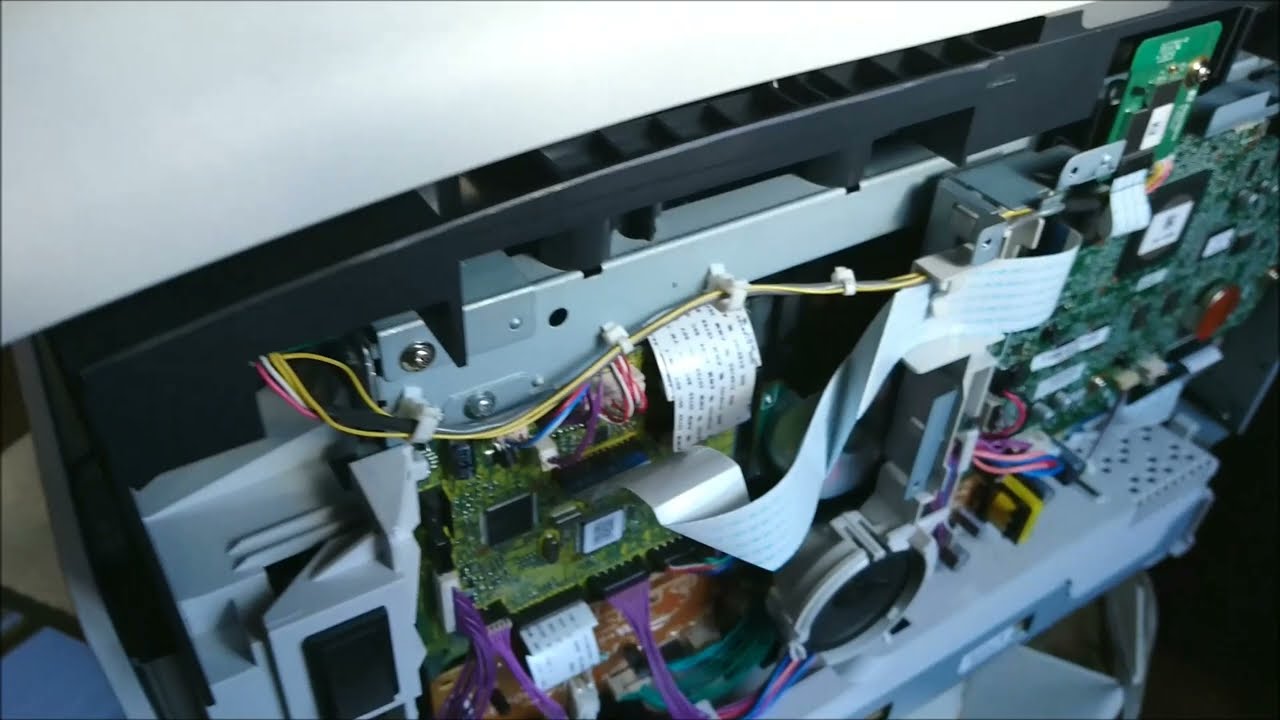
How to solve error E015-0001 on Canon ImageClass MF113W/112 Printers
Автор: TECHNICAL JASIS
Загружено: 2020-01-29
Просмотров: 37204
Описание:
Here are some solutions to solves error code 015-0001 on printers Canon ImageClass MF 113W/MF112/MF 261B , etc
Solution 1: Description Developing roller release operation defect
After the specified time from rotating the main motor for the developing roller depress/release, the output of the developing home position sensor does not change.
Causes: Developing home position sensor defect, Main motor defect, DC controller PCB defect
Remedy:
Check the connector of the developer home position sensor, main motor, DC controller PCB
Replace the developer home position sensor
Replace the main motor
Replace the DC controller PCB
Solution 2: Cassette 1 lift-up errorAfter lift-up of the Lifting Plate of the cassette of the host machine started, ON status of the Lifter Sensor of the cassette of the host machine was not detected within the specified period of time.
Remedy. While the cassette of the host machine is removed, turn ON the power and insert the cassette, then check the operation sound of the motor.
When there is operation sound of the motor, check if the Lifting Plate has been lifted up.
When the Lifting Plate has been lifted up:
1-1. Check that the Lifter Sensor of the cassette of the host machine is properly installed.
1-2. Check the harness/connector between the Engine Controller PCB and the Lifter Sensor.
1-3. Replace the Lifter Sensor.1-4. Replace the Engine Controller PCB.
When the Lifting Plate has not been lifted up:
2-1. Check the condition of the gear at the host machine side (missing teeth, swing).
2-2. Check the harness/connector between the Engine Controller PCB and the Lifter Solenoid of
the cassette of the host machine.
2-3. Replace the Lifter Solenoid.
2-4. Replace the Pickup Motor of the cassette of the host machine.
2-5. Replace the Driver PCB.
2-6. Replace the Engine Controller PCB.
When there is no operation sound of the motor, check the followings:
3-1. Check the harness/connector between the Engine Controller PCB and the Pickup Motor of
the cassette of the host machine.
3-2. Check the condition of the gear at the host machine side (missing teeth, swing).
3-3. Check the Pickup Motor.
3-4. Replace the Driver PCB.
3-5. Replace the Engine Controller PCB.
Welcome to my channel Crypto Nepal,This channel is about how fix printers ,HP ,samsung , Canon,Epson,Sharp,Toshiba,Richo,Brother,Kyocera ,Xerox,Lexmark,Konica and Konica-Minolta printer
This channel have videos about Knowledge ,Technology ,Repair printer ,Fix printer Error ,and change other for printer .......
Thank you for all your visited on channel Crypto Nepal
Повторяем попытку...

Доступные форматы для скачивания:
Скачать видео
-
Информация по загрузке: