ycliper

Популярное

Музыка Кино и Анимация Автомобили Животные Спорт Путешествия Игры Юмор

Интересные видео

2025 Сериалы Трейлеры Новости Как сделать Видеоуроки Diy своими руками

Топ запросов

смотреть а4 schoolboy runaway турецкий сериал смотреть мультфильмы эдисон
Скачать

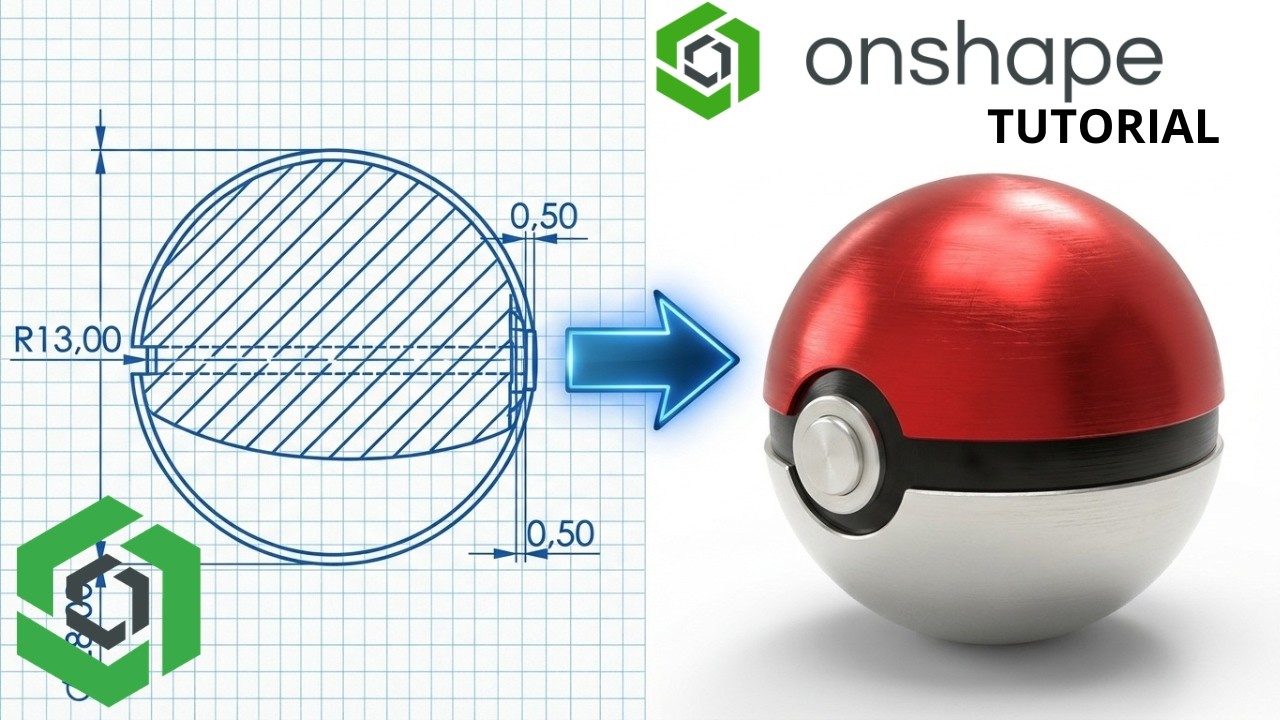
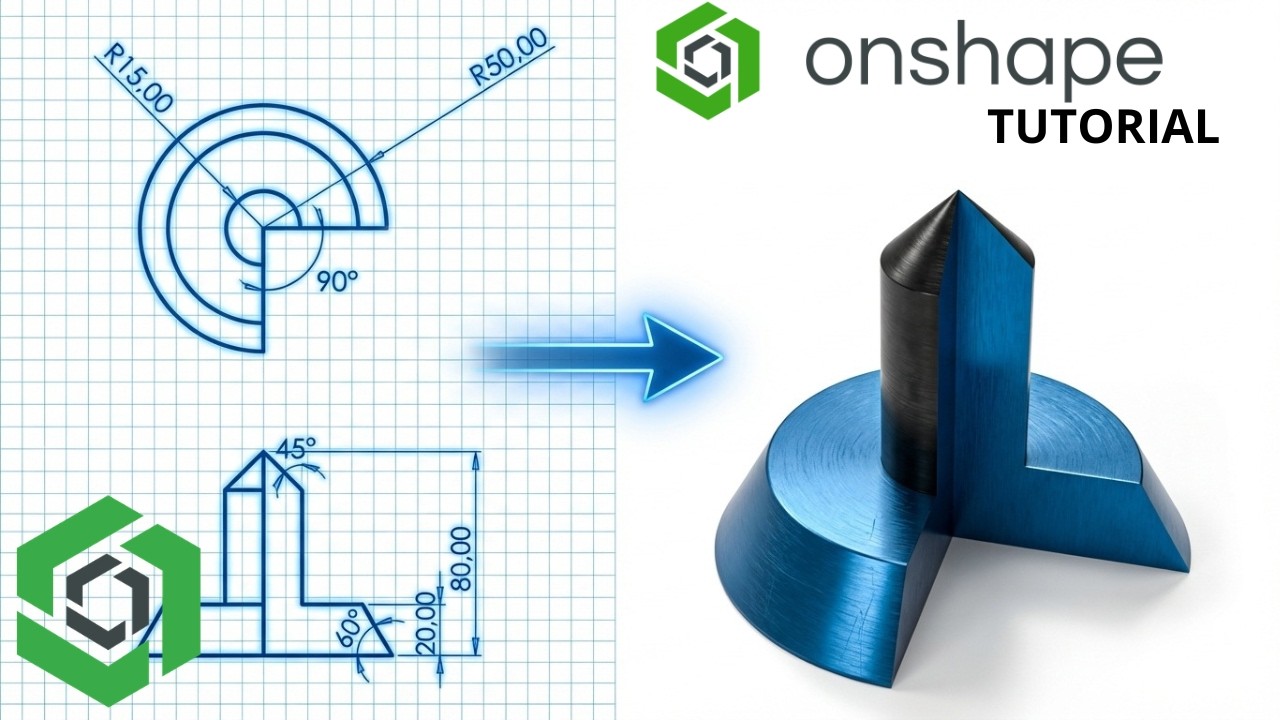
Onshape 360 From Zero | How to Make a Pokeball Tutorial #5

Автор:

Загружено: 2026-03-05

Просмотров: 40

Описание: Start your 3D modeling journey with Onshape! This tutorial is specially designed for beginners. You'll discover the essential features of the software and create your first project in no time.

1. Revolve
As a quick recap, Revolve takes a 2D sketch profile and spins it around a central axis to create a solid cylindrical or ring-like shape.

When to use it: When creating a main body that is perfectly round or symmetrical around a center line (like a bottle, a wheel rim, or a dome).

2. Offset Plane
By default, you start designing on the three standard intersecting planes (Top, Front, Right). The Plane tool (specifically the Offset type) allows you to create a brand new, invisible flat surface parallel to an existing plane or flat face, but situated at a specific distance away from it.

When to use it: When you need to draw a new 2D sketch floating in space, above or away from your existing model. For example, if you modeled a bottle using Revolve, you might create an Offset Plane floating above the bottle cap to sketch a logo or a handle.

3. Extrude
Extrude takes a flat 2D sketch and pushes it linearly into 3D space to give it thickness.

When to use it: In conjunction with your Offset Plane, you would use Extrude to push your newly drawn sketch back down into your Revolved body (either adding material to it or removing material from it).

4. Mirror
The Mirror command acts like a digital reflection. It takes existing geometry and flips a perfect, symmetrical copy of it across a designated flat surface or plane (the "Mirror plane").

When to use it: Whenever a design is symmetrical. Instead of modeling both sides of a part, you model one half, or model a feature on one side (like an extruded mounting bracket on the left side of a cylinder), and then Mirror it to the right side. This guarantees perfect symmetry and cuts your design time in half.

Key Options in Onshape: You can mirror an entire Part, a specific Feature (like mirroring just the Extrude you just made), or a Face.

5. Shell
The Shell command hollows out a solid 3D part, leaving a consistent, thin wall of material on the outside.

When to use it: When designing plastic enclosures, bottles, cases, or cast metal parts that need to be lightweight and hollow.

How it works: You type in your desired wall thickness (e.g., 2 mm). If you select a specific face on your model (like the top flat face of a cylinder), Onshape will remove that face entirely to create the "opening" of the shell. If you do not select any faces, Onshape will hollow out the inside but leave the part completely closed off from the outside.

Не удается загрузить Youtube-плеер. Проверьте блокировку Youtube в вашей сети.
Повторяем попытку...
Onshape 360 From Zero | How to Make a Pokeball Tutorial #5

Поделиться в:

Доступные форматы для скачивания:

Скачать видео

  • Информация по загрузке:
Скачать аудио

Похожие видео

Onshape 360 From Zero | Beginner Step-by-Step Tutorial #4

Onshape 360 From Zero | Beginner Step-by-Step Tutorial #4

Маяки с линзами Френеля: Зачем светить на 50 км?

Маяки с линзами Френеля: Зачем светить на 50 км?

Как делать архитектурные рендеры в 10 раз быстрее с помощью AI

Как делать архитектурные рендеры в 10 раз быстрее с помощью AI

Электрон это не то что все думают! Вот как он выглядит на самом деле

Электрон это не то что все думают! Вот как он выглядит на самом деле

Plasticity3D // New SUB-D-Like technology // PolySpline

Plasticity3D // New SUB-D-Like technology // PolySpline

Fusion 360 Уроки для начинающих

Fusion 360 Уроки для начинающих

Мебельная фурнитура которую вы не поняли

Мебельная фурнитура которую вы не поняли

How to make 3D Games in Godot

How to make 3D Games in Godot

Чем ОПАСЕН МАХ? Разбор приложения специалистом по кибер безопасности

Чем ОПАСЕН МАХ? Разбор приложения специалистом по кибер безопасности

Speed Movement Futuristic Esports Neon Purple Arrows Background video | Footage | Screensaver

Speed Movement Futuristic Esports Neon Purple Arrows Background video | Footage | Screensaver

Телескоп Джеймс Уэбб заглянул за край Вселенной. Физика сломалась

Телескоп Джеймс Уэбб заглянул за край Вселенной. Физика сломалась

Onshape 360 From Zero | Beginner Step-by-Step Tutorial #3

Onshape 360 From Zero | Beginner Step-by-Step Tutorial #3

Эта самоделка перевернула весь мир. Пыли дома больше не будет 👍

Эта самоделка перевернула весь мир. Пыли дома больше не будет 👍

Самая Сложная Задача В Истории Самой Сложной Олимпиады

Самая Сложная Задача В Истории Самой Сложной Олимпиады

Блокировка Telegram: ТОП-5 защищенных мессенджеров на замену

Блокировка Telegram: ТОП-5 защищенных мессенджеров на замену

Самые Удивительные Изделия Из Дерева

Самые Удивительные Изделия Из Дерева

PAWEŁ LISICKI | JAN POSPIESZALSKI ROZMAWIA #201

PAWEŁ LISICKI | JAN POSPIESZALSKI ROZMAWIA #201

🤓Строим 3D модели во Fusion 360. Большой гайд

🤓Строим 3D модели во Fusion 360. Большой гайд

Путешествие в заквантовый мир. Визуализация субатомных частиц, вирусов, и молекул

Путешествие в заквантовый мир. Визуализация субатомных частиц, вирусов, и молекул

Электричество НЕ течёт по проводам — тревожное открытие Ричарда Фейнмана

Электричество НЕ течёт по проводам — тревожное открытие Ричарда Фейнмана

© 2025 ycliper. Все права защищены.


  • Контакты
  • О нас
  • Политика конфиденциальности


Контакты для правообладателей: [email protected]