Yamaha LS9 Tutorial - Basic Setup
Автор: A M
Загружено: 2019-06-20
Просмотров: 101455
Описание:
1. RESET ALL
Recall blank Scene Memory location, “000”, then press ENTER.
2. BREAK CHANNEL-to-STEREO patch
Select each input Channel, highlight its red “STEREO output assignment”.
Press ENTER to break the patch.
Repeat with all input channels.
3. POST-FADE MIXES
Highlight “MIX Send 1”, press ENTER.
Move your cursor to the top-right of your screen, where it says ALL POST and press ENTER.
Select MIX SENDS 2 through 12 using the MIX send buttons, and repeat the process.
*(MIXES 13-16 are preconfigured for effect-send/return use and we don’t need to change their “Send modality” at this point.)
4. BREAK MIXES FROM OMNI OUTS
Go to the MASTER layer. Here we see all 16 of our Buses.
Press the Select button for MIX 1.
Move your cursor to highlight the little grey Patch/Output Port assignment & press ENTER.
Break the connection by highlighting OMNI 1 and pressing ENTER.
Repeat this process with the rest of the Mixes for your show.
5. PATCH MIXES TO STEREO
Press the HOME button, to return to the Main screen of the MASTER layer.
Move your cursor down to highlight the red STEREO output assignment & press ENTER.
Repeat this process with each MIX.
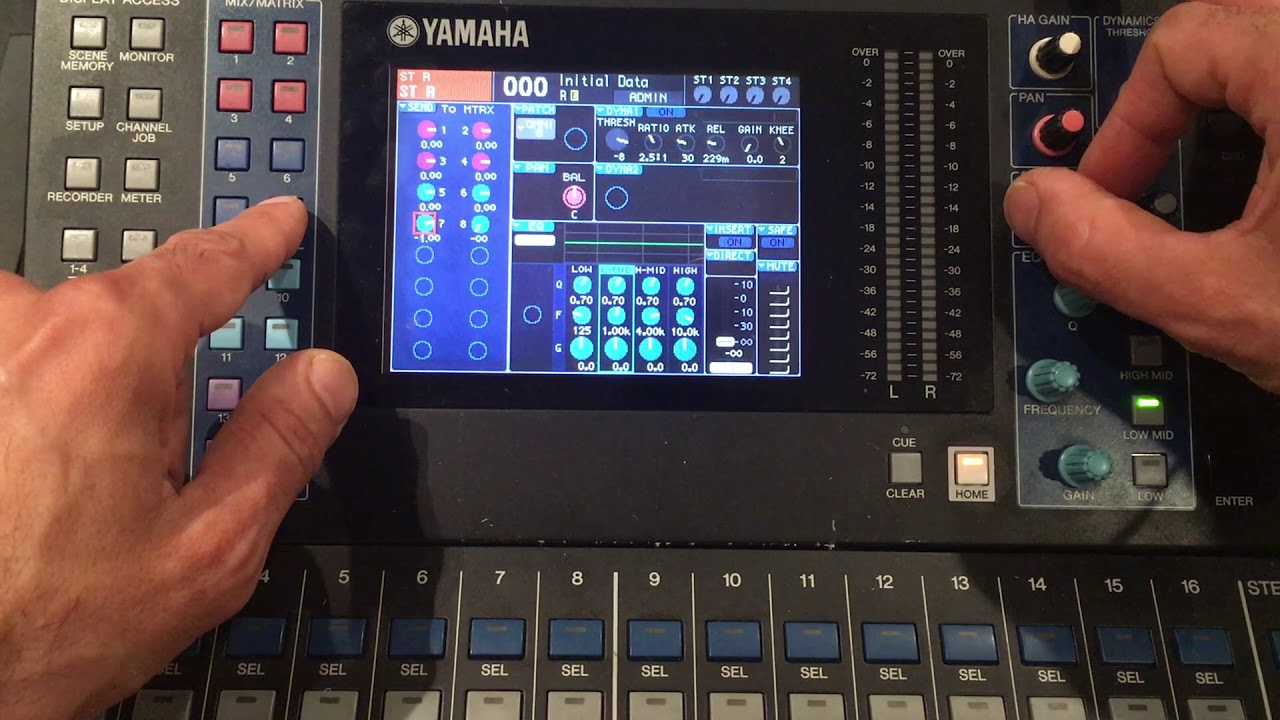
6. SEND STEREO TO MATRIXES
Select STEREO bus and send its signal to each MATRIX by:
Press the first MATRIX SEND button.
Using the SELECTED SEND pot to turning up the send amount until you reach unity gain of 0.
Do this with each MATRIX SEND
PRESS the STEREO bus’ Select button again, to access the RIGHT side of the STEREO bus.
Repeat send assignment process for the Right side of your STEREO bus, to all 8 MATRIXES.
7. PATCH MATRIXES TO OMNI OUTS
The LS9 is configured by default to have Mixes feeding the Outputs.
We however, feed our outputs with Matrixes, as doing this gives us greater flexibility in terms of both DSP and routing.
Press the SETUP button at the top-left of the DISPLAY ACCESS section of the LS9 until you reach the SYSTEM SETUP screen.
Highlight “OMNI 1-8” and press ENTER.
Click the drop-down from each OMNI-OUT and select an appropriate MATRIX to feed the output.
For now, we keep things simple by assigning MATRIX1 to OMNI 1, MATRIX 2 to OMNI 2, MATRIX 3 to OMNI 3, etc.
8. SEND INPUT CHANNEL TO BUS
Now, all of our routing is done.
We can apply gain to our mics/Input Channels, assign them to their appropriate Mixes & bring our channels up.
Select the Input Channel of your microphone
If the mic requires Phantom Power, navigate your cursor to the 48V icon and press ENTER
Press the CUE button.
Turn up your HA Gain knob, until you reach a decent level on the MAIN METER.
Double-tap the Mix Bus you are assigning the mic/or MICS to, then bring each faders’ level to be assigned to that mix to UNITY gain.
Press HOME, bring up your red STEREO MASTER fader, followed by the fader for your mic.
Повторяем попытку...
Доступные форматы для скачивания:
Скачать видео
-
Информация по загрузке: