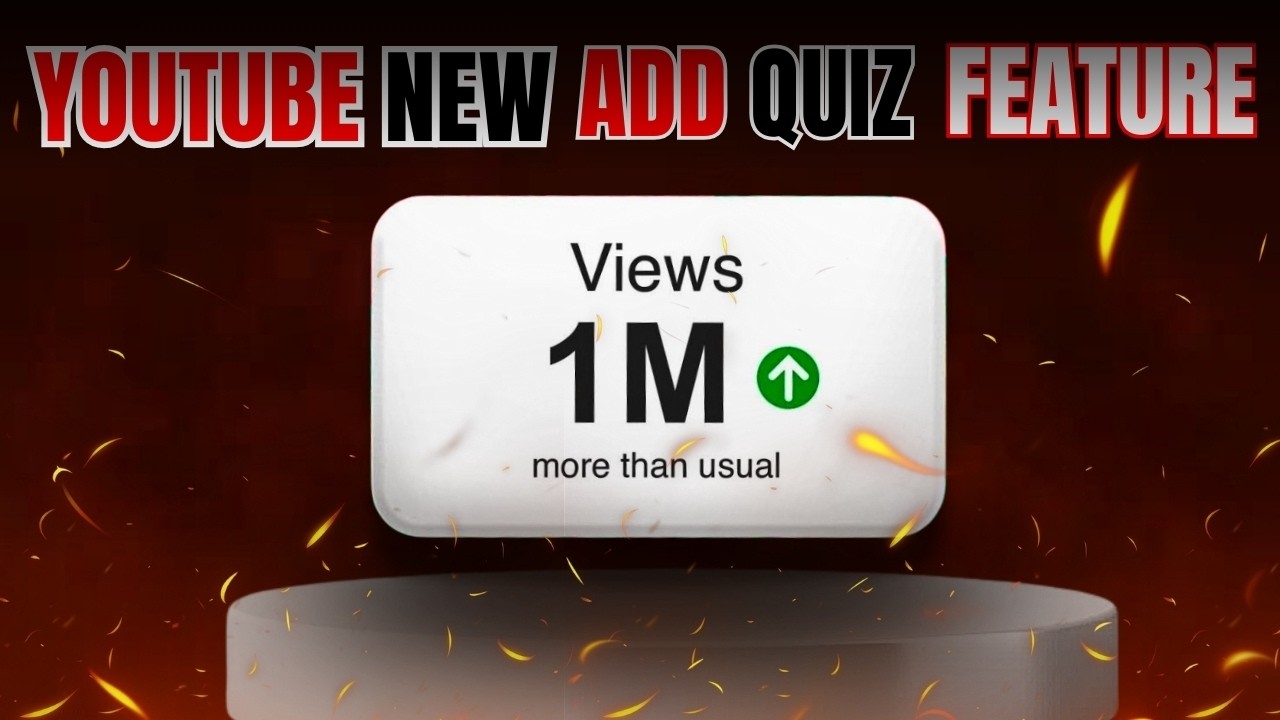
YouTube 2026 New Update 🔥 Add Quiz Feature | Sabko Fayda Milega | youtube new update
Автор: YT IDEAS
Загружено: 2026-02-19
Просмотров: 56
Описание:
YouTube 2026 New Update 🔥 Add Quiz Feature | Sabko Fayda Milega | youtube new update
1. What is the "Add Quiz" Feature?
Unlike previous quiz tools that were limited to the Community Tab, the Add Quiz feature lives inside the video player itself. It functions similarly to "Cards" or "End Screens" but is far more interactive.
Core Function: It lets you pause or overlay a question at a specific timestamp during video playback.
Viewer Experience: As the viewer watches, a prompt appears (e.g., "Quick Question!") with multiple-choice options. They can select an answer instantly without leaving the video.
Goal: To boost audience retention (stopping them from clicking away) and engagement signals (clicks/interactions), which are critical for the YouTube algorithm.
2. Step-by-Step: How to Use "Add Quiz"
The feature is located in the YouTube Studio Video Editor, the same place where you trim videos or add blurs.
Phase 1: Accessing the Tool
Go to YouTube Studio on desktop.
Click Content and select the video you want to edit.
On the left sidebar, click Editor.
Look for the new "Quizzes" tab or track (usually found near "End Screens" and "Info Cards").
You may see a "New" badge next to it. Click the "+" (Plus) button to Add Quiz.
Phase 2: Configuring the Question
Timeline Placement: Drag the marker on your video timeline to the exact second where you want the quiz to appear (e.g., right after explaining a complex topic).
Question Text: Type your question (e.g., "Which camera did I just recommend?").
Answers: Add up to 4 options.
Correct Answer: Select the circle next to the correct option.
Explanation (Optional but Recommended): You can add a short text explanation that appears after the viewer votes, explaining why the answer is correct.
Phase 3: Saving
Click Save in the top right corner. The quiz is now live on your video.
3. Key Capabilities & Limits
Feature Details
Max Options Up to 4 answers per quiz question
.
Explanation You can write a "Why is this right?" popup that shows after voting.
Visibility Viewers see it on both Mobile and Desktop apps (updated versions).
Timing You can place multiple quizzes in one video (e.g., one every 5 minutes)
.
Analytics You will likely see "Quiz interactions" in your Analytics tab to see how many people played vs. ignored it.
4. Strategic Use Cases for Creators
Retention Hacks: Place a quiz right before a drop-off point. If your analytics show people leave at the 2-minute mark, put a fun quiz at 1:55 to re-engage their brain.
Educational Checks: "Did you catch that?" – For tutorials, ask a question about the step you just demonstrated to ensure they are following along.
Hype/Teasers: "What do you think happens next?" – Use it in vlogs or storytelling videos to build anticipation before a reveal.
Merch/Product Awareness: "Which color hoodie was I wearing?" – Subtly forces viewers to pay attention to products.
5. Difference from Community Tab Quizzes
It is important not to confuse this with the older Community Post Quiz:
Community Tab Quiz: A static post that appears in the feed (like a Facebook poll). It is for users scrolling through their app.
In-Video "Add Quiz": Appears inside the video player while watching. It is tied to a specific timestamp.
#youtube2026 #youtube #youtubenews #updates #tech #2026 #quiz #quiztime #viral #adsensepin #youtubenewupdate
youtube channel,youtube live korbo kivabe,youtube video,youtube new features,youtube shorts,youtube par,youtube se video kaise download karen,youtube song,youtube par video kaise dalen,youtube par video kaise upload kare,youtube par video kaise banaye,youtube new update 2026,youtube new update 2026 telugu,youtube new update 2026 tamil,youtube new update 2026 malayalam,youtube new update 2026 bangla,youtube youtube,youtube new rules,youtube kids,youtube
Повторяем попытку...
Доступные форматы для скачивания:
Скачать видео
-
Информация по загрузке: