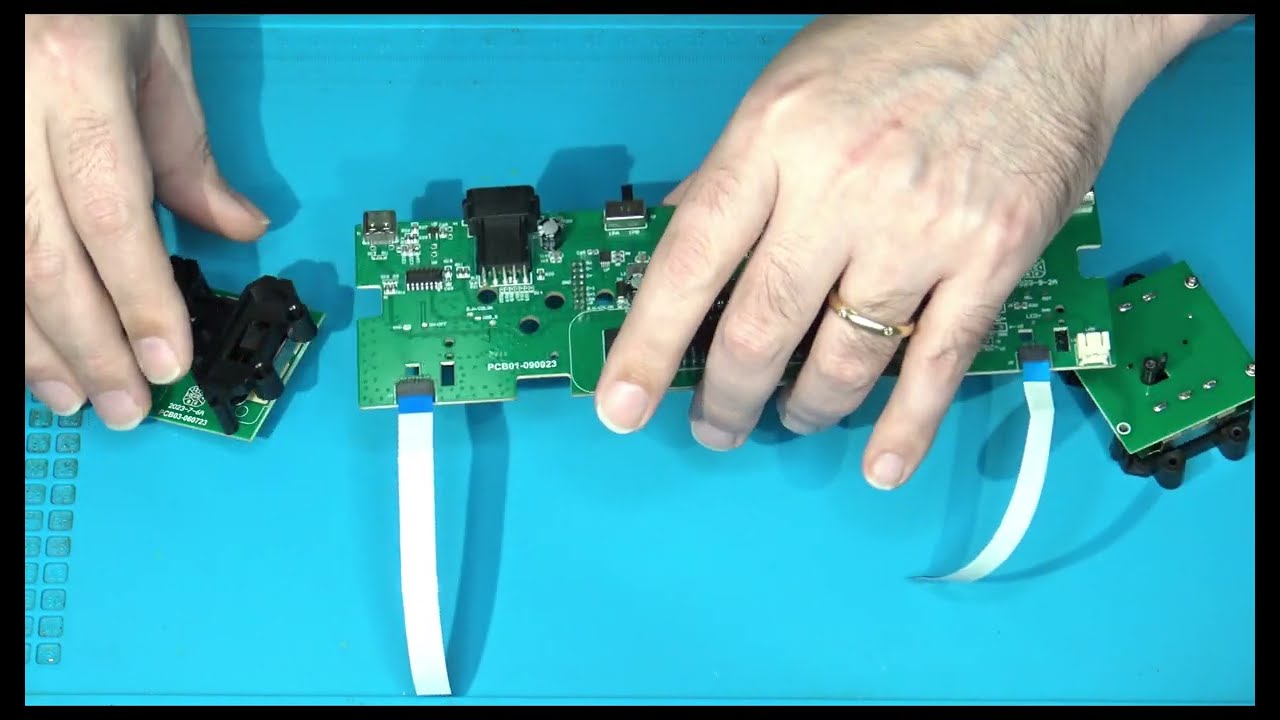
ITC#92:- Lumacode - Basic Use & Operation
Автор: Ivory Tower Collections
Загружено: 2025-06-22
Просмотров: 459
Описание:
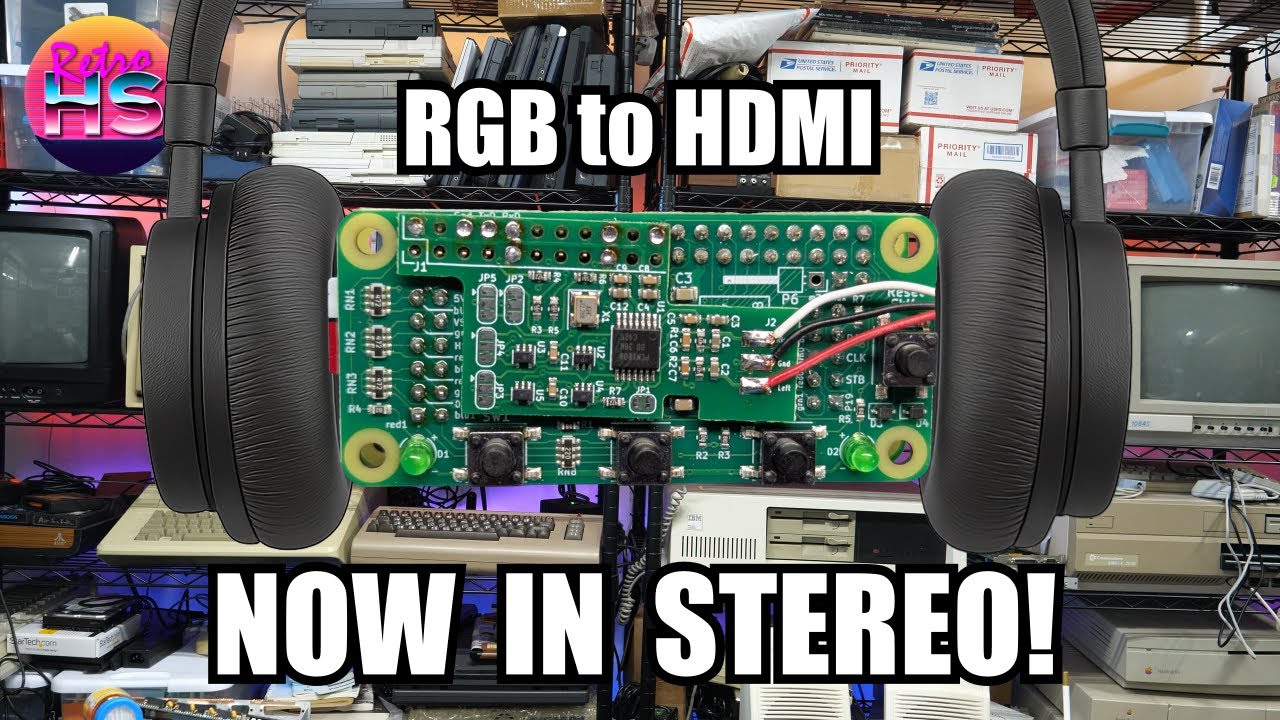
This video is for those just starting off with Lumacode setups to cover some very basic information. Information such as how to connect the console to the RGB2HDMI converter, powering the converter, and basic menu operation. It is NOT a comprehensive video to discuss all options and setups within the RGB2HDMI. Again, this is only the basics needed for getting systems up and running.
-------------------------
To order Digitizers or RGB2HDMI + Audio converter boards for use with Rasp Pi Computers, visit:-
C0pperdragon's Tindie Store for the US:
https://www.tindie.com/stores/c0pperd...
C0pperdragon's International Online Lumacode Shop:
https://www.c0pperdragon.com/shop
Raspberry Pi zero computers are available from Adafruit directly:
https://www.adafruit.com/category/813
-------------------------
Software releases for RGB2HDMI and additional information can be found from the links below:-
Current and Beta software releases for RGB2HDMI:
https://github.com/IanSB/RGBtoHDMI/re...
C0pperdragon's Lumacode GitHub:
https://github.com/c0pperdragon/LumaCode
RGB2HDMI GitHub Repository:
https://github.com/hoglet67/RGBtoHDMI
-------------------------
Time Stamps / Chapters:-
00:00 - Intro
01:23 - Everything needed to use Lumacode w/ RGB2HDMI
06:33 - RGB2HDMI Lumacode + Audio in more detail
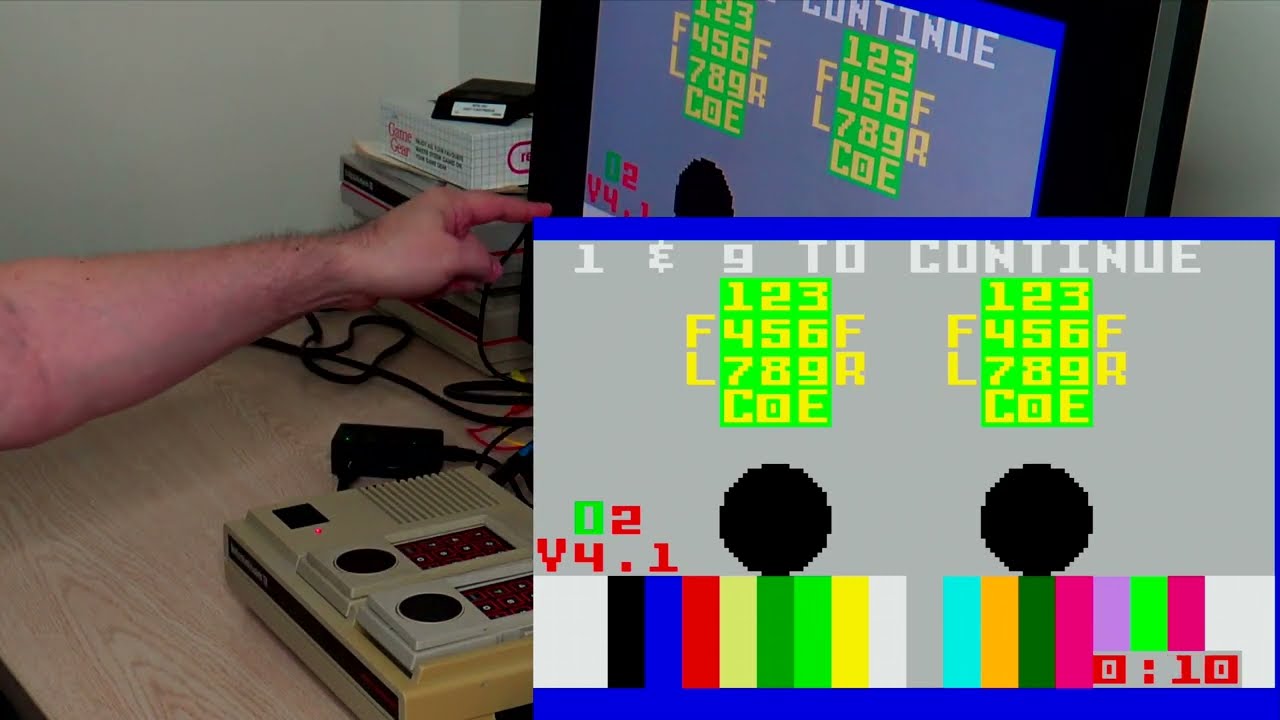
08:25 - Connecting a game system/computer to RGB2HDMI via Lumacode (Intellivision)
10:09 - Changing the active system/computer profile on RGB2HDMI
11:28 - Use of the 16:9 Scaling option for Enhanced/Exact 4:3
12:18 - Selecting the output resolution from RGB2HDMI
13:00 - Horizontal Offset to shift image left/right
14:45 - Lumacode with Atari 5200 * Flicker Warning! *
15:21 - Changing active profile for 5200 (Further tweaks needed)
16:40 - Sampling Phase Changes (Sampling Menu)
18:00 - Auto Sampling Calibration * Flicker Warning! *
19:13 - H Max Width - To help mask over scan artifacts
21:22 - Saving profile changes
22:07 - Screen Capture Function
23:06 - Summary Overview & Outro
-------------------------
Intro / Outro music :- "Chroma Mirage" by Luis Quintero (Lufus) composed for the Ivory Tower Collections.
-------------------------
Video marked as "Not made for kids" due to content is intended for more mature age groups, adults, and those with some basic electronics knowledge and skill
Повторяем попытку...
Доступные форматы для скачивания:
Скачать видео
-
Информация по загрузке: