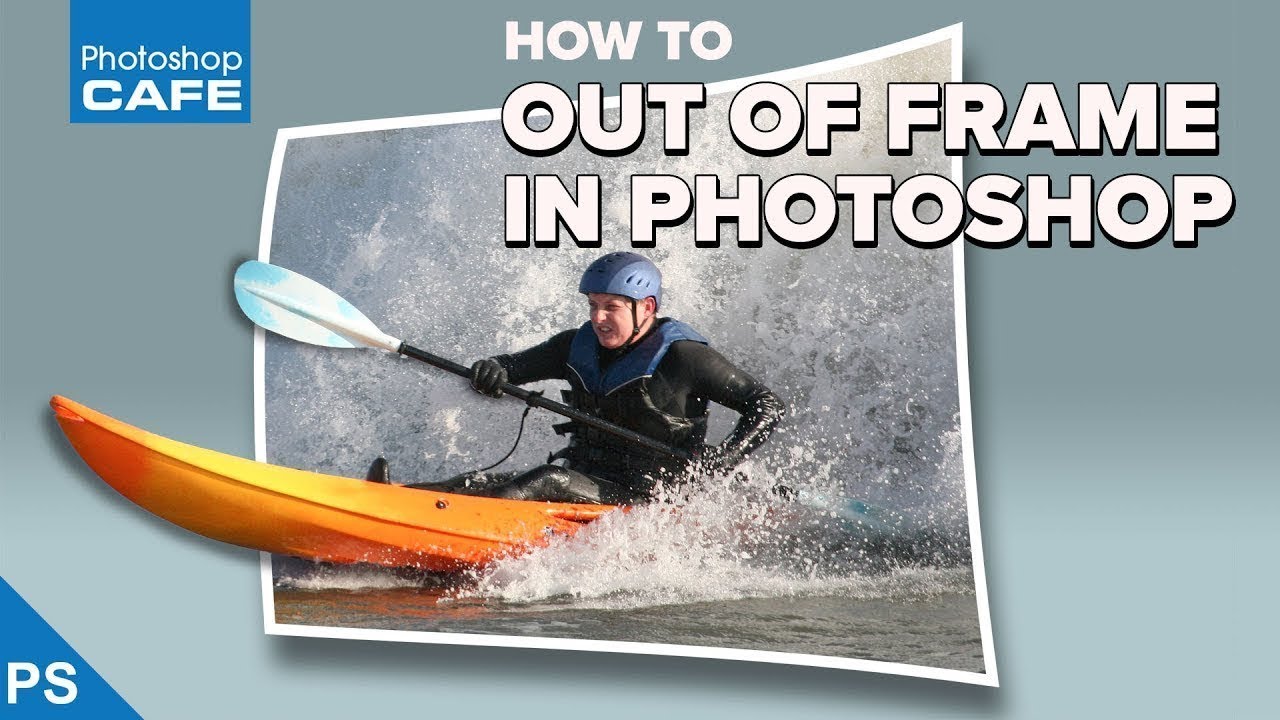
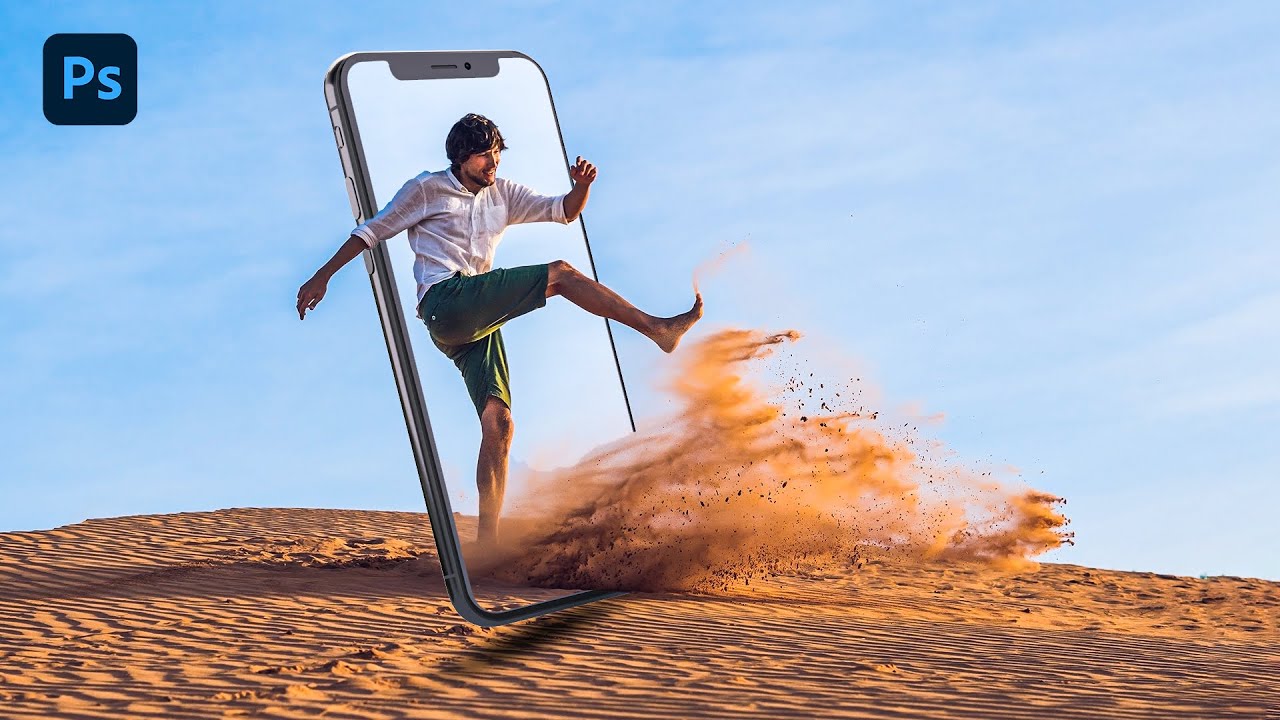
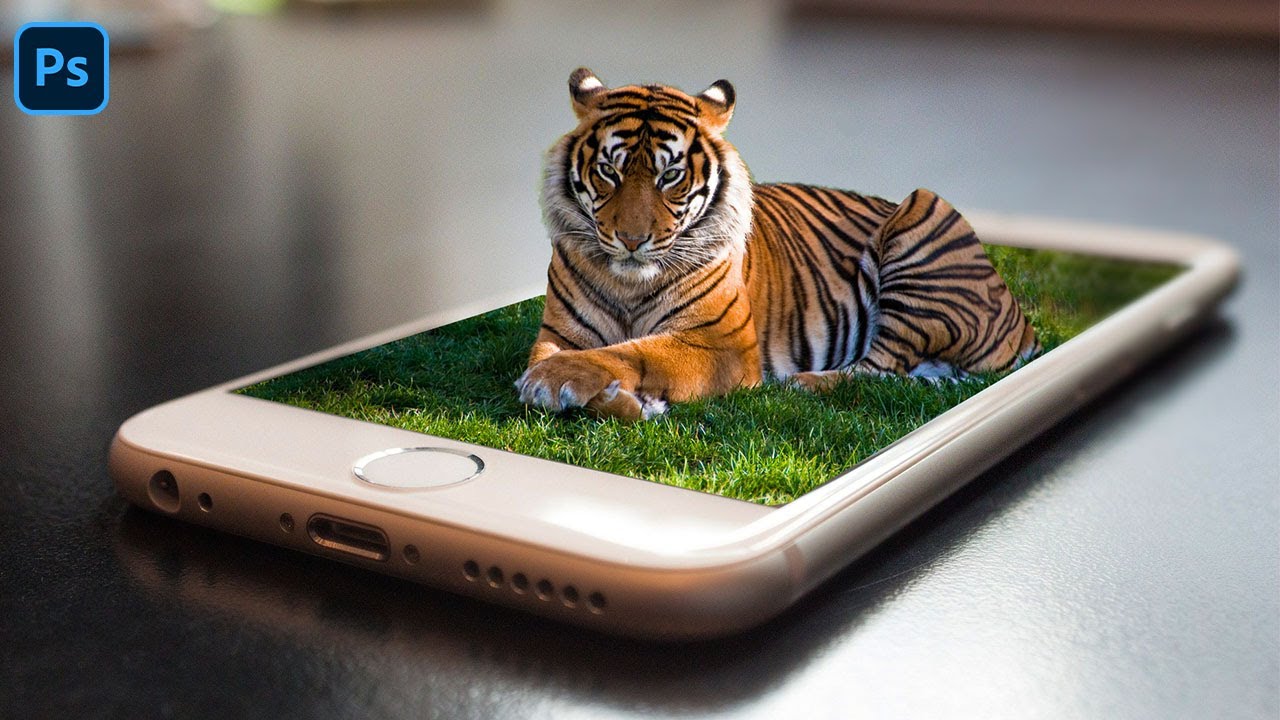
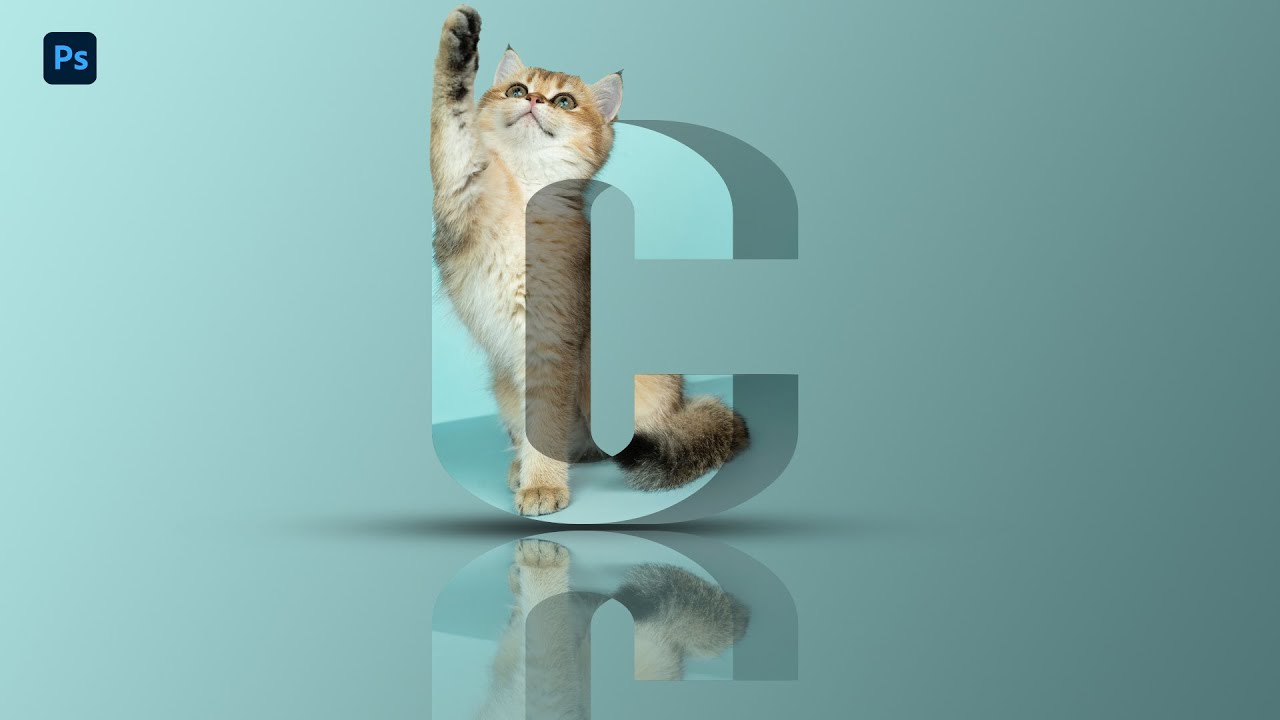
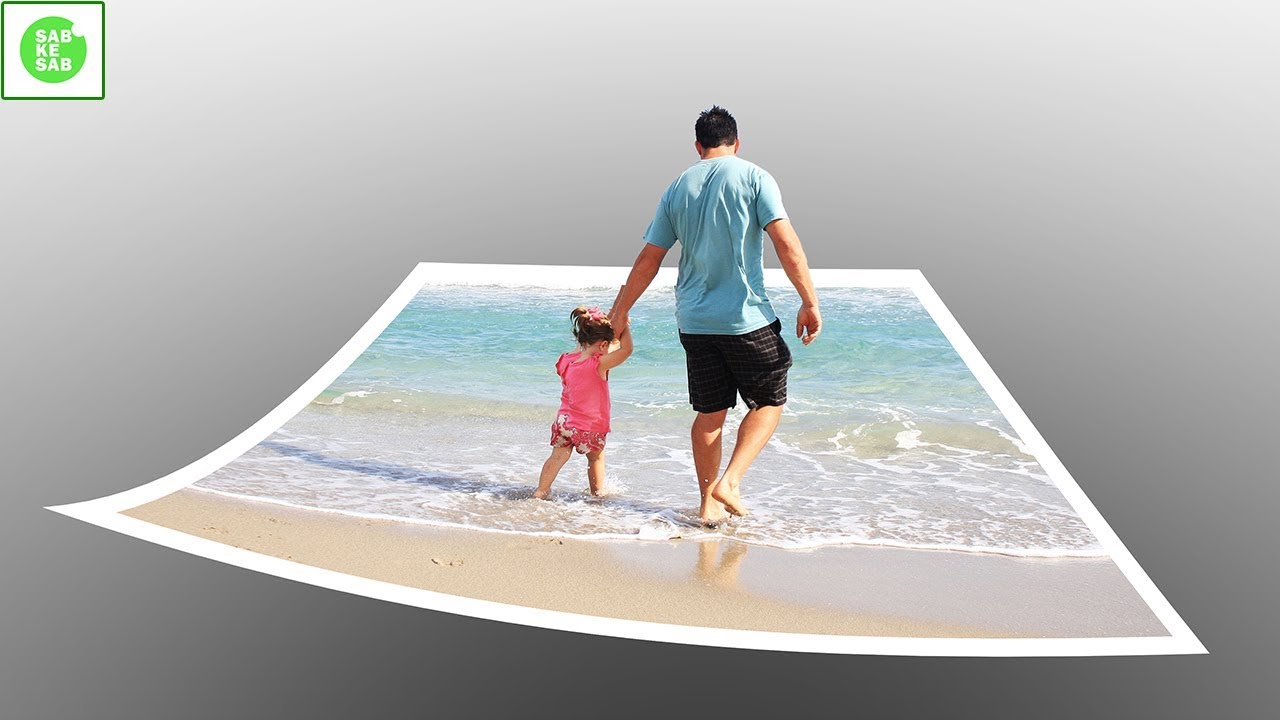
3D Pop Out Photo Effect in Photoshop | How to Create 3D Pop Out Photo effect in Photoshop in Hindi.
Автор: SABKE SAB
Загружено: 2018-03-04
Просмотров: 168225
Описание:
Hope You Guys Like My Video
Don't Forget To Subscribe My Channel
https://www.youtube.com/sabkesab?sub_...
Subject for this Photoshop tutorial is: How to make pop out photo effect in Photoshop cc 2018.
Dear friends I hope you will enjoy my video so, don't forget to click that LIKE button or SUBSCRIBE :)
Welcome to our channel sabkesab
Dear friends, In this tutorial you will learn How to make 3D Pop Out photo effect in Photoshop. Dear friends i have mentioned all the way to learn How to create 3D pop out picture effect in Photoshop in Hindi. It is also called pop out paper or picture.
It is very easy to make 3D pop out photo effect in Photoshop tutorial in Hindi.
Some times people say about pop up ads like tech support
How to create pop up ads for tech support.
Learn here the process of 3D Pop Out Photo Effect......
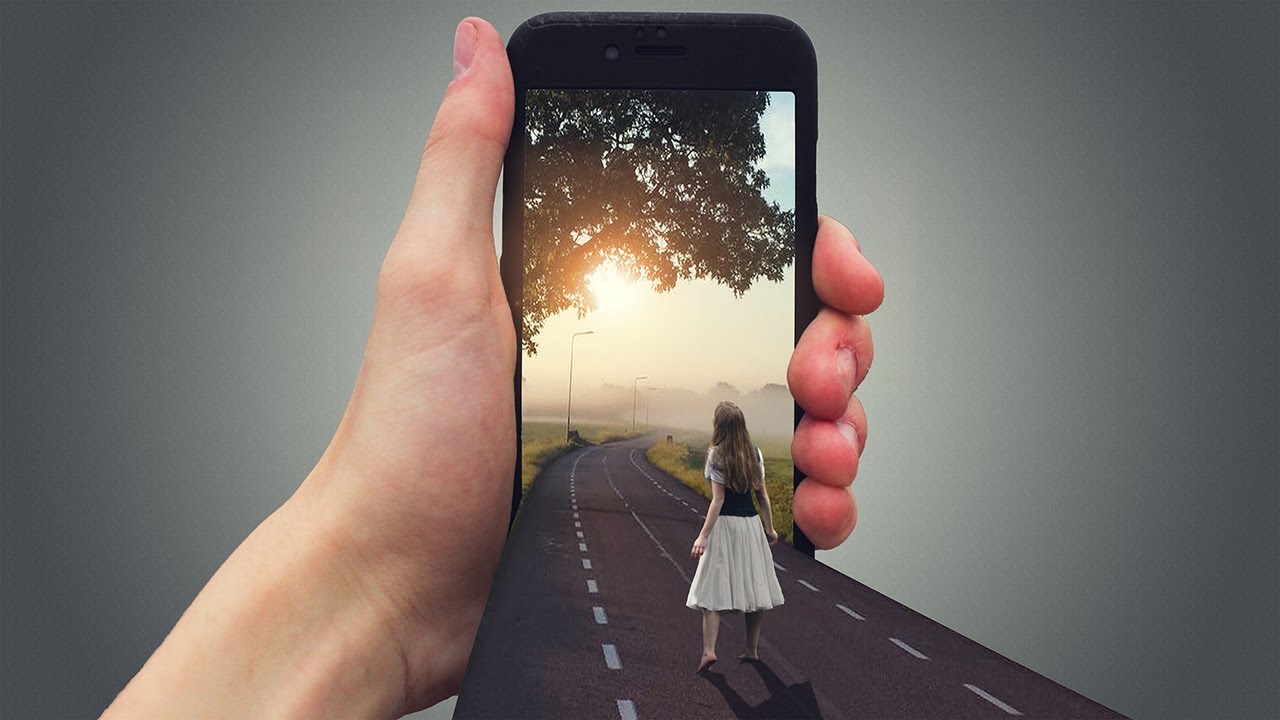
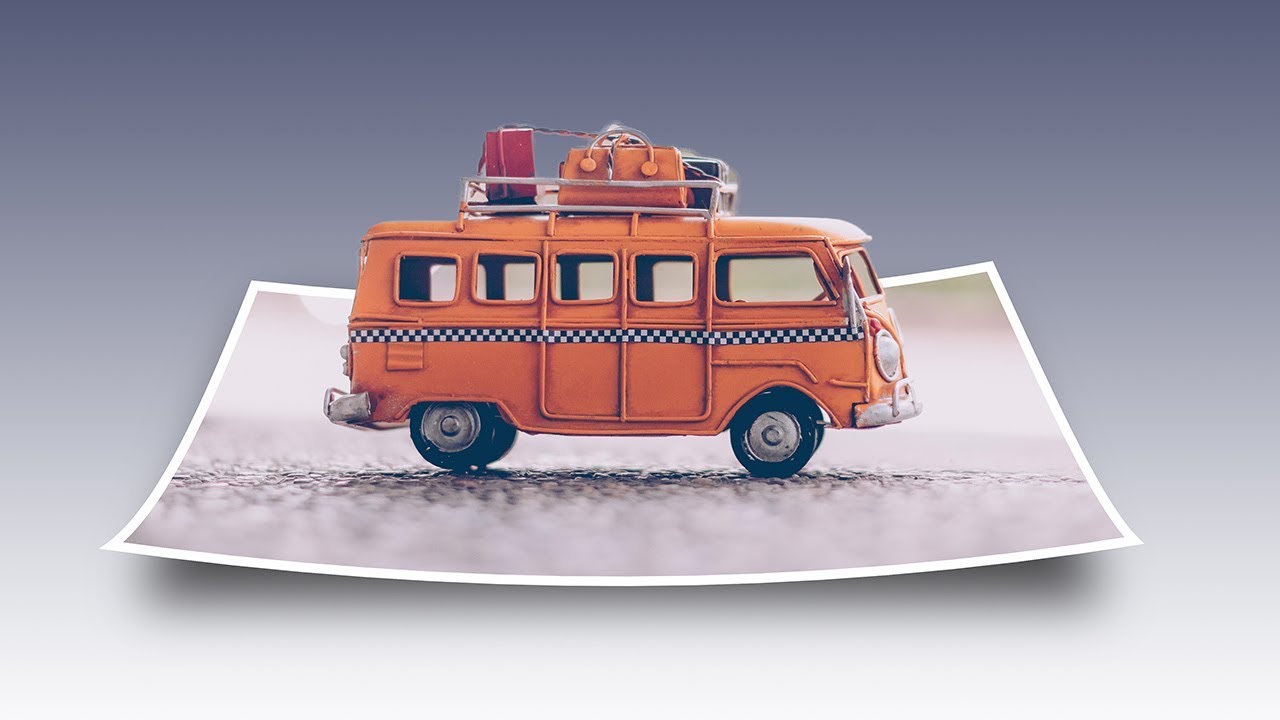
In this Photoshop tutorial, you will learn how to make a 3D pop-up or pop out effect, similarly like a children’s pop-up notebook, where the main part of your photo appears to be standing up and popping right out of an image or otherwise flat Photo.
You will learn in this Photoshop tutorial about effect or Photoshop effect in details.
To add more of a 3D effect look to it, you be curling the edges of the photo using Photoshop’s free transform and warp option or command and adding a custom shadow like black or grey underneath. There is quite a few steps are involved in creating the pop out effect but they are all very simple and easy. I am using Photoshop CS6 for this particular design but any latest version of Photoshop will work similarly.
How To Create A 3D Pop Up or Pop Out Effect?
How to make pop out cards?
How to make pop out birthday cards?
How to make picture pop out photo effect?
How to make 3d pop out photo effect?
Step 1.
Make three copies of the original photo or layer.
For the making a couple of copies of the layer or your photo, Press Ctrl+J.
Double-click on the layer’s name and rename it as image one or two.
Step 2.
Turn off the visibility of the first two new layers by clicking eyeball icon and make active the background layer by clicking on the layer.
Step 3.
Add a gradient fill layer over the background layer.
It will add a automatic layer to use as the background for our pop-up effect. Now we’ll use a Gradient Fill layer, because gradients are a bit more beautiful than solid colors. Click on the New Fill or Adjustment Layer icon at the bottom of the Layers panel to make it.
Step 4.
Select the grey and white gradient for background.
color code for grey - 929292
Select linear gradient and make sure it is on 90 degree and click enter.
Step 5.
Make pop-up or pop out selection on your layer 2.
Change it into transform selection by selecting select menu and now right click on the selected area and opt perspective.
Now drag it to inside in the selection area to make pop-up.
After drag it on scale.
Step 6.
Add a layer mask for invisible of outside of the selection area.
Step 7.
Add a white stroke layer style
For this stroke layer style select layer style icon from bottom of the layer panel and click on the stroke option. Must do your stroke inside in the position.
Step 8.
Select your main subject with the help of quick selection tool and again use layer mask.
Now it is done....
Congratulations....
Sabkesab more Photoshop and Illustrator Tutorials Link...
• How to design dairy milk chocolate in Phot...
• Windows Tips Tutorial | windows rotate scr...
• How to resize all Images at once in Photos...
• How to Draw a Face step by step | Drawing ...
• Видео
• Photoshop Tutorial | How to Make 3D Pop-Ou...
• Photoshop Tutorial | How to create 3D Pop ...
• 3D Pop Out Photo Effect in Photoshop | How...
• How to design BMW Logo in Photoshop in Hin...
• How to make a Pattern Design in Photoshop ...
• Ribbon Art Ribbon Bow Make simple Ribbon B...
• How to use vector mask in Photoshop in Hin...
• How to use type mask tool in Photoshop
Contact for Physical Class or premium videos
09334029817
[email protected]
#PopOutEffect #PhotoshopTutorial #SABKESAB
Повторяем попытку...
Доступные форматы для скачивания:
Скачать видео
-
Информация по загрузке: