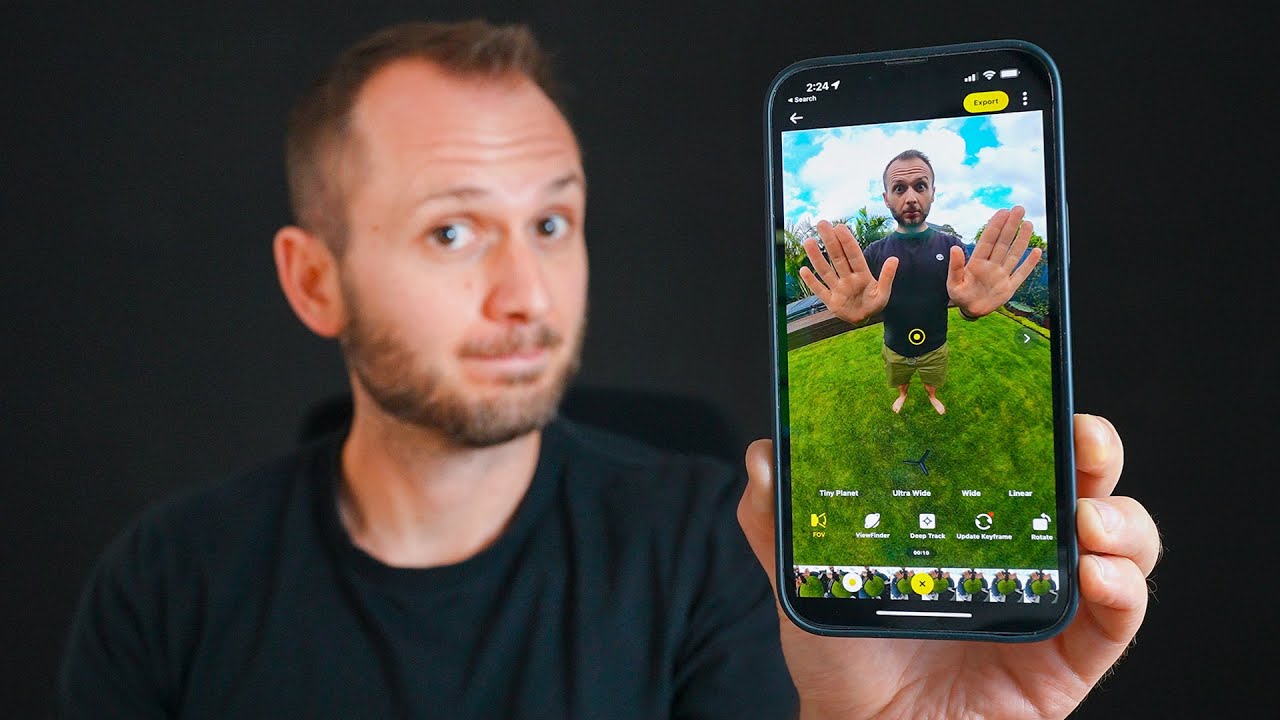
My Workaround to SMOOTHLY EDIT Insta 360 Footage | Insta 360 to Premiere Pro
Автор: Mario So
Загружено: 2023-10-16
Просмотров: 14645
Описание:
⬇️Main Gear: ⬇️
BEST HYBRID CAMERA: https://geni.us/sLkT
BEST BUDGET ALL-AROUND LENS: https://geni.us/bQroD9I
BEST BUDGET WIDE ANGLE ZOOM LENS: https://geni.us/XesqJbc
MICROPHONE: https://geni.us/Cm2DWj
LIGHT: https://geni.us/ryCQf
SOFTBOX: https://geni.us/e49v1Js
GIMBAL: https://geni.us/vlV6
SMALLER GIMBAL: https://geni.us/UYqPp
PHONE GIMBAL: https://geni.us/7NlsB7P
TRIPOD: https://geni.us/q26Q
WIRELESS MIC: https://geni.us/tYXByKW
DRONE: https://geni.us/mhhbvEI
EVERYDAY BACKPACK: https://bit.ly/3VvOc8l In this video, I share with you how to smoothly edit 360 footage in Premiere Pro with no lag using this workaround.
➡️TÜRKİYE - Cinematic Film Shot on the Insta 360 One RS 1": • TÜRKİYE: CINEMATIC TRAVEL Film with a 360 ...
➡️My New Favourite Travel Camera: • Why THIS Is My New Favourite TRAVEL CAMERA...
❗️Correction: @07:33 the GoPro FX Reframe Plugin allows you to add motion blur and set the shutter angle but it is laaaggy.
➡️➡️Insta 360 ONE RS 1": https://geni.us/lpu3H
➡️➡️Extended Edition Selfie Stick: https://geni.us/BhbcT
🔗GoPro Reframe Plugin: https://community.gopro.com/s/article...
🔗Insta 360 Studio: https://www.insta360.com/download/app...
⭐️⭐️MS CINEMA LUTS: https://payhip.com/marioso⭐️⭐️
_________________________________________________________________
➡️LUTS & PRESETS: https://www.payhip.com/marioso
📧Subscribe to the Newsletter for Special Offers! https://payhip.com/marioso/newsletter
🖥️https://www.mariosomedia.com
🎵Music for your YouTube Videos (Get 2 Extra Months Free): https://bit.ly/37682jM
🖥️Assets & SFX for your YouTube Videos: https://bit.ly/3rtQx8K
📷Cinematic Stock Videos (Get 2 Extra Months Free): https://bit.ly/372v3Ej
_________________________________________________________________
🧰 Useful Tools:
🗒️Use this for YouTube: https://www.tubebuddy.com/MarioSo
📒Fiverr: https://bit.ly/3ecvDSK
_________________________________________________________________
🖥️My editing software: https://bit.ly/3MZYb38
📷 All the gear I recommend and use: https://kit.co/Marioso
_________________________________________________________________
Follow me on IG: / maritoso7
Follow me on Twitter: / maritoso7
Follow me on Tik Tok: / maritoso7
_________________________________________________________________
Table of Contents
00:00 The problem
01:17 Reframe plugin
01:44 Editing 360 footage natively in Premiere Pro
03:43 Using the Insta 360 Studio App
05:10 Setting In and Out points
05:30 Exporting ProRes files
06:03 Smoothen keyframes
06:18 How to use Time Shift
06:58 How to add motion blur
07:39 What is ProRes?
08:00 Drawbacks of using ProRes files
08:11 Jumping back to Premiere Pro
09:46 Biggest drawback to this workflow
Disclosure: Links in the description box are affiliate links to Amazon and others. As an associate, I earn a small commission from qualifying purchases at no extra cost to you.
Повторяем попытку...

Доступные форматы для скачивания:
Скачать видео
-
Информация по загрузке:




![12 Amazing Insta360 Shots - Easy to Advanced - Shooting & Reframing Tutorial [X5 + New Accessories]](https://imager.clipsaver.ru/DMIZ6KYBdOo/max.jpg)