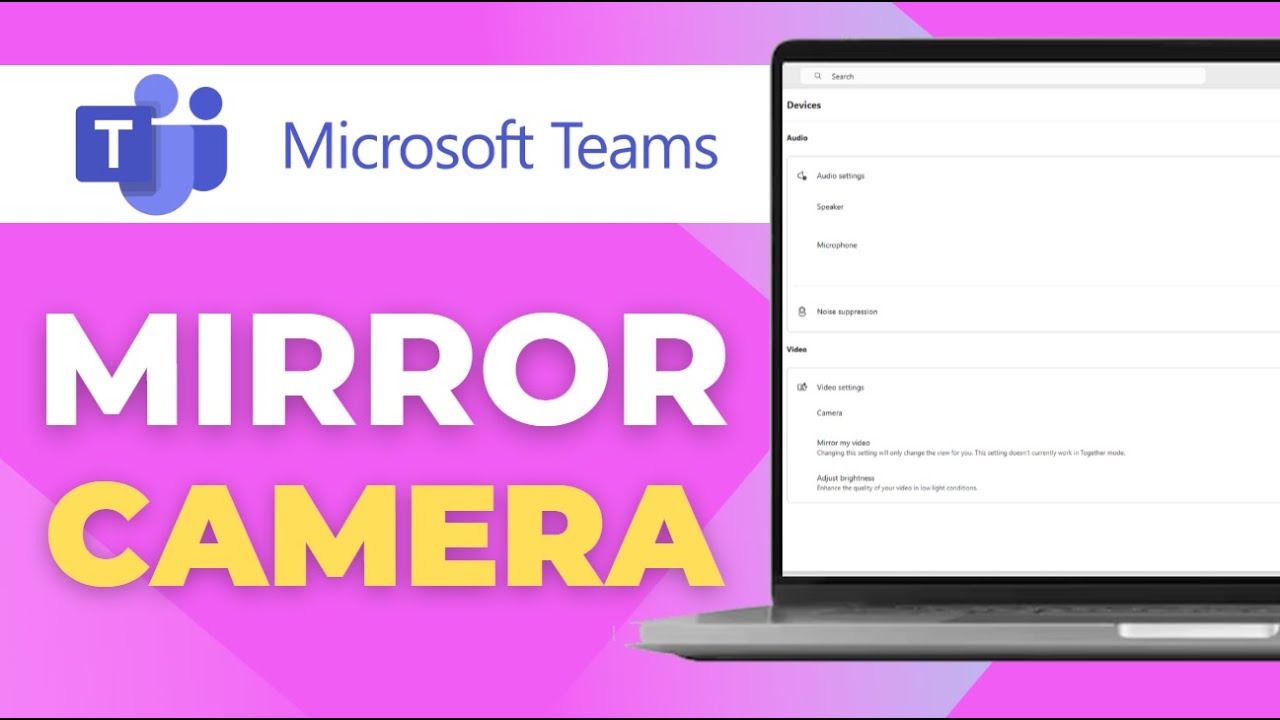
How to Mirror Camera in Microsoft Teams Fix Inverted View
Автор: Tutorials With Aaron - 3D
Загружено: 2025-09-30
Просмотров: 259
Описание: If your camera looks flipped or mirrored during a Microsoft Teams meeting, you’re not alone—many users experience the inverted view problem, which can be distracting and unprofessional. Fortunately, Microsoft Teams provides options to mirror or flip your camera so you appear correctly to others in the meeting. In this step-by-step guide, we’ll show you how to mirror your camera in Microsoft Teams and fix the inverted view issue on both desktop and mobile. You’ll learn how Teams handles camera mirroring by default, how to adjust your video settings, and what your audience actually sees versus what you see. We’ll also share troubleshooting tips if the mirror option doesn’t appear or if your camera drivers are causing display problems. Whether you’re preparing for an important business call, online class, or virtual event, this guide will help you look professional and confident on camera by fixing the mirrored video issue in Microsoft Teams.
Повторяем попытку...
Доступные форматы для скачивания:
Скачать видео
-
Информация по загрузке: