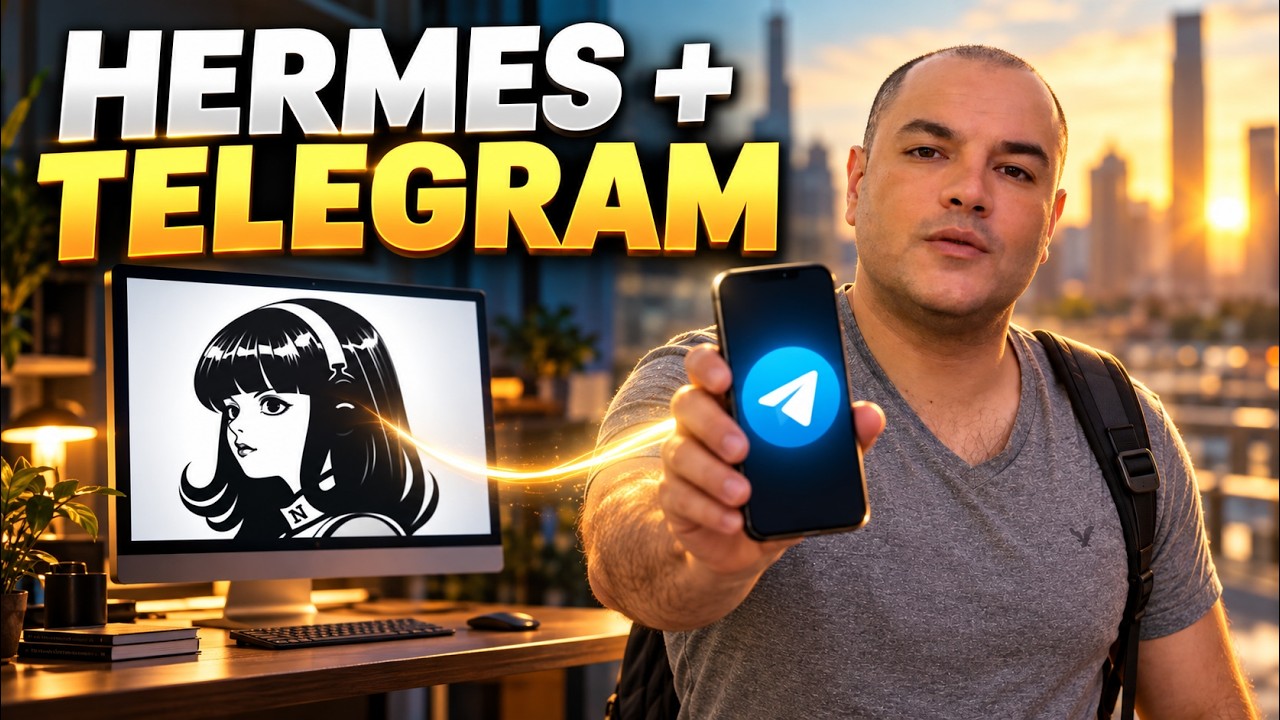
Hermes Agent Telegram Setup: Control Hermes Agent From Your Phone (Telegram Setup Tutorial)
Автор: To Learn AI AutoMation
Загружено: 2026-10-12
Просмотров: 12725
Описание:
Get the Material For this video in this link: 👉 https://cutt.ly/8tn3tT5J
Connect *Hermes Agent to Telegram* and reach your AI assistant from your phone. In this step-by-step tutorial, we’ll set up the bot, secure access, send a real task, and keep the Hermes gateway running after closing the terminal.
Because apparently our autonomous assistant still expects us to come into the office. Very modern.
This is **Class 7 of the Hermes Agent course**. We’re building on Class 6’s recording-checklist workflow to show how Telegram can become another entrance to the same useful agent.
In this tutorial, you’ll learn how to:
✅ Connect Hermes to Telegram using QR setup or BotFather
✅ Configure your bot token and allowed Telegram user ID
✅ Understand pairing codes and approval
✅ Send tasks and check answers against your actual files
✅ Set a home chat with `/sethome`
✅ Install and check the Hermes gateway service
✅ Test access after closing the setup terminal
✅ Use voice notes, approvals, `/help`, `/status`, and `/stop`
✅ Troubleshoot silent bots, polling conflicts, and notification overload
*One detail matters:* closing the terminal and putting your computer to sleep are different things. Hermes still needs an awake host and a working network connection.
🚀 Learn How to Make Money with AI 👉 https://cutt.ly/8tn3tT5J
Free sign-up — join today and get access to all the supporting documents, guides, and resources for this video in our Skool community.
You’ll find the setup checklist, command reference, example prompts, and troubleshooting notes.
▶️ *Watch the Hermes Agent course playlist:*
/ @tolearnaiautomation
0:00 Connect Hermes AI Agent to Telegram (Remote Mobile AI Assistant Setup)
0:36 Hermes AI Course Recap: Agent Loop, Local LLM & Workflow Delegation
0:57 How Hermes Telegram Integration Works (Gateway, Local Model & Routing)
1:45 Hermes Telegram Prerequisites: Profiles, Local LLM & Private Chat Setup
2:21 Quick Setup: Create Hermes Telegram Bot with QR Code in Desktop Dashboard
2:49 Manual Telegram Bot Setup: How to Use @BotFather & /newbot Command
3:39 Telegram Bot API Token Security: Copy, Protect & Revoke Credentials
4:13 Hermes Gateway Setup CLI: Configure TELEGRAM_TOKEN in Terminal
4:43 Telegram Bot Security & Access Control: Numeric User ID vs Username
5:10 Configure TELEGRAM_ALLOW_USERS: Whitelist Your Personal Telegram Account
5:31 Hermes Telegram Pairing Mode: Approve Access with hermes pairing approve
6:09 Start Hermes Polling Gateway & Avoid Duplicate Bot Token Conflicts
6:30 Test Your Telegram AI Bot: First Message & /help Command Verification
6:56 Prompting AI Agents on Mobile: Context, Saved Files & Separate Chat History
7:28 Using Hermes Skills & Saved Workflows from Your Phone via Telegram
8:16 Send Real Tasks via Telegram: File Paths, Attachments & Action Checklists
8:54 Verify AI Agent Output: Prevent Hallucinations & Format Mobile Replies
9:58 Set Default Home Channel in Telegram (/set Command for Scheduled Tasks)
11:09 Closing Terminal vs Computer Sleep Mode: Keep Local AI Agent Online
11:52 Run Hermes Gateway in Background: hermes gateway install Service Guide
12:05 Manage Hermes Background Service: Status, Start, Restart & Stop CLI Commands
12:36 Local AI Host Power & Network Settings (Laptop Sleep vs Always-On VPS)
13:19 Verify Background Service: Test Telegram AI Bot with Terminal Closed
13:39 Offline Message Backlog & Background Service PATH Environment Permissions
14:02 Send Voice Notes to Hermes AI on Telegram: Speech-to-Text Transcription
14:41 Tool Approval Buttons in Telegram: Manage AI Agent File Permissions
15:02 Stop Running AI Tasks & Check Status (/stop and /status Telegram Commands)
15:26 Troubleshooting Hermes Telegram Bot: No Response, Token Errors & Logs
15:47 Fix Telegram Bot Access Refused: User ID vs Bot ID vs Chat ID Explained
16:09 Fix Telegram Polling Conflict: Resolve Multiple Gateway Processes
16:46 Fix Voice Transcription & Text-to-Speech (TTS) Audio Errors (FFmpeg Setup)
17:06 Manage Telegram Bot Notifications: Reduce Ping Noise & Progress Alerts
17:28 Customize Telegram Bot Profile: Add Avatar, Description & Command Menu
18:08 Final Recap & Next Steps: Slack, Discord & WhatsApp AI Agent Integration
💬 *Your homework:* send one useful request from Telegram, check the result, then repeat the test after closing the setup terminal. What’s the first job you’ll give your pocket assistant? Tell me in the comments.
👍 If this helped, like the video and subscribe to *To Learn AI AutoMation* for more practical AI agent tutorials and automation workflows.
#HermesAgent #TelegramBot #AIAutomation
Повторяем попытку...
Доступные форматы для скачивания:
Скачать видео
-
Информация по загрузке: