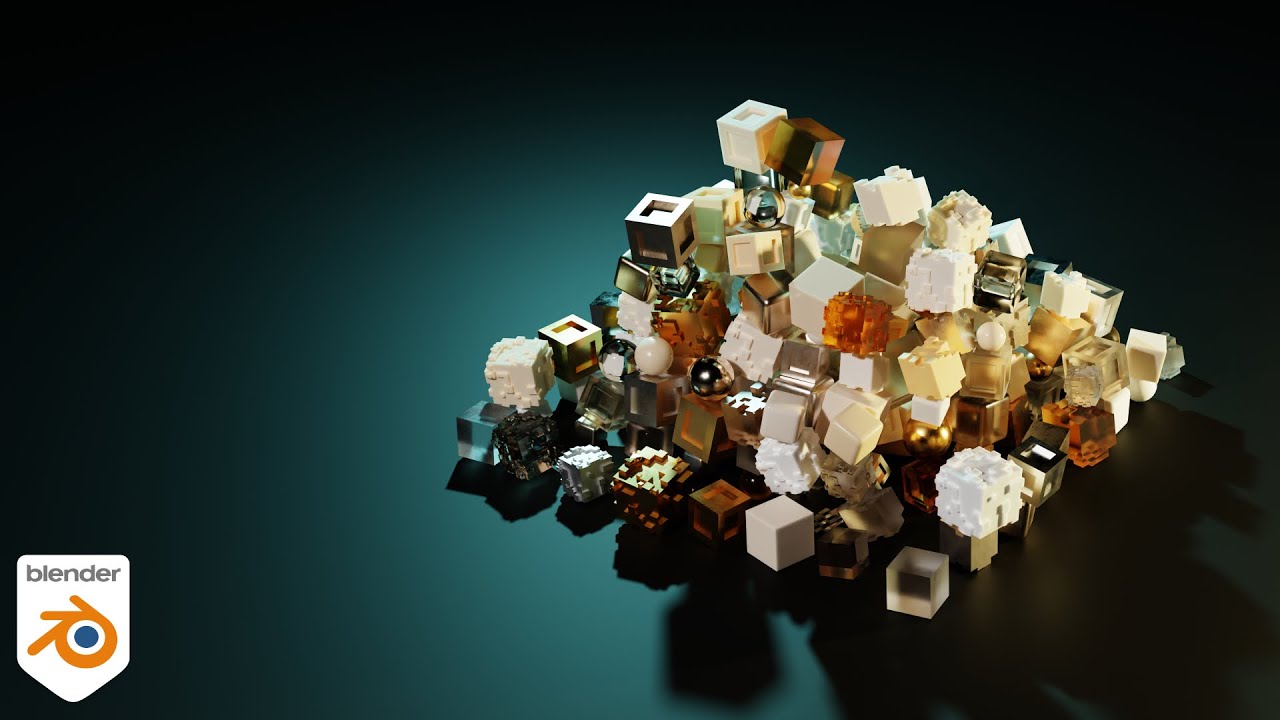
CRUSH CUBES with Rigid Body Simulations in Blender - Getting Started with Physics!
Автор: The CG Essentials
Загружено: 2020-08-24
Просмотров: 3643
Описание:
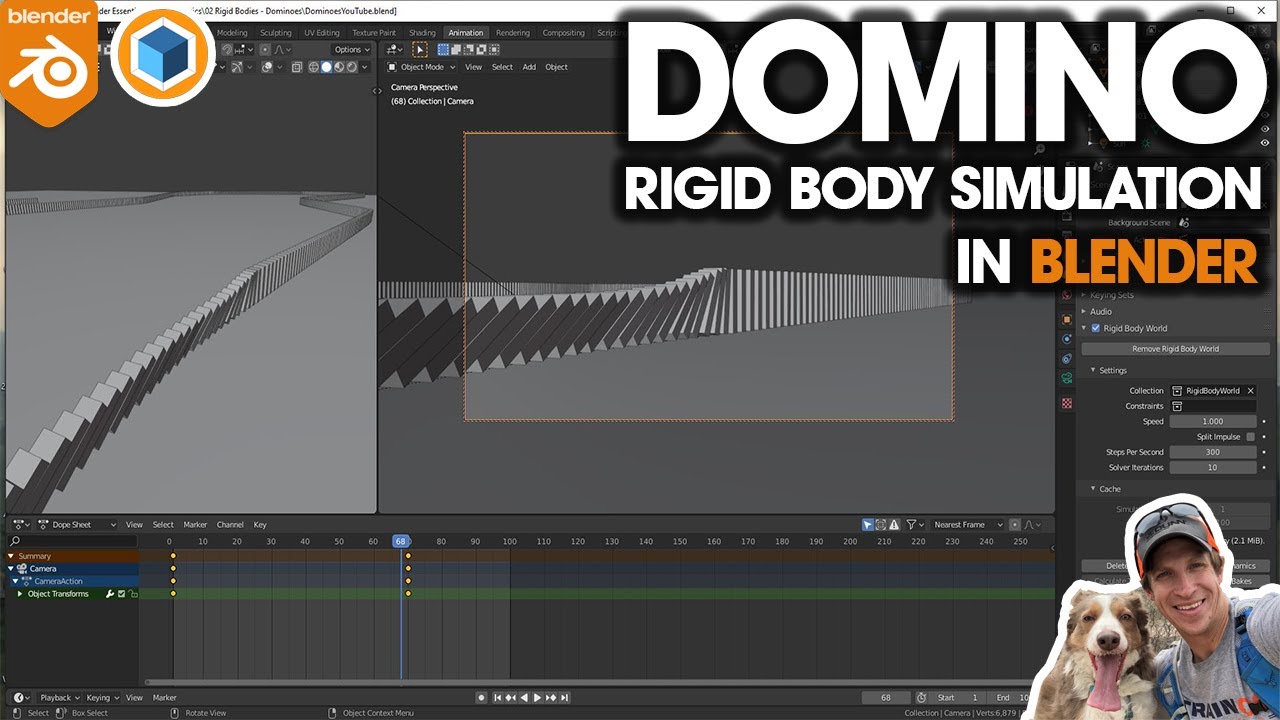
This week, I’m gonna kick off a new series about how to do some rigid body simulations inside of Blender. As many of you know, rigid body simulation is the way that you can simulate movement of solid objects.
In this series, I thought we’d talk through some different examples of things you can do with this system.
One thing that’s important when we do this – try to model things to real-world dimensions – if you model things too big, then you’ll get really weird results. Same thing with really small things.
First off – add a plane
Add a rigid body system to the plane. Set it to passive.
Add a sphere.
Add a rigid body system to the sphere. Set it to sphere. Set weight to 20 lbs.
Then, add a cube.
Scale the cube, then apply scale
Then, use the array modifier to copy the cube in the x direction. Add another along the y direction. Leave a bit of space – maybe 1.02
Add a third array in the z direction. Don’t add space here
Apply the arrays in the order you created them.
Go into edit mode. Select all cubes. Type P and select “xxxxxxxx”
Go to object mode. Select all cubes. Set origin to geometry
Pick one cube. Set to rigid body. Set weight to 1.5. Set shape to cube.
Select the cube with rigid body settings. Then select all other cubes with shift+drag. Go to object, copy from active.
Click play. Make sure your cube pile stands up.
Move sphere over cubes. Click play. Enjoy destruction.
Повторяем попытку...

Доступные форматы для скачивания:
Скачать видео
-
Информация по загрузке:







![[차근차근 블렌더] 23강 Rigid Body 완전정복!](https://imager.clipsaver.ru/Q4dDN-NLCeE/max.jpg)