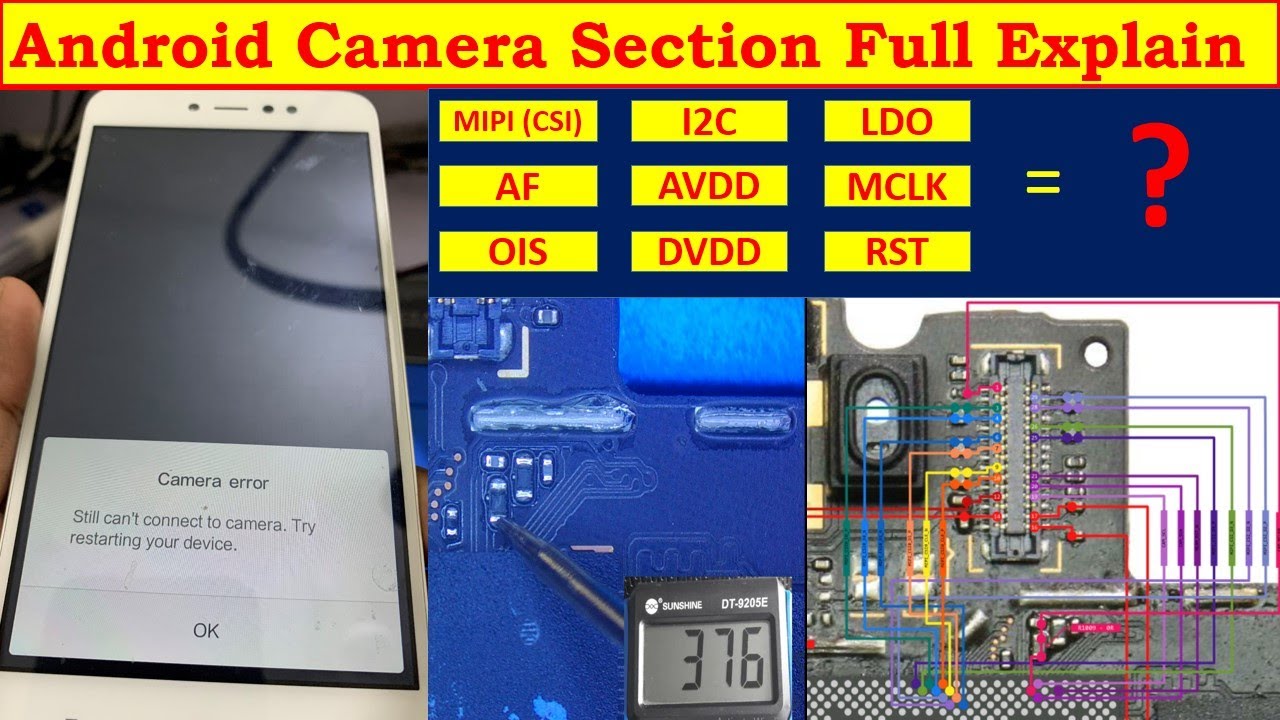
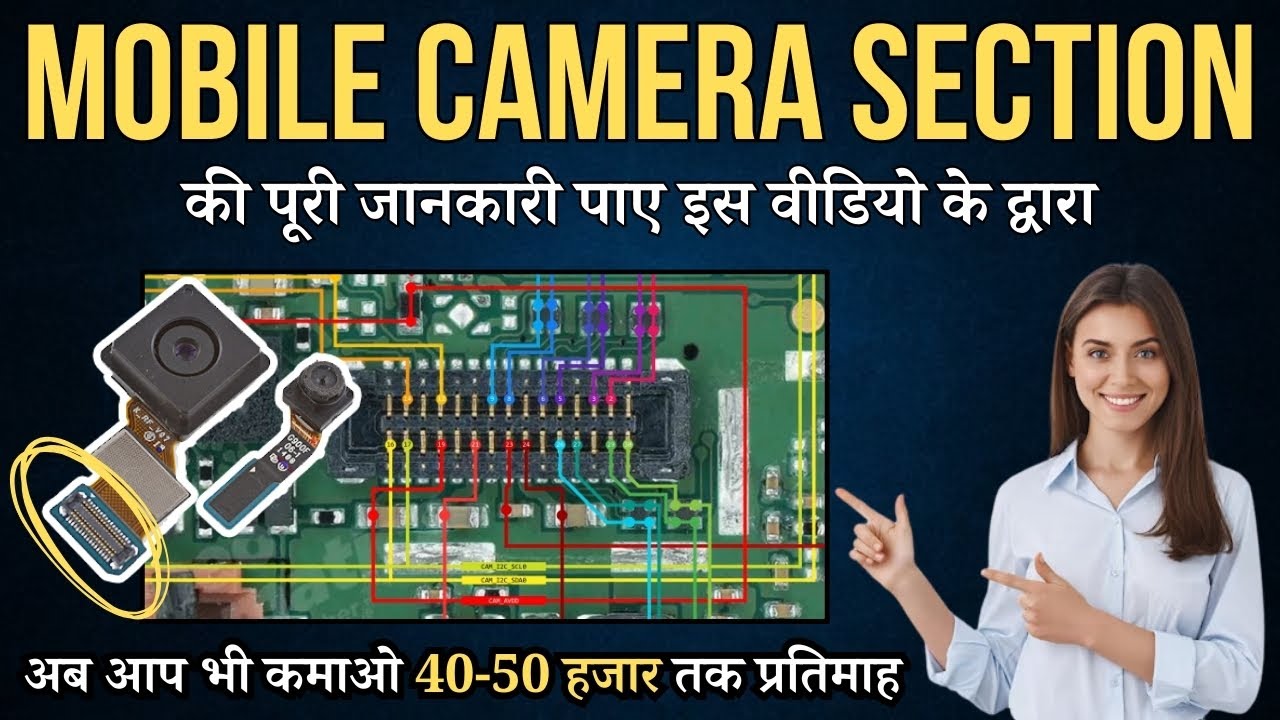
Android Camera Section Full Explain & Camera error Fault || Hitech Institute
Автор: Hitech Institute
Загружено: 2024-03-10
Просмотров: 2694
Описание:
#mobilecamerasection #androidcamera #mobilerepairingcourse
The Android Camera API allows developers to integrate camera functionality into their applications, enabling users to capture photos and videos directly from their devices. The camera-related functionalities in Android are managed through the android.hardware.camera2 package, introduced in Android 5.0 (API level 21).
Here's a breakdown of the main components and concepts related to the Android Camera API:
CameraManager: This class is responsible for detecting, opening, and managing camera devices available on the Android device. It provides methods for enumerating all available cameras and accessing them.
CameraDevice: Represents a physical camera device on the Android device. You can open a CameraDevice using its ID obtained from the CameraManager. It's used for capturing images and video.
CameraCaptureSession: Manages the process of capturing images from the camera or reprocessing images from the camera's output. It provides a way to send capture requests to the camera device and receive capture results or metadata in return.
CameraCharacteristics: Provides static metadata about the camera device, such as the available resolutions, supported hardware features, and other capabilities.
CaptureRequest: Represents a request for capturing a single image or a set of images. It includes parameters such as the target surface (where the captured image will be sent), capture settings (e.g., exposure, focus), and more.
CaptureResult: Contains the results of a capture operation, including metadata such as focus distance, exposure settings, and image data.
Common camera errors in Android applications can include:
Camera Permission Issues: Ensure that your app has the necessary permissions to access the camera. You need to request the android.permission.CAMERA permission in your app's manifest file and handle runtime permissions for devices running Android 6.0 (API level 23) or higher.
Camera Hardware Failure: The camera hardware might not be available or might have encountered a hardware failure. You can handle this by checking for CameraAccessException when attempting to access the camera.
Camera Initialization Errors: Make sure that the camera device is properly initialized before attempting to use it. Check for errors returned during the camera initialization process, such as CameraDevice.StateCallback callbacks.
Camera Configuration Issues: Ensure that the camera is configured correctly for the desired capture settings, such as resolution, format, and frame rate. Use CameraCharacteristics to query supported configurations and select appropriate settings.
Camera Resource Release: Always release the camera resources properly when they are no longer needed to avoid resource leaks. Close the CameraDevice and CameraCaptureSession objects and release any other related resources.
By understanding these components and handling potential errors appropriately, you can effectively integrate camera functionality into your Android applications.
Share, Like, Subscribe!!!
___________________________________________________________
"Hi-Tech Institute"
Institute Of Advance Technologies Private Limited.
___________________________________________________________
In This Channel, You Will Get Videos Regarding
"Mobile Repairing Course" "Laptop Repairing Course"
"Chip Level Repairing Course" "Card Level Repairing Course"
"Mobile eMMC Repairing Course" "Mobile OCA Repairing Course"
Videos In This Channel Made By Professionals In Same.
Hi-Tech Institute Ensure You That that Information Is Correct And Useful Too.
____________________________________________________________
🔥बने Hi-tech Institute से Advance Laptop Repairing Expert और कमाइए 40-50 हज़ार तक प्रतिमाह या सोनू (Sonu) की तरह अपना खुद का बिज़नेस करे !
🔥आज 18 लाख Laptop Engineers की डिमांड है
🔥तो देर ना करे अभी India's No-1, Hitech Institute से जुड़े और अपने Career को बेहतर बनाए ....🔥
💥 Hitech बेहतर Institute क्यों है 💥
📌Advance Modules
📌100% Live practical training
📌Advance machine and tools training
📌100% Job Assistance
📌Best Hostel Facility
📌ISO Certified
📌25 plus Branches
📌20 years Experience
📌Technical back-up support
📌Trained 3 lakh above students
📌Mobile tools kit Free
📌11 Mobile Phone Circuit Chart Free
📌Mobile Phone Software Repairing Book
📌Computer Operating Class Free
👉 अब Technical Course के साथ Dr. Vivek Bindra Ji के 29 Online Career Skills बिल्कुल free 👈
💥अभी कॉल 9212-544-544 करे और admission पर 30% का Discount पाए💥
💥Limited Seat Available💥
Visit Here:- https://www.hitechinstitute.in
हमें फॉलो करना न भूले
Facebook:- / hitechinstitute
Instagram:- / hitechinsti. .
Related Video:-
Hitech Institute और Bada Business लाया है Risk Free Career Options:- https://bit.ly/3JGdhcb
Mobile Repairing Course करके Career कैसे बनाए ? :- https://bit.ly/3rx7Ky3
Повторяем попытку...
Доступные форматы для скачивания:
Скачать видео
-
Информация по загрузке: