Custom Text Lines in Dorico: Mark Your Themes and Sections
Автор: Music Chef
Загружено: 2024-11-22
Просмотров: 806
Описание:
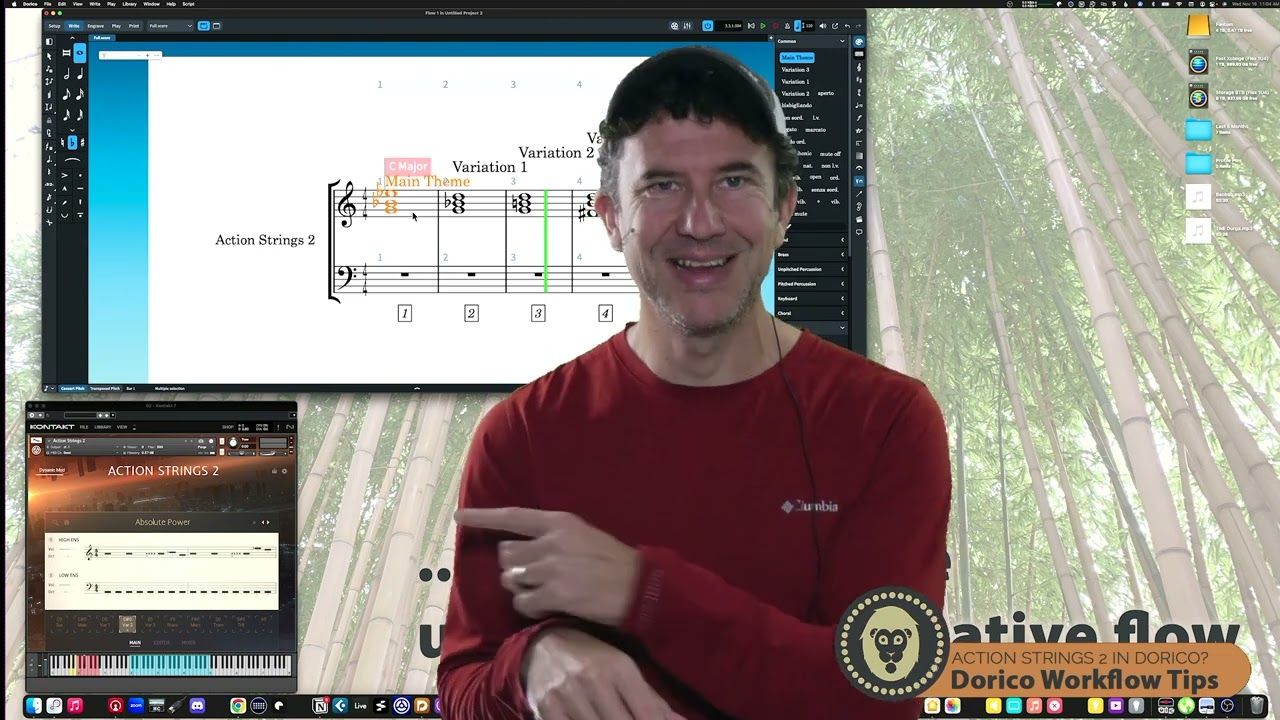
Clear communication in a score is essential, and Dorico’s line features are a fantastic tool for labeling sections of your music with helpful text annotations. In this livestream, I’ll show you how to use Dorico’s line tool to create and apply custom text lines, such as "Theme" or "Development," making your scores more organized and easier to read.
We’ll start by exploring Dorico’s line editor, where you can design your own custom text lines with fonts, styles, and alignment options that suit your project. Next, I’ll demonstrate how to save these lines for future use and quickly apply them to any part of your score.
Whether you’re composing for film, orchestra, or small ensembles, marking your music clearly can help performers and collaborators understand what you were up to :). This feature is perfect for streamlining and navigating a score
Повторяем попытку...
Доступные форматы для скачивания:
Скачать видео
-
Информация по загрузке: