How to upload files with the hosting file manager | GlobalHostia
Автор: GlobalHostia
Загружено: 2026-11-13
Просмотров: 7
Описание:
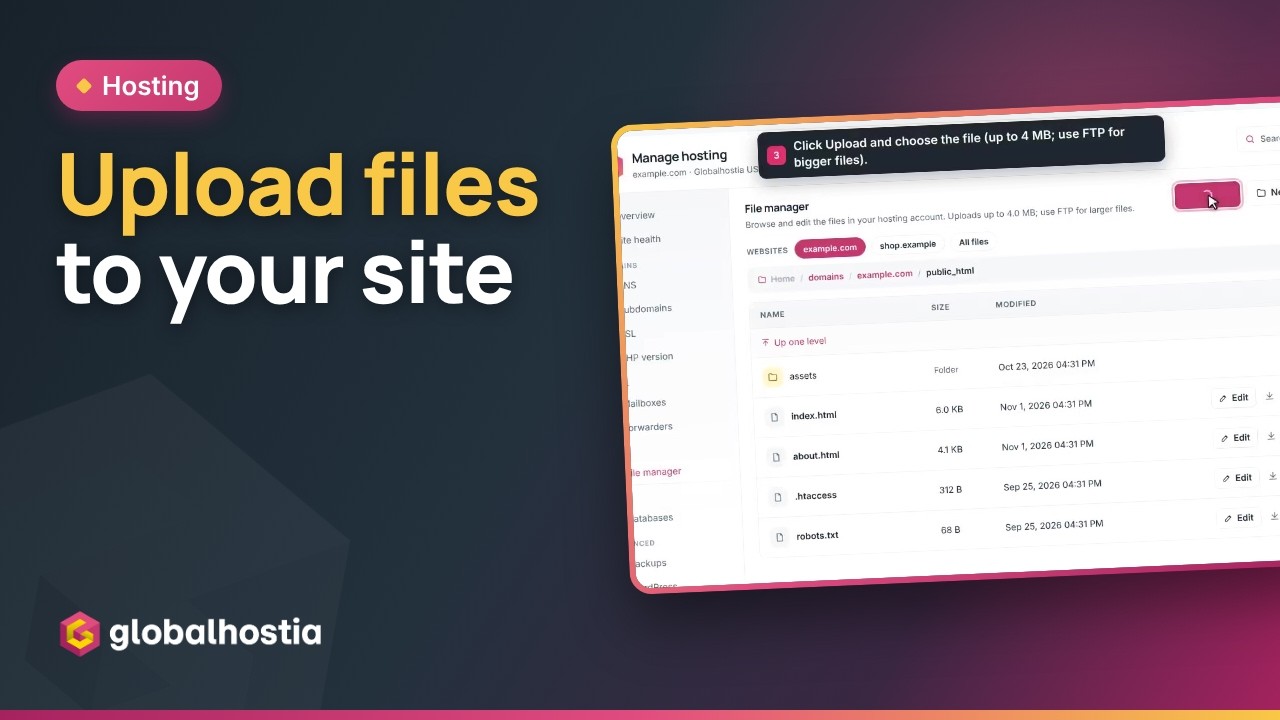
How to upload files with the hosting file manager: open your website's public_html folder and upload a file.
In Manage hosting, open File manager. Pick the website. Its public_html folder opens. Click Upload and choose the file (up to 4 MB; use FTP for bigger files). The file appears in the list when the upload finishes.
Step-by-step guide: https://globalhostia.com/help/upload-...
Free website migration: https://globalhostia.com/free-migration
About GlobalHostia
GlobalHostia is a Dubai-based provider of domains, web hosting, cloud & VPS servers, Windows RDP, business email and SSL, plus managed IT for companies with GlobalHostia for Business. Support by ticket, 24/7.
Website: https://globalhostia.com
Business: https://globalhostia.com/business
Help centre: https://globalhostia.com/help
Contact & WhatsApp: https://globalhostia.com/contact
Subscribe: / @globalhostia
#GlobalHostia #WebHosting #FileManager
Повторяем попытку...
Доступные форматы для скачивания:
Скачать видео
-
Информация по загрузке: