AI text summerizer implementing 12 factor app principle, fastAPI, Docker
Автор: Sailent Killerr
Загружено: 2025-05-16
Просмотров: 17
Описание:
*Github link of the project*
[Github](https://github.com/Dipesh-Chaudhary/ai-tex...)
*[NOTE :- THIS PROJECT WAS SOLELY DONE TO UNDERSTAND AND IMPLEMENT 12 FACTOR APP, SO ALREADY AVAILABLE WELL TRAINED LLM FROM HUGGINGFACE IS USED]*
AI Text Summarizer
[](https://github.com/Dipesh-Chaudhary/ai-tex...)
A microservice for *summarizing text using AI technology**, built with **FastAPI* and following the *12-Factor App* methodology.
Features
Text summarization using pre-trained AI models (Hugging Face Transformers)
RESTful API with FastAPI
Comprehensive test suite
Fully containerized with Docker
CI/CD pipeline with GitHub Actions
Adheres to 12-Factor principles for modern application development
12-Factor Implementation
1. **Codebase**: One codebase tracked in Git
2. **Dependencies**: Explicitly declared in requirements.txt
3. **Config**: Environment variables for all configuration
4. **Backing Services**: Designed to treat backing services as attached resources
5. **Build, Release, Run**: Clear separation with Docker and CI/CD
6. **Processes**: Stateless processes with dependency injection
7. **Port Binding**: Self-contained service exposing via port binding
8. **Concurrency**: Scales via the process model with Uvicorn workers
9. **Disposability**: Fast startup/shutdown via containerization
10. **Dev/Prod Parity**: Same environment everywhere via Docker
11. **Logs**: Treated as event streams with structured logging
12. **Admin Processes**: Admin tasks as one-off processes
Quick Start
The easiest way to run the application is using Docker:
```bash
Clone the repository
git clone https://github.com/Dipesh-Chaudhary/ai-tex...
cd ai-text-summarizer
Copy the example environment file and modify if needed
cp .env.example .env
Start the application with Docker Compose
docker-compose up -d
```
Once running, you can access:
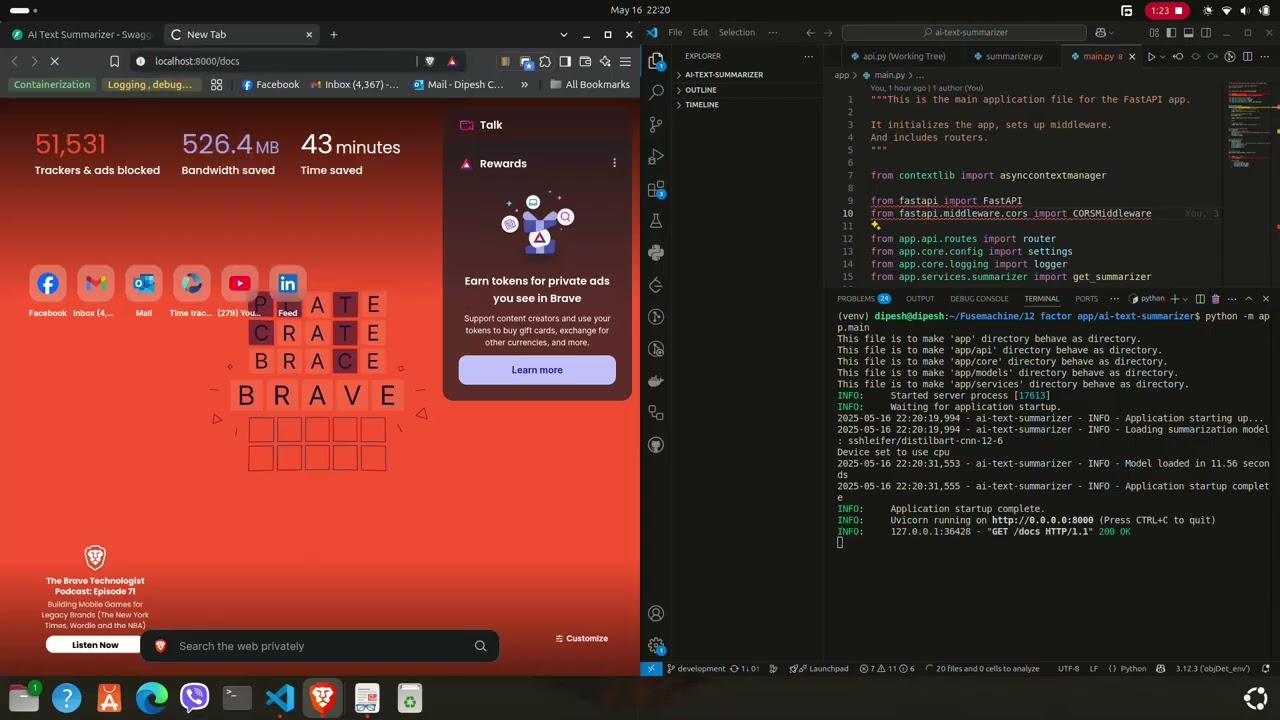
API Documentation: http://localhost:8000/docs
Alternative API Documentation: http://localhost:8000/redoc
Development
See the Development Guide for instructions on setting up your development environment.
Testing
Run the test suite with:
```bash
pytest
```
Documentation
For more detailed documentation:
[API Reference](https://github.com/Dipesh-Chaudhary/ai-tex...)
[Deployment Guide](https://github.com/Dipesh-Chaudhary/ai-tex...)
Повторяем попытку...
Доступные форматы для скачивания:
Скачать видео
-
Информация по загрузке: