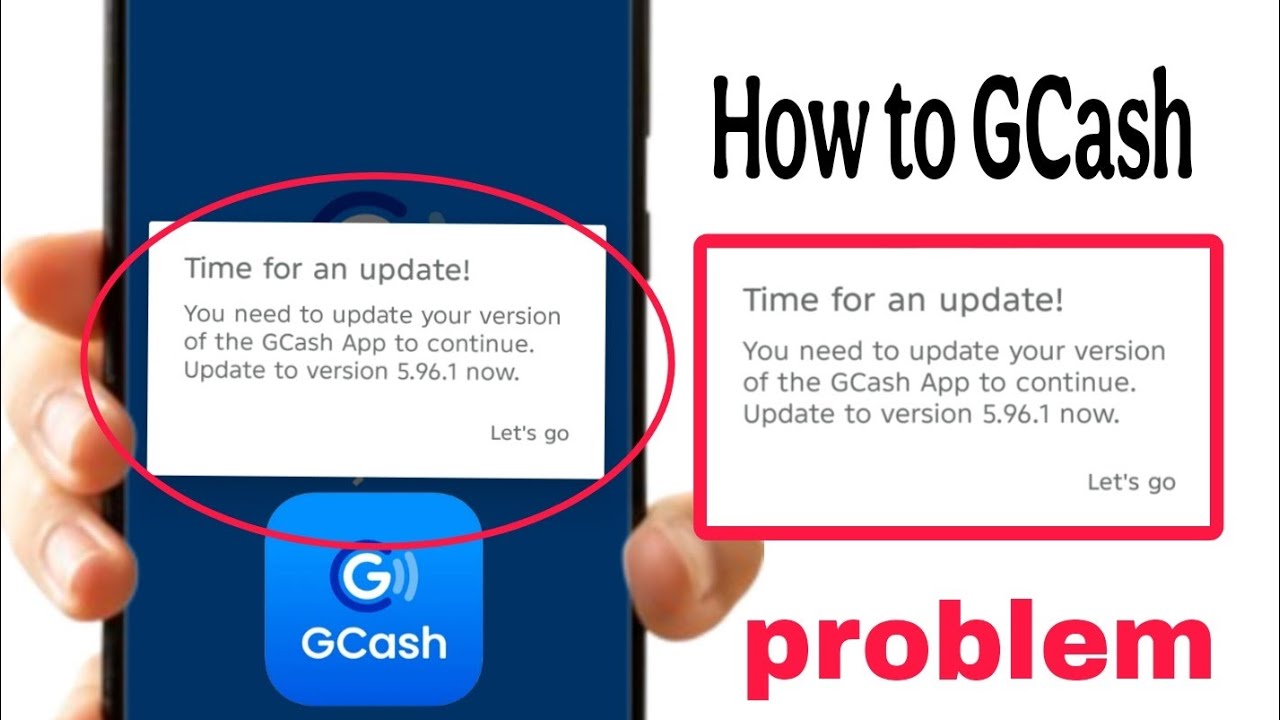
How To Fix GCash “Accessibility Detected” Problem 2026 | GCash Accessibility Error Solution
Автор: Tech Tutorials
Загружено: 2026-03-01
Просмотров: 18
Описание:
How To Fix GCash “Accessibility Detected” Problem 2026 | GCash Accessibility Error Solution
Are you getting the “Accessibility Detected” error on GCash app in 2026? Don’t worry! In this video, I’ll show you how to fix the GCash Accessibility Detected problem step by step on Android phone.
This error usually happens when Accessibility permissions are enabled for screen recorders, auto clicker apps, or other third-party apps. GCash blocks access for security reasons.
In this tutorial, you’ll learn: ✔️ Why GCash shows Accessibility Detected error
✔️ How to turn off Accessibility permissions
✔️ How to remove auto clicker or screen overlay apps
✔️ How to clear GCash app cache
✔️ How to fix the problem easily in 2026
Follow all the steps carefully and your GCash app will work properly again.
👍 If this video helps you, don’t forget to Like, Share & Subscribe!
Повторяем попытку...

Доступные форматы для скачивания:
Скачать видео
-
Информация по загрузке: