What not everyone knows about Waves InPhase
Автор: Andrei Martinez Agras
Загружено: 2019-05-18
Просмотров: 8482
Описание:
Save an additional 10% off any purchase at Waves Audio using this link: https://www.waves.com/r/xhwkze
Waves InPhase: https://waves.alzt.net/qGgn5
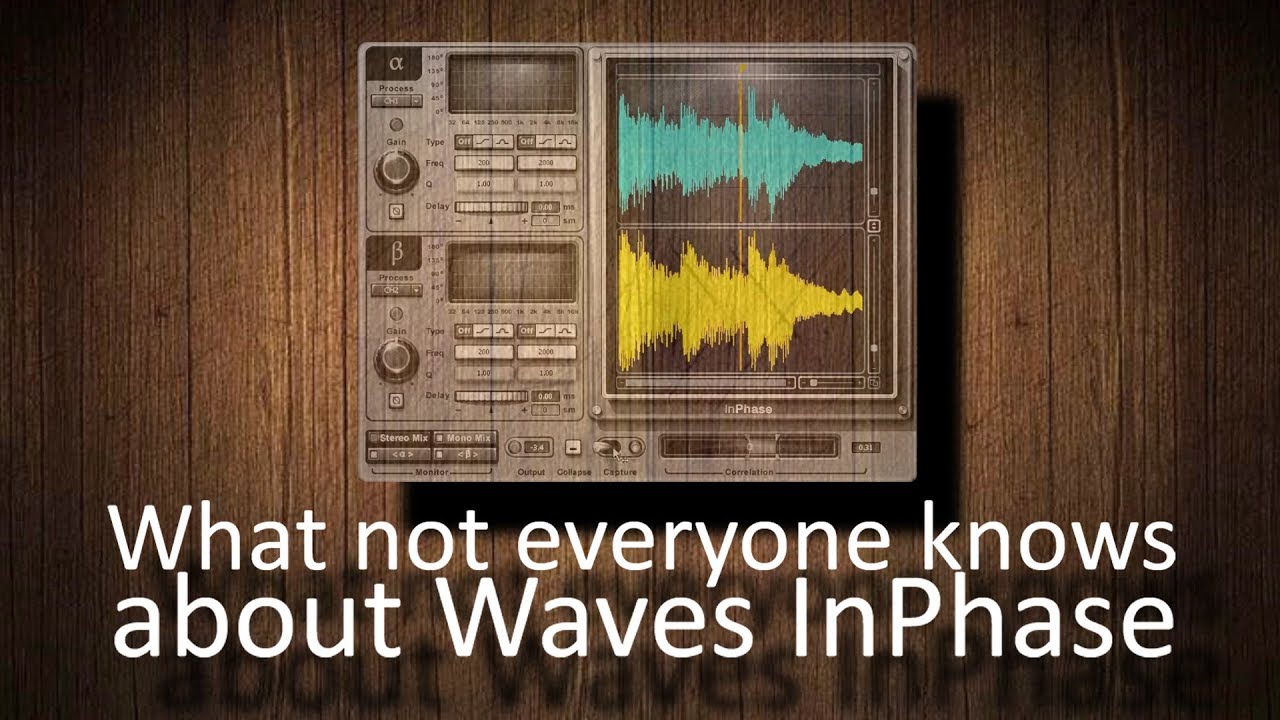
InPhase is often the subject of debate because one could easily think: is it not simply easier to zoom in and match waveforms manually? What many people don't realize is that while this is certainly very easy to do and does not require a plugin at all it is only possible when it comes to independent tracks... InTune can do it between the two CHANNELS of a STEREO track which avoids the necessity of having to split it into two separate mono tracks or using a delay.
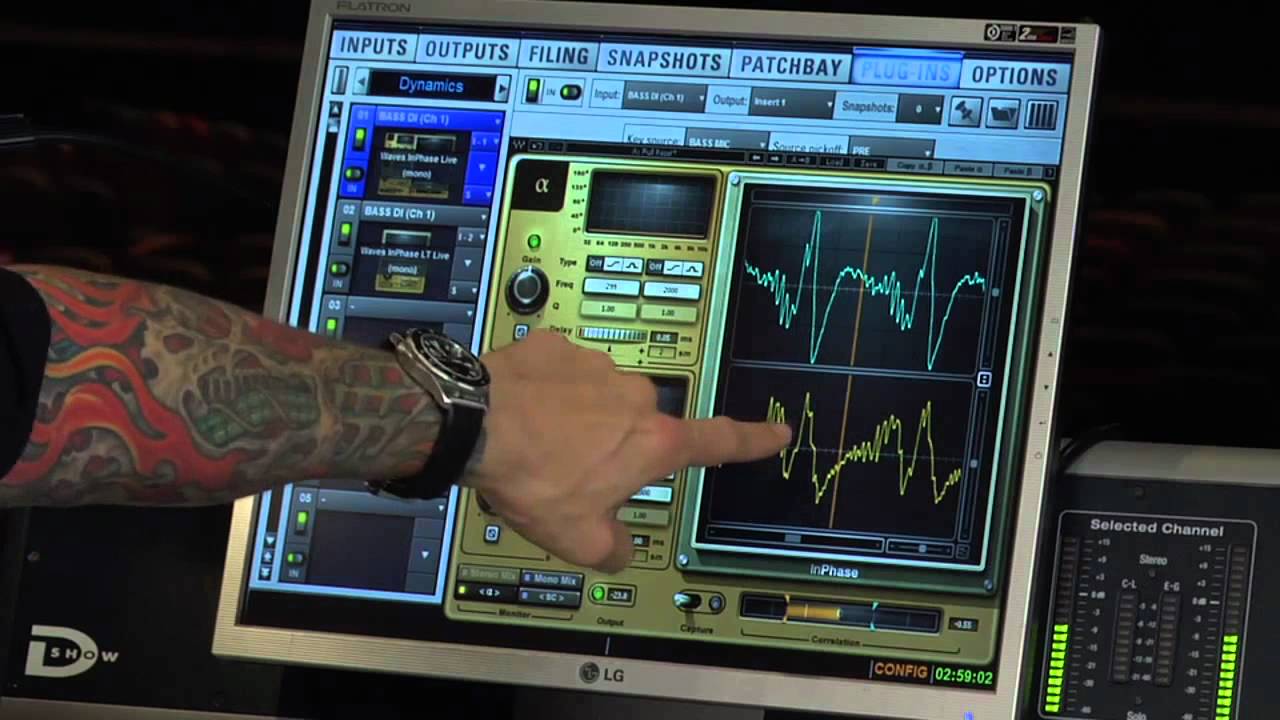
As soon as InPhase is inserted in a #stereo track the alpha and beta sections are automatically assigned to the L and R channels respectively. All you have to do is activate CAPTURE while the audio is playing and wait for the waveform to appear on the screens. Then place the marker on a transient that is fairly defined in the waveform and expand it until you can see the cycles. Once the waveform is enlarged, adjust the position of the marker even closer to the transient on the green display above. Now move the DELAY wheel in the beta module until both #waveforms match as much as possible. Now observe the #CORRELATION meter and continue adjusting until the signal touches the green markers on the right side.
An additional advantage of InPhase is the possibility of altering the phase of certain areas of the spectrum. To understand this watch "What is MAAT RSPhaseShifter ( • What exactly is MAAT RSPhaseShifter? ). In this case it seems that when both channels are aligned, the highs are diminished while the lows are increased. This means the lows have a more coherent phase relationship than the highs... To make the highs also increase we will manipulate the phase of the high zone of one of the channels until all the areas of the spectrum are equally in phase. The graph is self-explanatory but you can also help yourself by looking at the waveforms in the displays on the right side and then retouch DELAY if necessary..
*All the music featured in this channel is our own unless otherwise stated. Reproduction is prohibited without the express consent of the authors.
Enjoy!
http://amagrasmusic.com
Discography:
https://thewit.bandcamp.com
Buy the music:
https://thewit.bandcamp.com
Use this link to save an additional 10% off any purchase at Waves Audio:
https://www.waves.com/r/xhwkze
Повторяем попытку...
Доступные форматы для скачивания:
Скачать видео
-
Информация по загрузке:





![Советы по живому звуку — Phase [Waves InPhase]](https://imager.clipsaver.ru/QyR3LarF0bk/max.jpg)