Revit Schedule Link plugin - Version 5.6.0
Автор: MLabs
Загружено: 2026-02-24
Просмотров: 87
Описание:
Download: https://apps.autodesk.com/RVT/en/Deta...
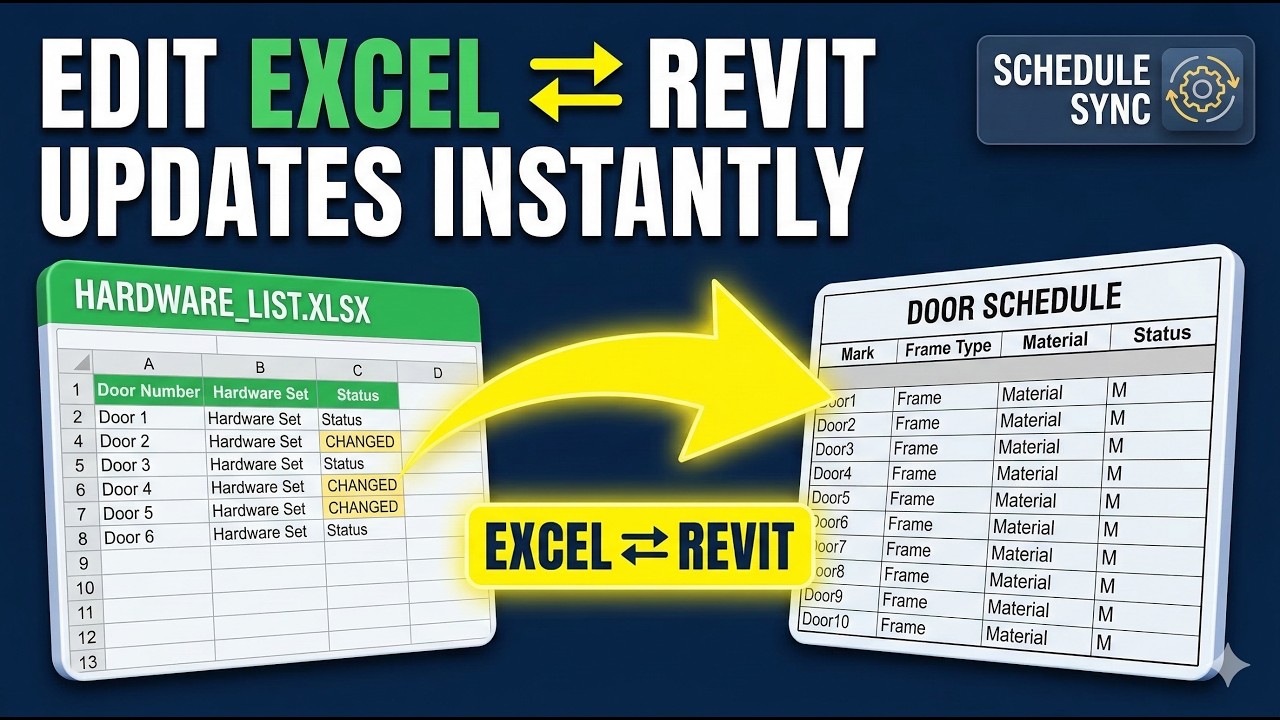
Manage your Revit data more efficiently with Schedule Link. This plugin provides a powerful, bi-directional link between your Revit schedules and Microsoft Excel, allowing for rapid data editing, bulk updates, and real-time synchronization.
This video demonstrates the two primary workflows: Box Mode (Manual Import/Export) and Sync Mode (Live Update).
🚀 Key Features:
Automatic Selection: The plugin intelligently detects your active schedule view for instant export.
Built-in Guidance: Exported Excel files include guide rows to help you understand parameter requirements.
Language Flexibility: Supports "Yes/No" parameter toggling based on your specific Revit language settings.
Two Powerful Modes:
Box Mode: Perfect for offline editing and controlled data importing.
Sync Mode: Experience real-time updates—save your Excel file and see the changes reflected in Revit immediately.
User-Friendly Interface: Simple, clean UI designed for high-speed data management.
⏱️ Chapters / Timestamps:
0:00 – Introduction to Schedule Link (Box)
0:12 – Exporting your current Schedule View
0:27 – Navigating the Excel Guide Rows
0:33 – Modifying Revit Parameters in Excel
0:48 – Handling Yes/No parameters for different languages
0:57 – Importing modified data back to Revit
1:16 – Introduction to Schedule Link (Sync)
1:18 – Setting up the Live Sync workflow
1:48 – Real-time data updates (Save & Sync)
1:55 – Important: Revit interaction during Sync mode
2:52 – How to properly finish and close the Sync process
Website: https://mlabsolution.com/
#Revit #Excel #BIM #RevitPlugin #Architecture #Engineering #Automation #DataManagement #MLABS #RevitToExcel #ConstructionTech
Повторяем попытку...
Доступные форматы для скачивания:
Скачать видео
-
Информация по загрузке: