Microsoft Entra ID (Azure AD) Integration with Yeastar P-Series Phone System
Автор: Yeastar
Загружено: 2023-06-20
Просмотров: 1590
Описание:
The updated section starts at 06:40 - MS Teams User Presence Synchronization and MS Outlook Contacts Synchronization.
——————————————
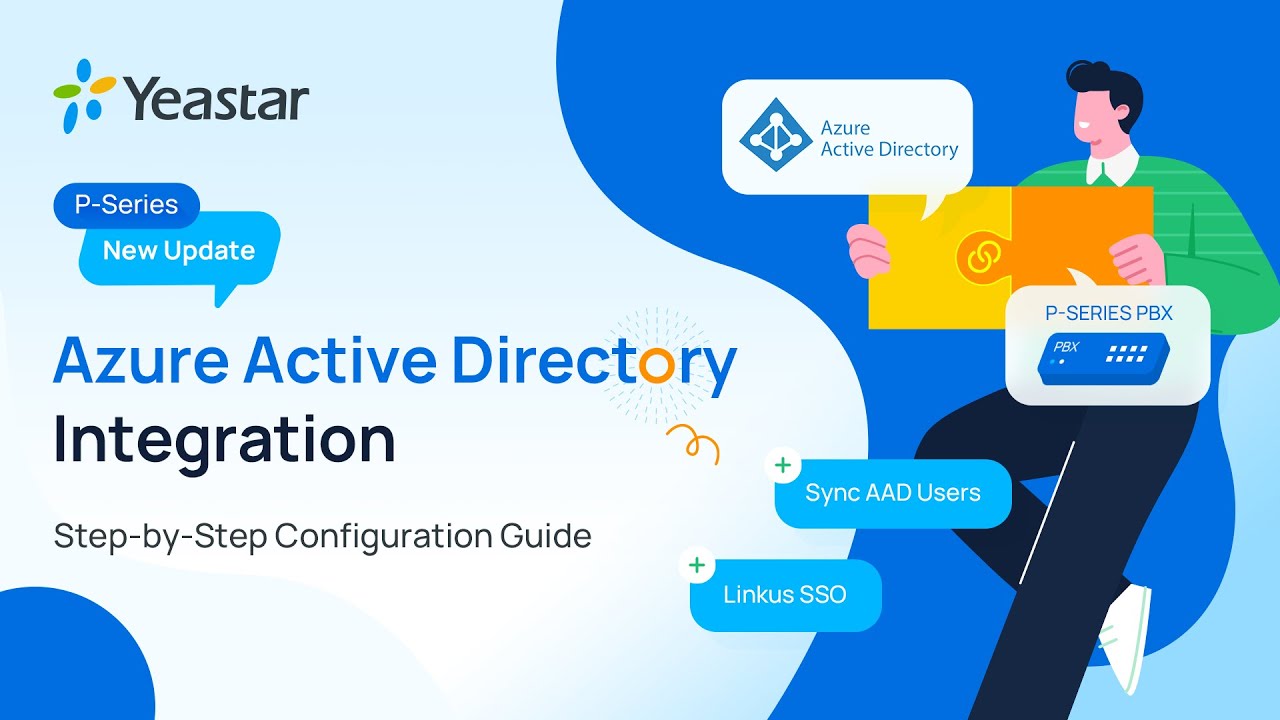
In this video, we will show you how to integrate your P-Series PBX with Azure AD step by step! With the integration, you'll be able to synchronize Azure AD users, organization units, and groups, and the synced users can log into Linkus UC Clients directly via SSO.
Chapters
00:00 P-Series + Azure AD
00:47 System requirements
01:04 Step 1: Obtain redirect URIs from PBX
01:33 Step 2: Register an application in Azure AD tenant
02:25 (Optional) Add SSO redirect URI to the Azure AD application
02:43 Step 3: Grant permission to the Azure AD application
03:33 Step 4: Generate client secret for the Azure AD application
04:00 Step 5: Connect PBX and Azure AD
04:47 Set up USER SYNC
05:55 Set up GROUP SYNC
06:27 Set up SSO for Linkus UC Clients
06:40 MS Teams USER PRESENCE SYNC
07:04 MS Outlook CONTACTS SYNC
→ Configuration manual: https://help.yeastar.com/en/p-series-...
→ Explore more about Yeastar P-Series Phone System: https://www.yeastar.com/p-series-pbx-...
→ Apply for a 30-day free trial: https://www.yeastar.com/cloud-pbx-fre...
—————————————
Subscribe to Yeastar's YouTube Channel: https://bit.ly/46kiZuc
Visit Yeastar's website: https://bit.ly/3tP8jmF
LinkedIn: / yeastar
Facebook: / yeastar
Twitter: / yeastar
Instagram: / yeastar_official
#pbx #azureactivedirectory
Повторяем попытку...
Доступные форматы для скачивания:
Скачать видео
-
Информация по загрузке:








![[Live Stream] Unleash 2026 | Gallop Into New Features & The Roadmap](https://imager.clipsaver.ru/P4DV6bxV0bw/max.jpg)