StockEdge CCI Scan Tutorial
Автор: StockEdge
Загружено: 2018-04-30
Просмотров: 20480
Описание:
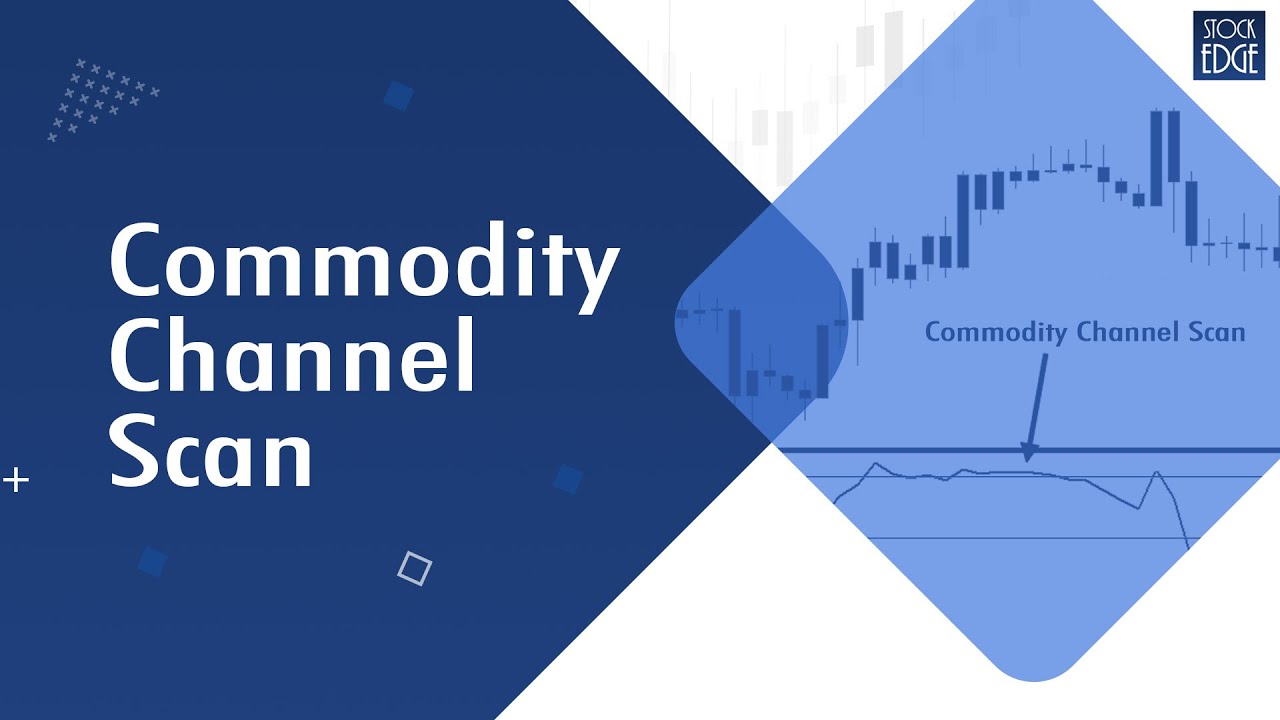
Commodity Channel Index (CCI) is an Oscillator which indicates the trend change and momentum within the trend. Use StockEdge app to get CCI scans and other features to do your analysis which you can download from here: https://play.google.com/store/apps/de...
The #CommodityChannelIndex (CCI) is used to identify trends not only in commodities but also in stocks and currencies. Traders and Investors use CCI to identify price reversals, price extremes and trend strength. It has a range from +100 to -100. The area above +100 is overbought region, the area between +100 and -100 is a normal region and the area below -100 is oversold region.
The '0' (zero) line is the marker between the bull and bear territory. In a deep correction, the CCI of a stock would go below -100 and now if a bullish correction takes place, the CCI of a stock would go above -100 and if the bullishness increases the CCI of the stock would go above 0 (zero) and if the bullishness momentum continues the CCI would eventually go above +100.
If a bearish reversal takes place the CCI moves below +100, then 0 (zero) and then -100. Use StockEdge application to find out stocks which are showing Bullish or Bearish signal in CCI indicator. Watch this video on how to use CCI Indicator in StockEdge app.
You can also buy #StockEdge Basic Membership and get access to advanced feature of StockEdge app: https://stockedge.com/Plans/basicmemb...
You can also follow us in twitter at https://twitter.com/mystockedge?lang=en
To learn about more stock market related topics you can visit our #Elearnmarkets website:https://www.elearnmarkets.com/
Повторяем попытку...
Доступные форматы для скачивания:
Скачать видео
-
Информация по загрузке: