Samsung Country Lock & Network lock Explained | MCK / NCK Code | S25 Ultra Proof | VIKASH KI DUNIYA
Автор: VIKASH KI DUNIYA
Загружено: 2025-11-02
Просмотров: 5539
Описание:
🔥 *Samsung Country Lock Full Explanation + Unlock Proof | MCK Code | NCK Code | S25 Ultra Unlock | Step by Step Guide by VIKASH KI DUNIYA* 🔥
▬▬▬▬▬▬▬▬▬▬▬▬▬▬▬▬▬▬▬
⋆⋆⋆My WhatsApp Number⋆⋆⋆
+918563958500
http://wa.me/918563958500
▬▬▬▬▬▬▬▬▬▬▬▬▬▬▬▬▬▬▬
SAMSUNG COUNTRY UNLOCKTOOL ⤵️
https://www.samkey.org/
▬▬▬▬▬▬▬▬▬▬▬▬▬▬▬▬▬▬▬
Welcome back to VIKASH KI DUNIYA.
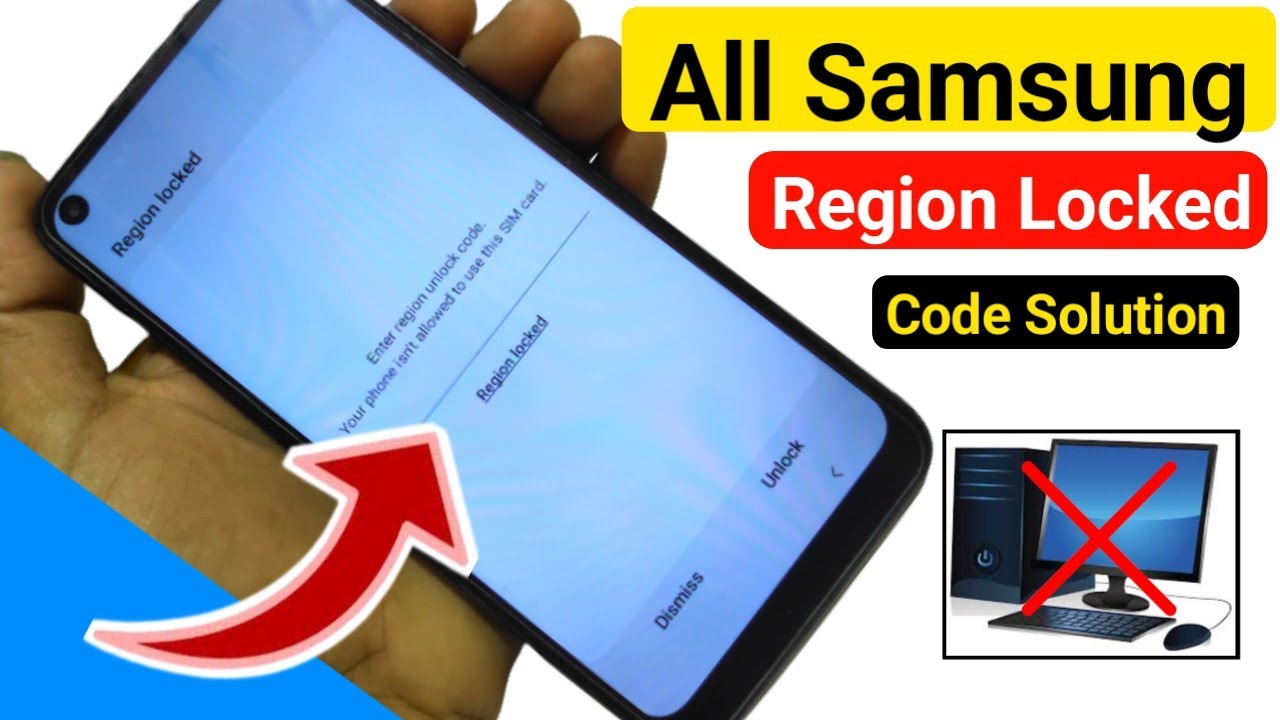
In this video, I explain everything about Samsung Country Lock and Network Lock — what they are, why they appear, and how you can easily unlock them using simple step-by-step methods.
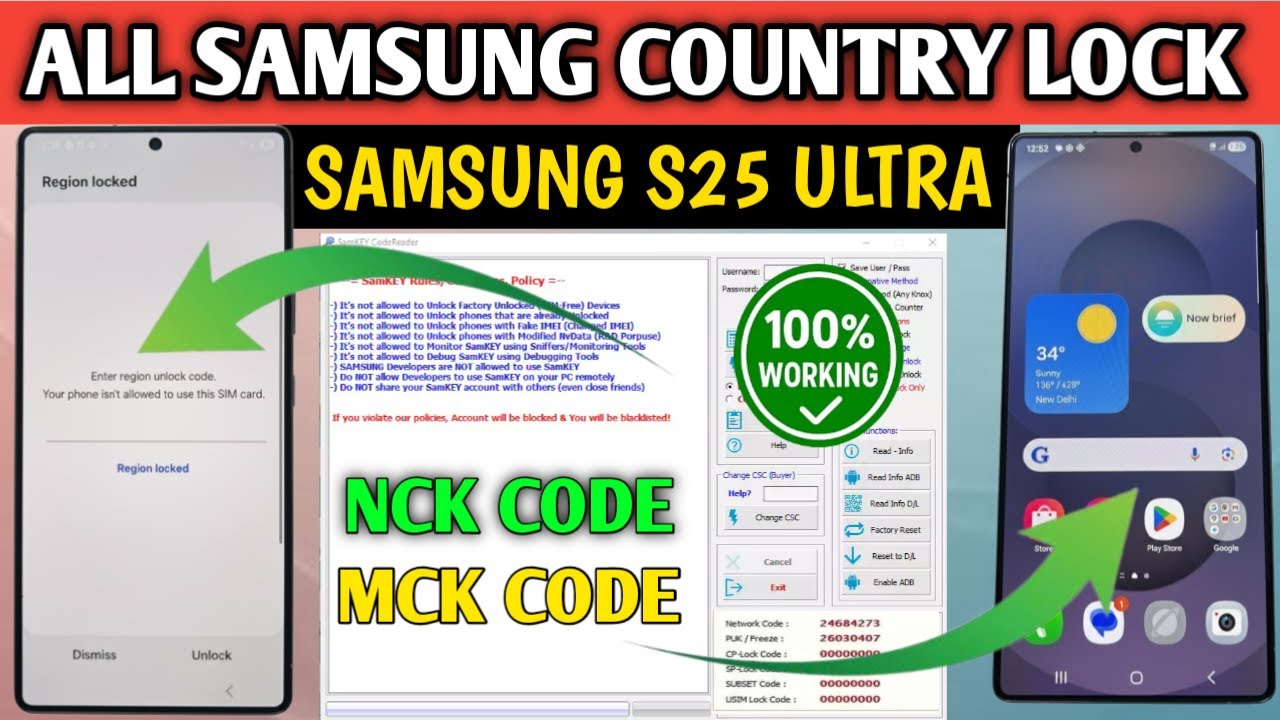
I have unlocked a Samsung S25 Ultra in this video and shown full proof.
If you watch till the end, you will understand how MCK and NCK codes work and how to remove the lock permanently — even if you are a beginner.
---
Part 1: What Is Samsung Country Lock
Country Lock is a restriction added by Samsung for region-based sales.
It means your phone will only work with SIM cards from a specific country.
Example: If your device was made for the UAE, it will not work with Indian SIMs until it is unlocked.
This lock ensures the phone is activated first in the original country before being used elsewhere. To remove it, you need special unlock codes like MCK (Master Control Key) and NCK (Network Control Key).
---
Part 2: Why Do Phones Get Locked
Here is why your Samsung ma1y show "Network Locked":
1. The phone is registered for a specific region or carrier.
2. The IMEI is locked to that country or operator.
3. When you insert a different SIM, the system checks the code.
4. If it does not match, you will see "Network Locked" or "SIM not valid."
This is where MCK and NCK codes come into play to release the restriction.
---
Part 3: Understanding MCK and NCK Codes
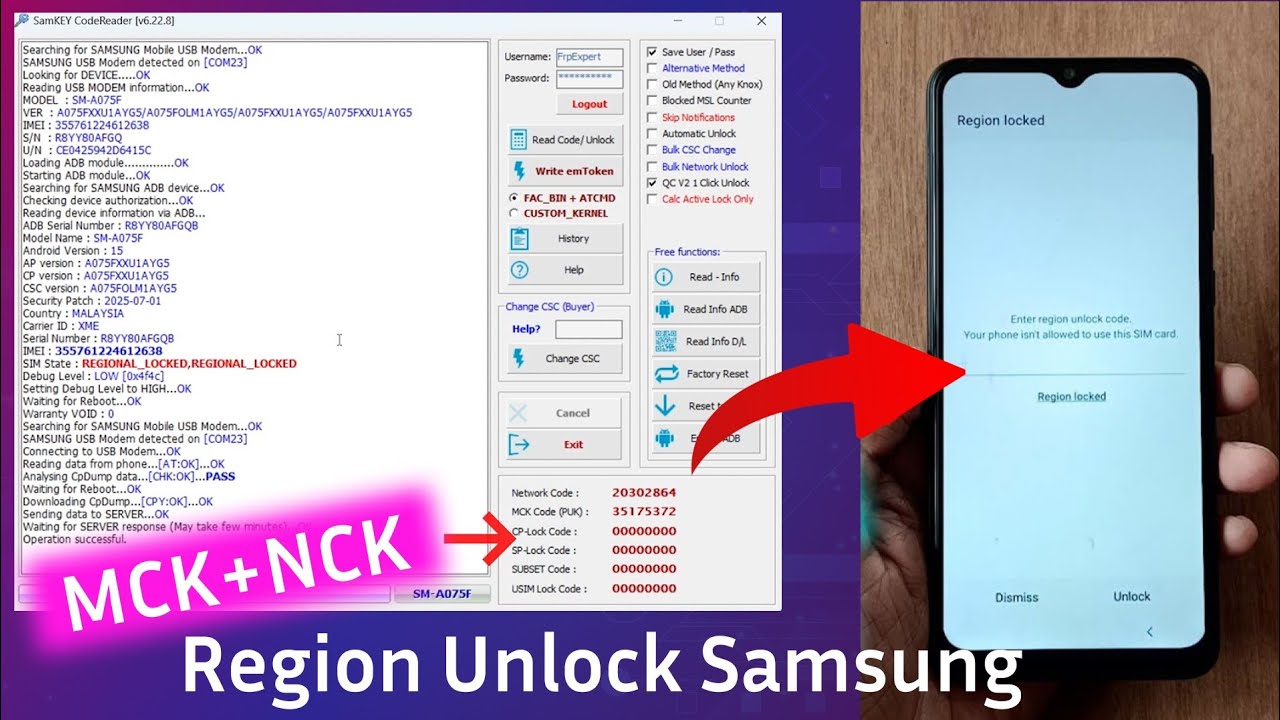
NCK (Network Control Key) unlocks your phone from the carrier network so it can accept any SIM.
MCK (Master Control Key) is needed when you have entered the wrong unlock code too many times and the counter is blocked. It resets the counter.
Once both codes are correctly entered, your Samsung phone becomes fully and permanently unlocked.
In the video, I demonstrate this live on a Samsung S25 Ultra.
---
Part 4: Country Lock vs Network Lock
These two locks are different.
Country Lock limits your phone to SIMs from one country.
Network Lock limits your phone to a specific carrier, such as Verizon, AT&T, or Jio.
For example:
A UAE device is country locked — only UAE SIMs work.
A Verizon USA device is network locked — only Verizon SIMs work.
The unlocking process is similar, but the tools and codes vary slightly.
---
Part 5: Step-by-Step Unlock Process
Here is the full process I show in the video:
1. Check Lock Type – Dial *#7465625# to view lock status.
2. Get IMEI Number – Dial *#06#.
3. Obtain MCK/NCK Codes – From the official Samsung server or GSM tools.
4. Insert a Different SIM – You will see "SIM Network Locked."
5. Enter Codes – MCK first, then NCK.
6. Restart Your Phone – Your device is now unlocked.
This process works for almost all models including the S, A, and Note series.
Common Mistakes to Avoid
Entering the wrong code can freeze the counter.
Using fake or cracked software can damage the IMEI.
Relying on scam websites for unlocks.
Flashing firmware without a backup.
Always follow safe, tested methods like the one shown in the video.
Samsung S25 Ultra Unlock Proof
This part shows real unlocking proof.
Steps shown live:
1. Check lock status.
2. Reset wrong attempts via MCK.
3. Enter NCK code.
4. Phone accepts new SIM.
5. Calls and data work perfectly.
Result – 100 percent verified unlock.
---
Benefits of Unlocking
After unlocking, your device becomes completely free:
Works with any SIM worldwide.
Increases resale value.
No roaming restrictions.
Supports all network updates.
Functions as a global model.
---
Tips by Vikash Ki Duniya
Never guess the code.
Follow steps in order and do not skip any part.
Watch the full video for clarity.
This guide is designed for GSM technicians, mobile repair beginners, and anyone who wants to master Samsung unlocking.
With practice, you will become a Country Unlock Expert too.
---
Conclusion
This video fully explains Samsung Country Lock and Network Unlock, covering:
What the lock means
How MCK/NCK codes work
Full step-by-step process
Best tools to use
Live unlocking proof
enter region unlock code your phone isn't allowed to use this sim card
enter mck network unlock code blocked too many incorrect attempts
If this video helps you, like it, comment your device model, and subscribe to VIKASH KI DUNIYA.
I post regular videos on GSM Unlocking, Repairing, and Tool Tutorials for Samsung, Vivo, Oppo, Realme, and Xiaomi.
Thanks for watching.
Stay connected with VIKASH KI DUNIYA.
Повторяем попытку...
Доступные форматы для скачивания:
Скачать видео
-
Информация по загрузке: