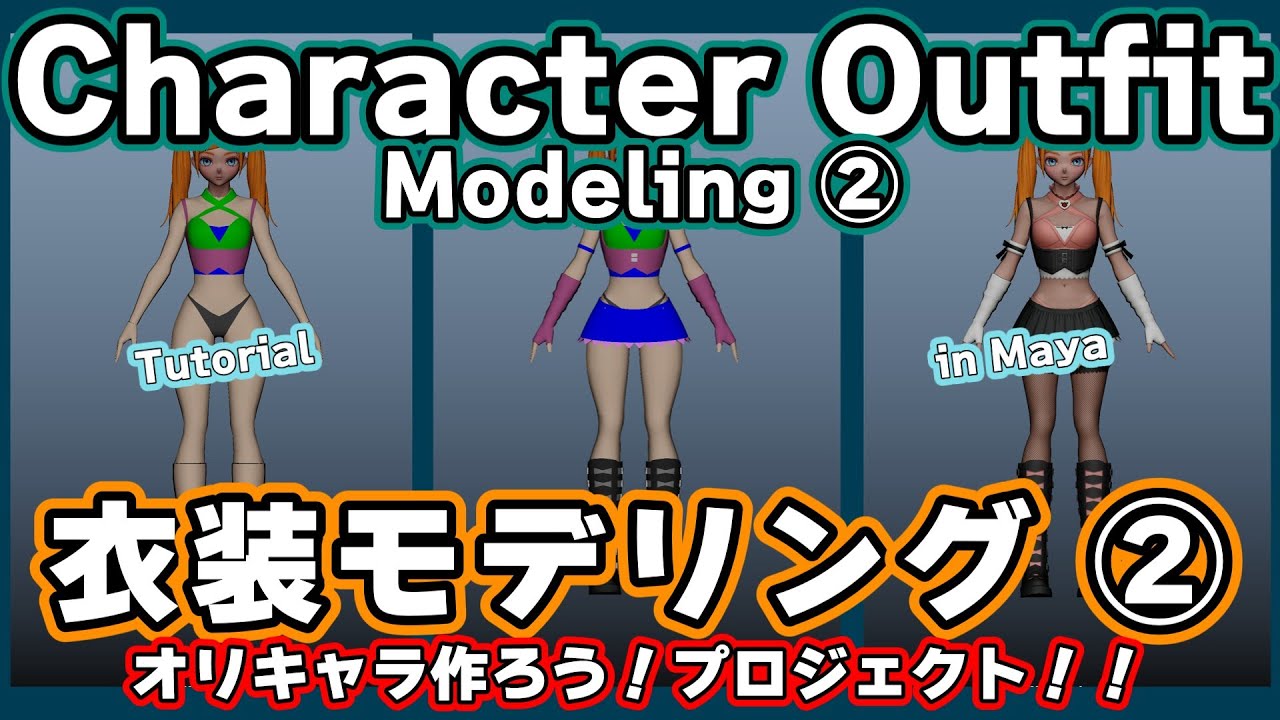
Maya【衣装 モデリング】①💠プリミティブから作る全身ボディ&衣装モデリング解説 その1✨オリキャラ作ろう!プロジェクト!!
Автор: Maya Hack | 3D Tips & Fixes
Загружено: 2025-12-28
Просмотров: 381
Описание:
✨ オリキャラ作ろう!プロジェクト – Maya【衣装モデリング】① ✨
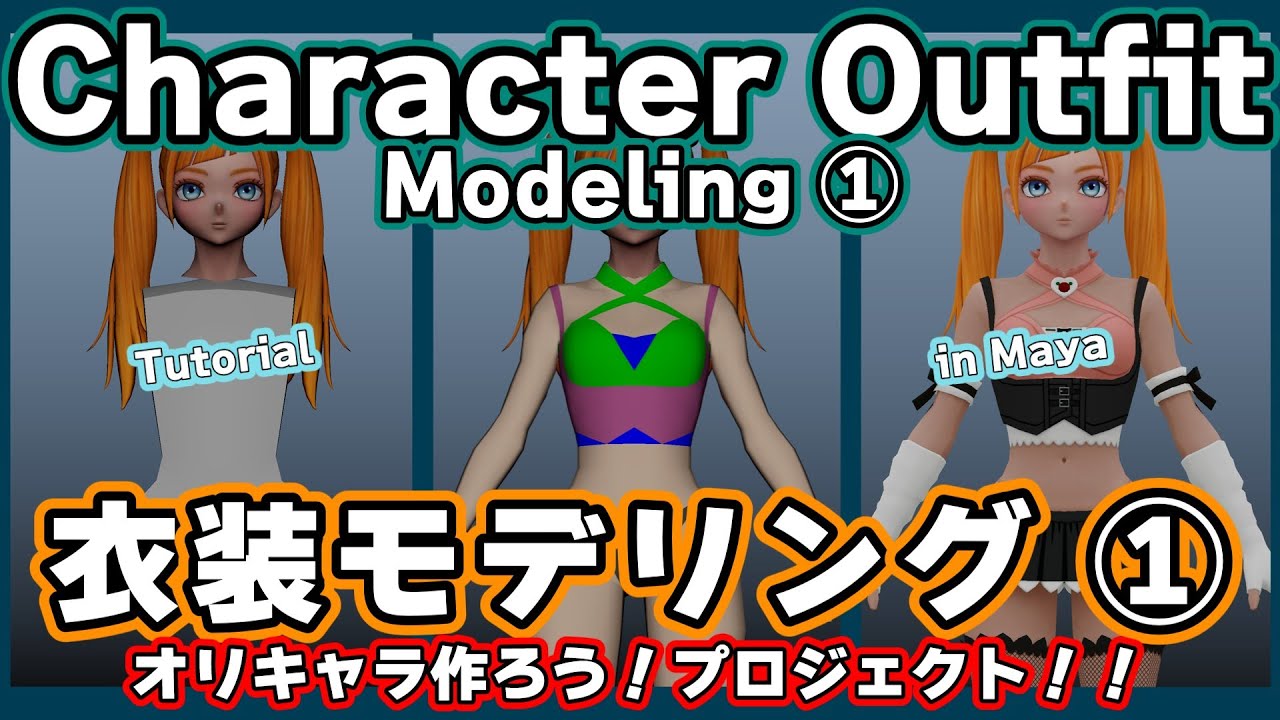
前回作成した頭部モデルに合わせて、今回は 衣装(ボディ)モデリングを進めていきます。
実務では行わない「プリミティブからの造形」ですが、モデリング練習として工程を丁寧に解説しています。
イメージプレーンの設定から、胴体・腕・脚・手・肩まわりの分割、
そして衣装デザインに合わせたライン調整まで、
キャラクターモデリングの基礎と考え方がしっかり身につく内容になっています。
✨ Original Character Creation Project – Maya [Outfit Modeling] ① ✨
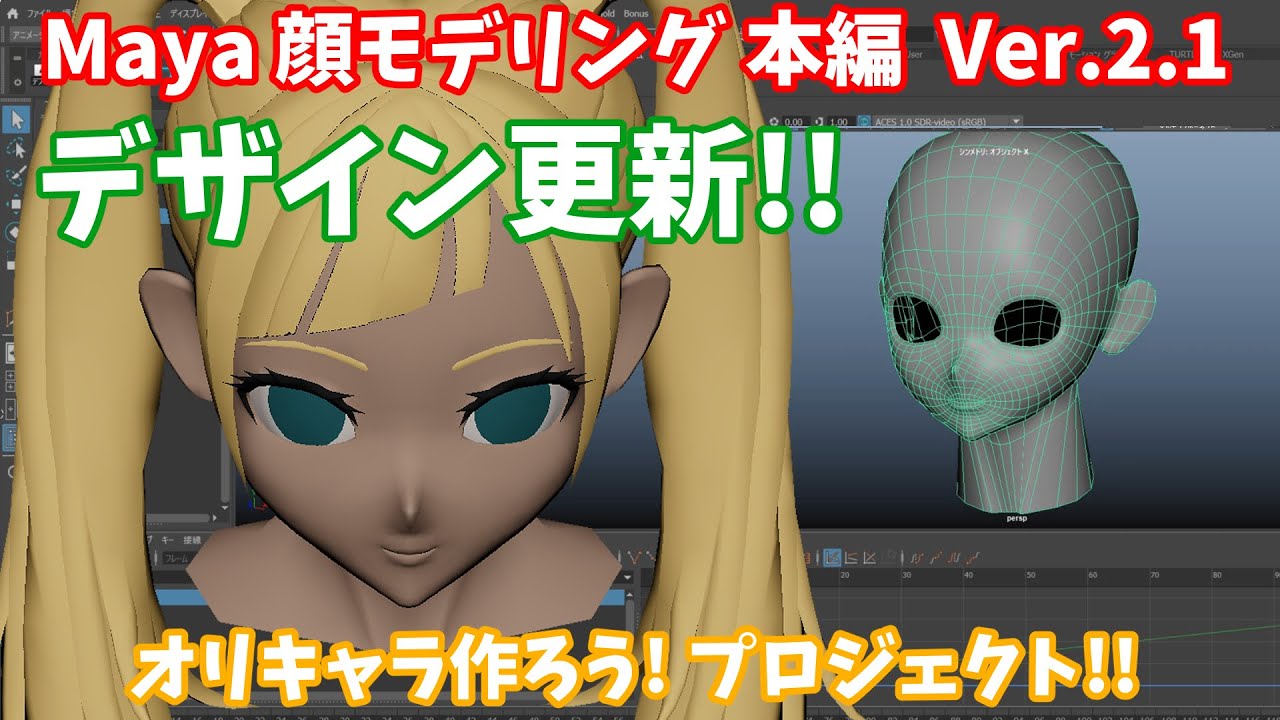
Building on the head model created in the previous video, this session focuses on outfit (body) modeling.
Although starting from primitive shapes is not a workflow typically used in production, it’s an excellent exercise for learning, and I walk through each step carefully.
From setting up image planes to dividing the torso, arms, legs, hands, and shoulder areas—
and finally adjusting the mesh to match the outfit design—
this video covers the essential foundations and thought process behind character modeling.
I accidentally deleted the auto‑dubbing feature. My apologies for the inconvenience.🙇🏻
⏱️ タイムスタンプ
00:00 イントロ & 今日の作業説明 🌎 Intro & Overview of Today’s Work
00:31 正面図イメージプレーン設定🌎 Setting Up the Front Image Plane
01:03 髪を非表示にして作業開始🌎 Hiding the Hair to Begin Modeling
01:13 プリミティブから形状編集🌎 Shaping the Model Starting from Primitives
02:39 押し出して脚を作る🌎 Extrude it to create the legs.
02:55 腕の押し出し🌎 Extruding the Arms
03:14 膝のエッジ追加→押し出して下腿を作る🌎 Adding Knee Edge Loops→Extruding the lower leg
03:49 背面の調整🌎 Adjusting the Back
04:22 肘の分割追加🌎 Adding Edge Loops for the Elbows
04:49 足首〜ヒールの形成🌎 Forming the Ankle and Heel
06:03 ブーツ〜脚付け根の調整🌎 Adjusting the Boots and Upper Leg Area
06:35 手・指の造形🌎 Modeling the Hands and Fingers
08:21 肩・鎖骨まわりの分割🌎 Adding Divisions Around the Shoulders and Collarbone
10:21 衣装デザインに合わせた分割開始🌎 Starting Mesh Cuts Based on the Outfit Design
11:12 前面調整(背面は非表示)🌎 Adjusting the Front (Back Hidden to Avoid Mistakes)
12:09 衣装ラインに沿った分割🌎 Adding Cuts Along the Outfit Lines
12:38 実務での作業順の話🌎 Talking About Workflow Order in Real Production
13:58 仮マテリアル割り当て🌎 Assigning Temporary Materials
14:15 四角ポリ・三角ポリの使い分け🌎 Using Quads and Triangles Appropriately
15:31 選択項目の分離表示について🌎 About Isolated Display of Selected Components
16:01 頂点移動とエッジ追加🌎 Moving Vertices and Adding Edges
16:53 腕付け根の調整🌎 Adjusting the Shoulder Joint Area
17:23 マルチカットで分割追加🌎 Adding More Cuts with Multi-Cut
19:00 指のディテールについて🌎 Notes on Finger Details
19:27 鎖骨の調整🌎 Adjusting the Collarbone
20:16 本日の作業終了🌎 Wrapping Up Today’s Work
🎨 この動画で学べること
イメージプレーンの扱い方
プリミティブからのキャラ造形
関節を意識したエッジ配置
衣装デザインに合わせた分割の考え方
実務でのモデリング進行のポイント
👍 応援してもらえると嬉しいです
高評価・コメント・チャンネル登録していただけると、
次の動画制作の励みになります。
#3dmodeling #maya3d #facemodel #mayamodeling #faceModeling #headMoideling #衣装モデリング #outfit modeling #mayatutorial #服モデリング #Costume Modeling #mayatutorial #Maya キャラクター モデリング 初心者
----------------------------------------------------------
声: AivisSpeech/morioki
音楽:BGMer http://bgmer.net
----------------------------------------------------------
Повторяем попытку...
Доступные форматы для скачивания:
Скачать видео
-
Информация по загрузке: