🔥 ChatGPT + Excel Automation | 4 Methods Transfer Data to Multiple Sheets (Formulas, Macros & Pivot)
Автор: Excel Lab PK
Загружено: 2026-03-11
Просмотров: 849
Описание:
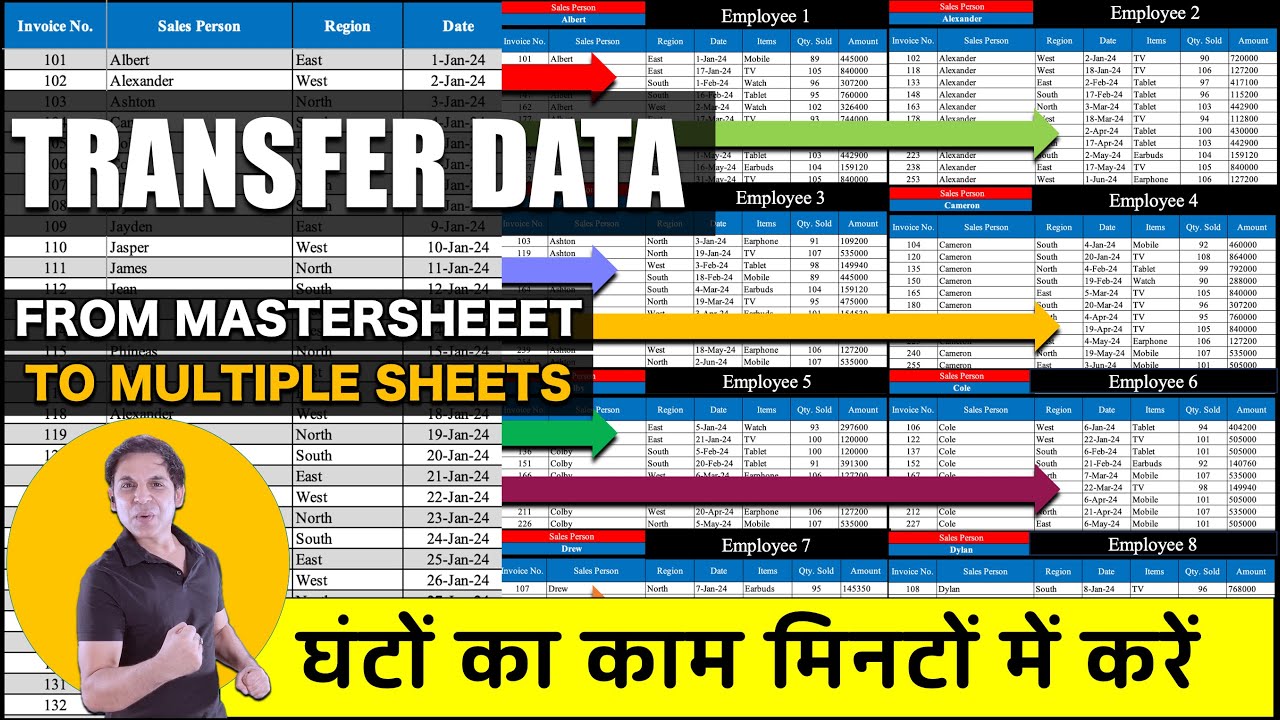
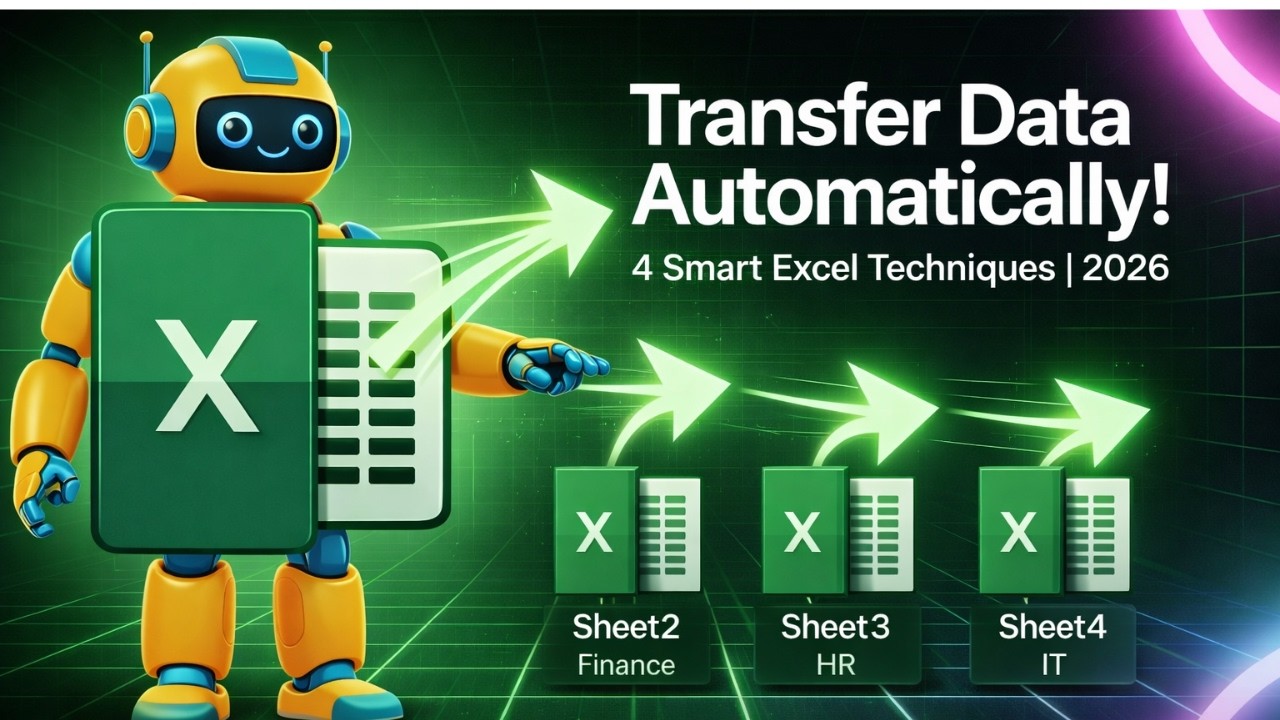
In this tutorial, you will learn how to automatically transfer data from one main sheet to multiple sheets in Excel using 4 powerful methods: ChatGPT, Excel Formulas, Macros, and Pivot Tables.
If you often copy and paste data into different sheets, this Excel automation trick will save you a lot of time and make your workflow faster and more professional.
By the end of this video, you will be able to enter data once in the main sheet and automatically distribute it to multiple department sheets without manual work.
This tutorial is perfect for Excel beginners, office workers, data analysts, and students who want to improve productivity with smart Excel techniques.
📂 Download Sample Files
Follow along with the same sample files used in this tutorial:
1️⃣ https://h1.nu/1e220
2️⃣ https1.nu/1e22c
3️⃣ https://h1.nu/1iOQP
4️⃣ https://h1.nu/1iOQT
📚 What You Will Learn
Automatically transfer data to multiple sheets
Excel automation techniques
Using formulas to distribute data
Automating Excel tasks with macros
Using Pivot Tables for data separation
How ChatGPT can help in Excel automation
🔎 Keywords
excel transfer data to multiple sheets
excel automation tutorial
excel macros tutorial
excel pivot table tutorial
excel formulas tutorial
excel automation tricks
chatgpt excel automation
excel data automation
excel tips and tricks
excel tutorial for beginners
📢 Hashtags
#Excel
#ExcelAutomation
#ExcelTips
#ExcelTutorial
#ChatGPT
#MicrosoftExcel
#ExcelMacros
#ExcelFormulas
#ExcelPivotTable
#ExcelTricks
Повторяем попытку...
Доступные форматы для скачивания:
Скачать видео
-
Информация по загрузке: