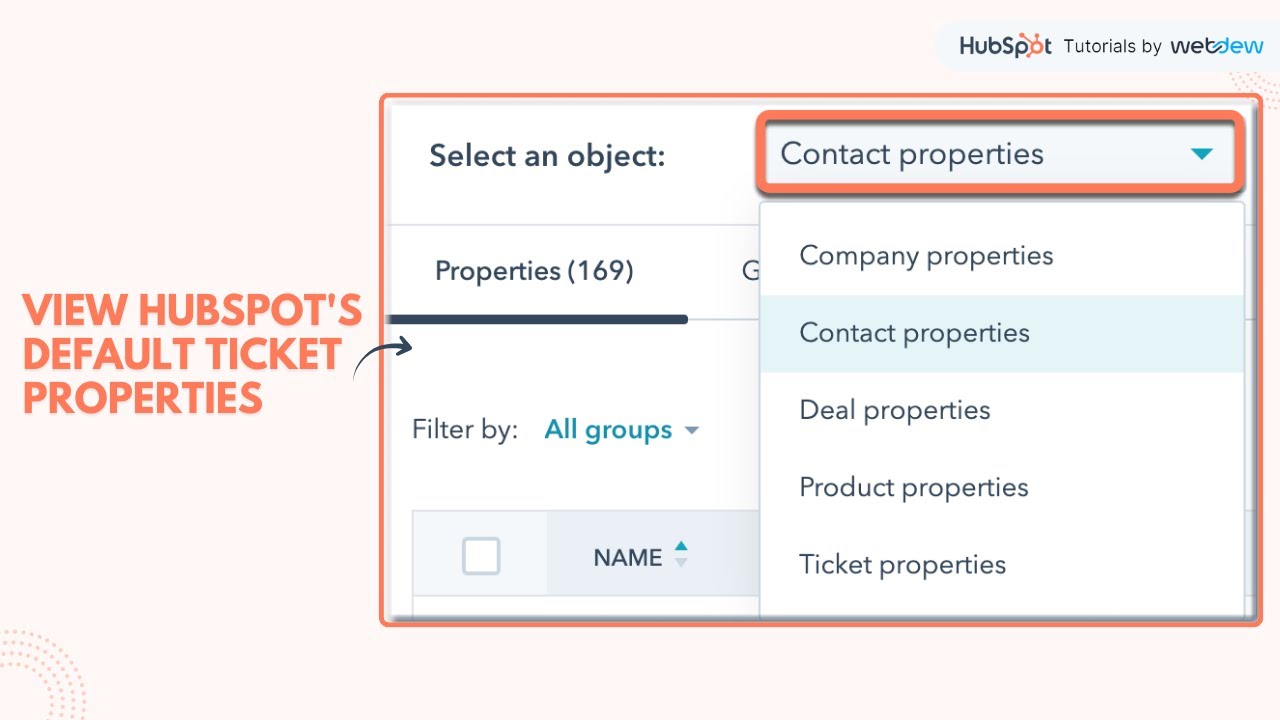
How-to view HubSpot's default ticket properties.
Автор: HubSpot Tutorials
Загружено: 2023-01-25
Просмотров: 532
Описание:
In this HubSpot tutorial, we will walk you through how to view HubSpot's default ticket properties.
HubSpot has a number of default ticket properties to capture the details needed to create a new ticket. You can also create custom ticket properties to capture the information most relevant to your business needs.
Steps to Follow:
Step 1. In this tutorial, we will show you how you can view default ticket properties in HubSpot.
Step 2. In your HubSpot account click the settings icon at the top right.
Step 3. In the left sidebar menu click properties.
Step 4. In the select, an object option click ticket properties.
Step 5. Click All users and select HubSpot in the checkbox.
Step 6. Here you will see all HubSpot default ticket properties to capture the information most relevant to your business needs
That’s how you can view HubSpot's default ticket properties.
________________________________________________________________________
Follow HubSpot Tutorials by webdew: / @hubspottutorials
With webdew's HubSpot account setup tutorials, you will learn about General, Security, Notifications, Website, Inbox settings, and much more. All the videos that are shared on this Youtube channel will make you run through the HubSpot tool effortlessly.
Moreover, you will learn more about the HubSpot CRM, Marketing Hub, Sales Hub, Service Hub, Reporting, and Dashboards through our videos and see how you can use these tools to leverage HubSpot to benefit your business.
To get access to Webdew’s Weekly Newsletter with tips and tricks for using HubSpot, follow the steps below: https://www.webdew.com/hubspot/newsle...
1. Go to the Webdew website and find the newsletter sign-up form.
2. Enter your email address in the designated field.
3. Click the “Subscribe” button to submit your subscription request.
4. You should receive a confirmation email shortly after, which will ask you to confirm your subscription. Follow the instructions in the email to complete the process.
Once you’ve successfully subscribed to the newsletter, you’ll receive weekly updates and tips on using HubSpot. Keep an eye on your inbox for the latest information and helpful advice.
Get Started with HubSpot with the Free CRM Sign-up:
https://www.hubspot.com/products/get-...
Повторяем попытку...
Доступные форматы для скачивания:
Скачать видео
-
Информация по загрузке: