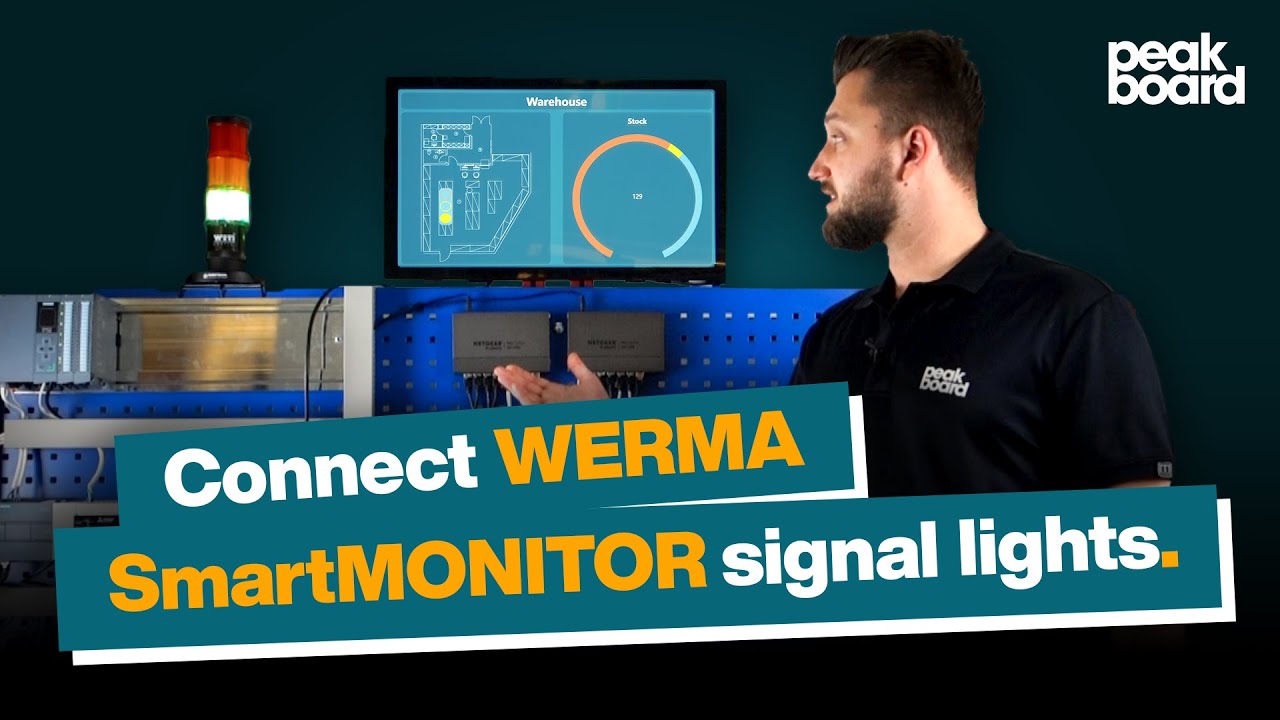
How to connect WERMA SmartMonitor signal lights to your SAP System.
Автор: Peakboard
Загружено: 2023-02-16
Просмотров: 614
Описание:
In this video, Moritz, Software Consultant at Peakboard, shows you how to connect your WERMA signal light with Peakboard!
Signal lights are used to indicate errors or malfunctions. When these lights are connected to a dashboard, you can automatically gather and analyze error messages to determine the cause of the problem. This allows you to eliminate sources of errors and reduce the error rate.
Enjoy trying it out!
______________________________________________
Start your visualization project with Peakboard!
◼️ Download free Peakboard Designer: https://peakboard.com/en/peakboard-de...
◼️ Download free templates: Peakboard Templates – Examples for every use case
◼️ Check out our help site: Peakboard Help
______________________________________________
Peakboard helps you easily and efficiently visualize complex data and processes in real-time. For lean production, lean management, shop floor management, logistics 4.0, corporate digital signage, and much more. Peakboard is an enlightening solution for all applications. ~ https://peakboard.rocks/en ~
______________________________________________
Follow us on Social Media:
◼️ Facebook: Peakboard
◼️ Twitter: pkbrd
◼️ Instagram: / peakboard
◼️ LinkedIn: / peakboard-gmbh
________________________________________________
Never miss a thing!
◼️ Visit our blog: https://peakboard.com/en/blog/
◼️ Our Webinars: https://peakboard.com/en/webinar-over...
#WERMA | #Andon | #Dashboard
Повторяем попытку...
Доступные форматы для скачивания:
Скачать видео
-
Информация по загрузке: