How To
Автор: TECHNOLOGY DISCUSSION WITH AMIT
Загружено: 2025-07-05
Просмотров: 381
Описание:
📌 Welcome to TECHNOLOGY DISCUSSION WITH AMIT!
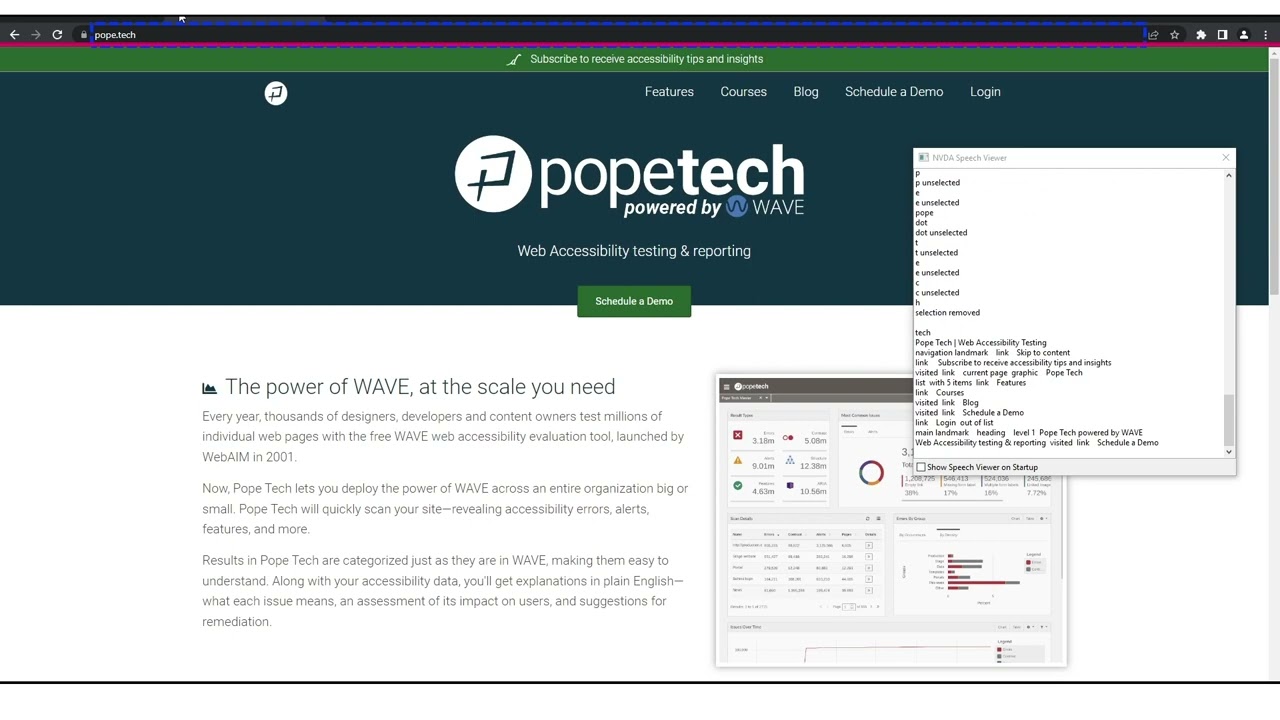
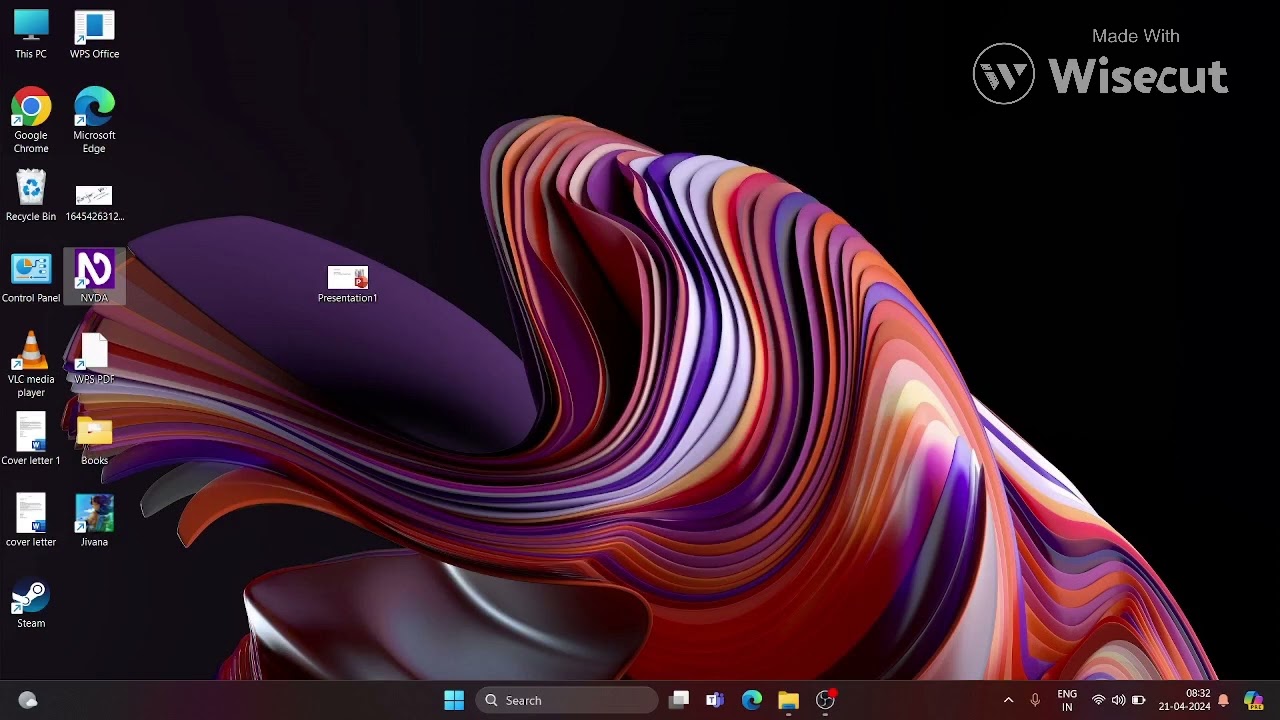
In this step-by-step tutorial, I’ll guide you through everything you need to know about the NVDA (NonVisual Desktop Access) Screen Reader—from downloading & installing to essential settings & shortcuts! Whether you're a beginner or looking to refine your NVDA skills, this video is fully accessible for visually impaired users, with detailed descriptions and practical demonstrations.
📋 What You’ll Learn in This Video:
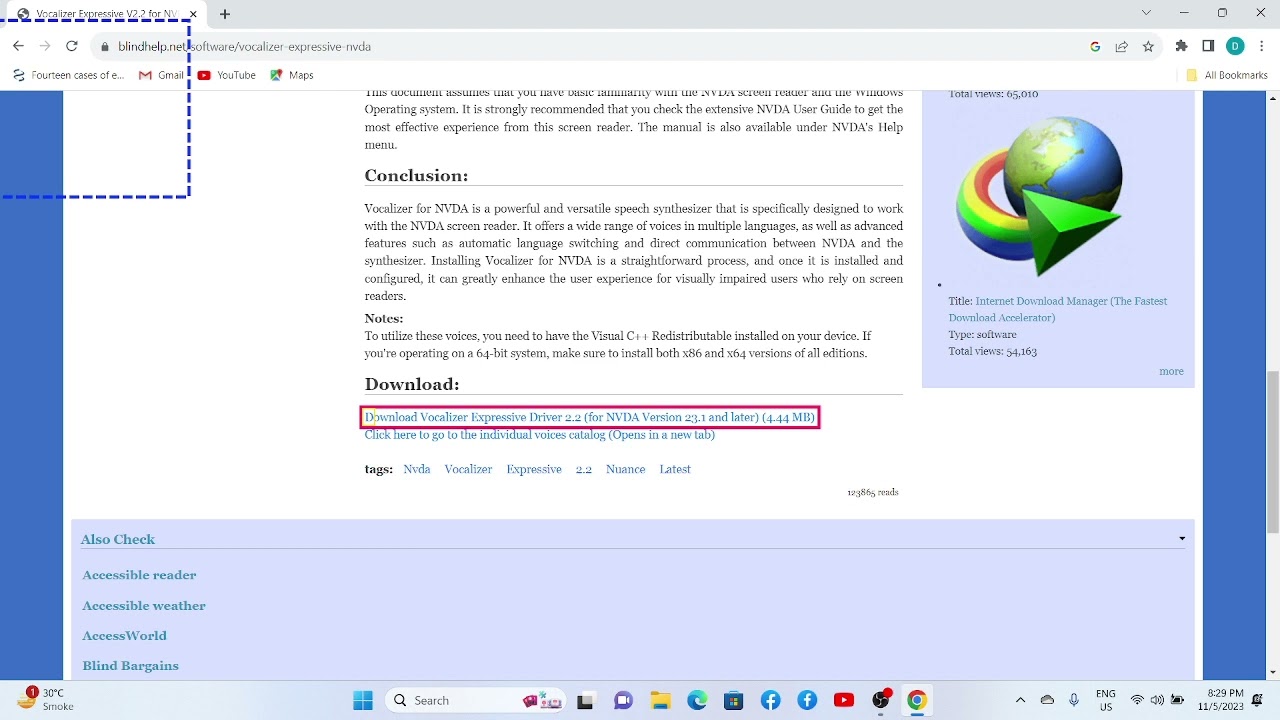
🔹 ✅ How to Download NVDA Screen Reader from nvaccess.org?
🔹 ⚙️ Step-by-Step Installation Guide for NVDA
🔹 🔊 Basic but Important NVDA Shortcuts:
How to Start/Exit NVDA?
How to Restart NVDA?
How to Change Synthesizer & Voices?
How to Adjust Speech Rate & Pitch?
How to Enable/Disable Auto Ducking?
🔹 🛠️ Essential NVDA Settings:
Character, Word & Command Keys Setup
Symbol Label Configuration
Progress Bar Settings
Speech Mode Adjustments
Mouse Tracking (On/Off)
🎯 Why Watch This Tutorial?
✔ Fully Accessible – Designed for visually impaired users with detailed audio descriptions.
✔ Beginner-Friendly – No prior NVDA knowledge required!
✔ Practical Demo – See every step in action for better understanding.
✔ Time-Saving Shortcuts – Learn the most useful NVDA commands quickly!
📢 Engage with Us!
👍 Like this video if you found it helpful!
💬 Comment below with your questions or suggestions for future videos.
🔔 Subscribe & Hit the Bell Icon to stay updated with TECHNOLOGY DISCUSSION WITH AMIT for more accessible tech guides!
🔗 Useful Links:
🌐 Download NVDA: https://www.nvaccess.org
🙏 Thank You for Watching!
Let’s make technology accessible for everyone! 🚀💻
#NVDAScreenReader #Accessibility #BlindTech #ScreenReader #TechTutorial #VisuallyImpaired #AmitTechGuide #FreeScreenReader #NVDAInstall #TechForAll
Повторяем попытку...

Доступные форматы для скачивания:
Скачать видео
-
Информация по загрузке: