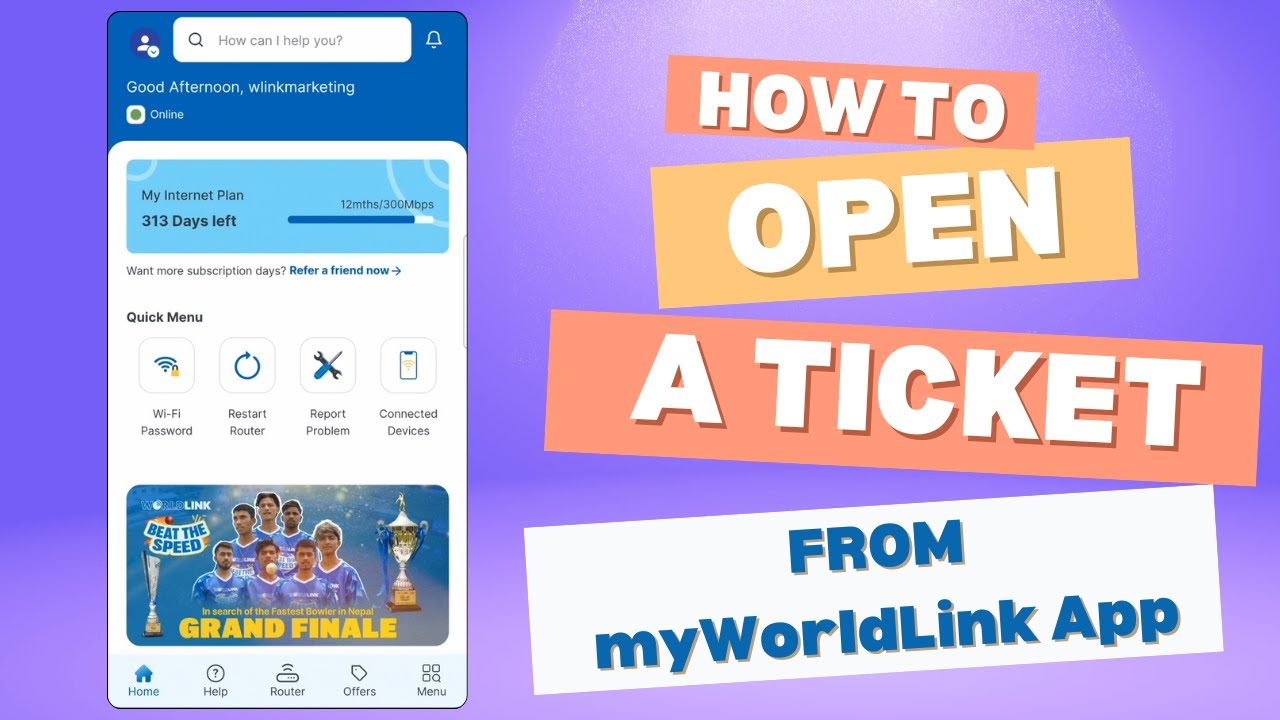
How to Open a Ticket from the myWorldLink App | WorldLink Communications | New Interface 2024
Автор: WorldLink Communications
Загружено: 2024-07-14
Просмотров: 3184
Описание:
WorldLink customers can easily open tickets for any inquiries or internet-related issues. In this video, we explain how to open a ticket using the myWorldLink app.
Here’s how:
1. Open the myWorldLink app.
2. On the home page, under the quick menu, select "Report a problem."
3. Click on "Report a problem."
4. Our system will perform a basic test on your network to identify any issues. If a problem is found, it will be addressed. If no issue is detected, you'll see a message stating "no issues detected."
5. Click on "Report other problem" to describe your internet issue or ask any relevant questions.
6. Once the ticket is opened, our support representative will call you on your registered number shortly.
To download the myWorldLink app :
Android: https://bit.ly/41wAYvh
IOS: https://apple.co/3VV6eTo
Important Note:
Customers must connect to their WorldLink home WiFi SSID for accurate account diagnostic results.
With this process, No need to call us—we will contact you, saving your balance!
#HowTo #myWorldLinkApp #WorldLink #openaticket #HowtoOpenticketfrommyWorldLink App #saveyourbalance #ai #chitobhanekaiworldlink #WorldLinkSupports #callus #app
#chitobhanekaiworldlink #joddaimannkotar #worldlink #2023 #trending #nepal
Follow WorldLink for regular updates:
Official Website: https://worldlink.com.np/
Facebook: / wlink.np
Instagram: / wlinkcommunications
Twitter: / wlinkcomm
LinkedIn: / worldlink-communications
Whatapp: https://bit.ly/3VC8Og5
Повторяем попытку...
Доступные форматы для скачивания:
Скачать видео
-
Информация по загрузке: