How To Use SharePlay in Messages on iPhone
Автор: Easy Tech Tutorials
Загружено: 2023-04-25
Просмотров: 2651
Описание:
How To Use SharePlay in Messages on iPhone
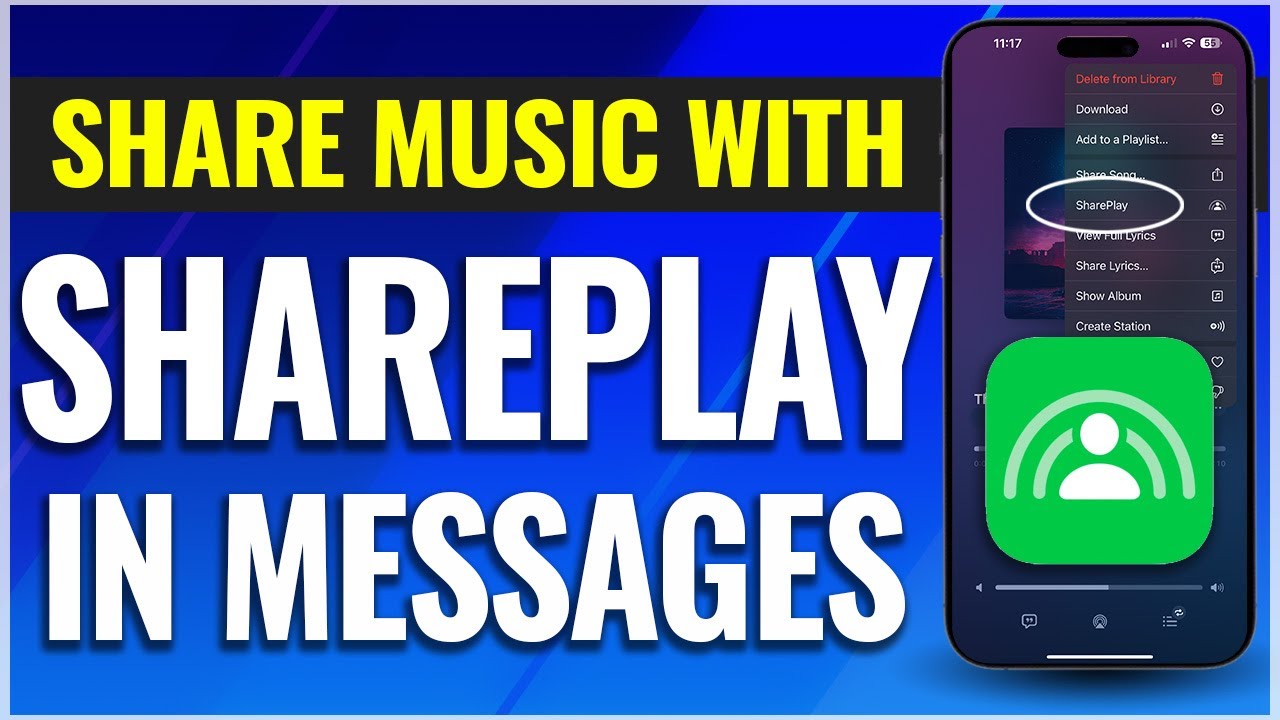
In this video, I’m going to show you how to use the SharePlay feature on an iPhone to listen to music with friends via Messages.
Before we start, make sure you’re up to date with the latest iOS version to use SharePlay. As of right now, the features we’ll be looking at and the version that is the most recent is iOS 16.
To get started, open an app that supports SharePlay. This includes Apple apps like Apple Music, Apple TV, and Fitness. You can also share with TikTok, Twitch, and a few more.
We’ll share some music that we’re listening to through Apple Music.
Let’s say I want someone to listen to this playlist with me. This would work on any song or album also though. With the playlist open, tap the three dots on the top right of the page.
From inside this menu, you’ll see SharePlay. Choose that.
Next, add your contacts that you want to share with. After that, select messages. One thing though, is each person in the conversation has to have their own subscription or on a family plan, purchase, or on a trial of the service you’re sharing.
Enter a message, and then send the text. Once the person joins, tap start to begin playing the music or show.
After that, you can tap the messages icon here to head back into messages and chat, or you can select the Facetime icon to switch over to a Facetime call.
When you’re in the message app, you can tap the right side of the dynamic island to access the music controls or press and hold on the main island to bring up the SharePlay controls.
From here you can select the SharePlay button for more options or hit the x to end.
And that’s how you listen to music with someone using SharePlay inside of Messages.
Thanks for watching! Give it a thumbs up if you found this helpful!
http://www.youtube.com/c/quicktechvid...
Повторяем попытку...
Доступные форматы для скачивания:
Скачать видео
-
Информация по загрузке: