Nano CIC2 & CIC4: Charging Instructions
Автор: Nano Hearing Aids
Загружено: 2023-08-21
Просмотров: 4459
Описание:
In this tutorial, you’ll learn how to charge your Nano CIC2 and CIC4 hearing aids. You may have heard them called the Nano CIC Recharge and Nano CIC Digital Recharge in the past. We'll guide you through the process of using the charging case to keep your hearing aids ready for optimal performance.
Charging Case
Upon opening the lid, you'll find both hearing aids inside. The front features three lights. On the side, you'll find an on/off switch to control the charging case's power. Not only can you charge your hearing aids with this case, you can charge the case itself to have charging power while on the go!
Powering Up the Case
To power the charging case on or off, hold the button for three seconds.
Charging Steps
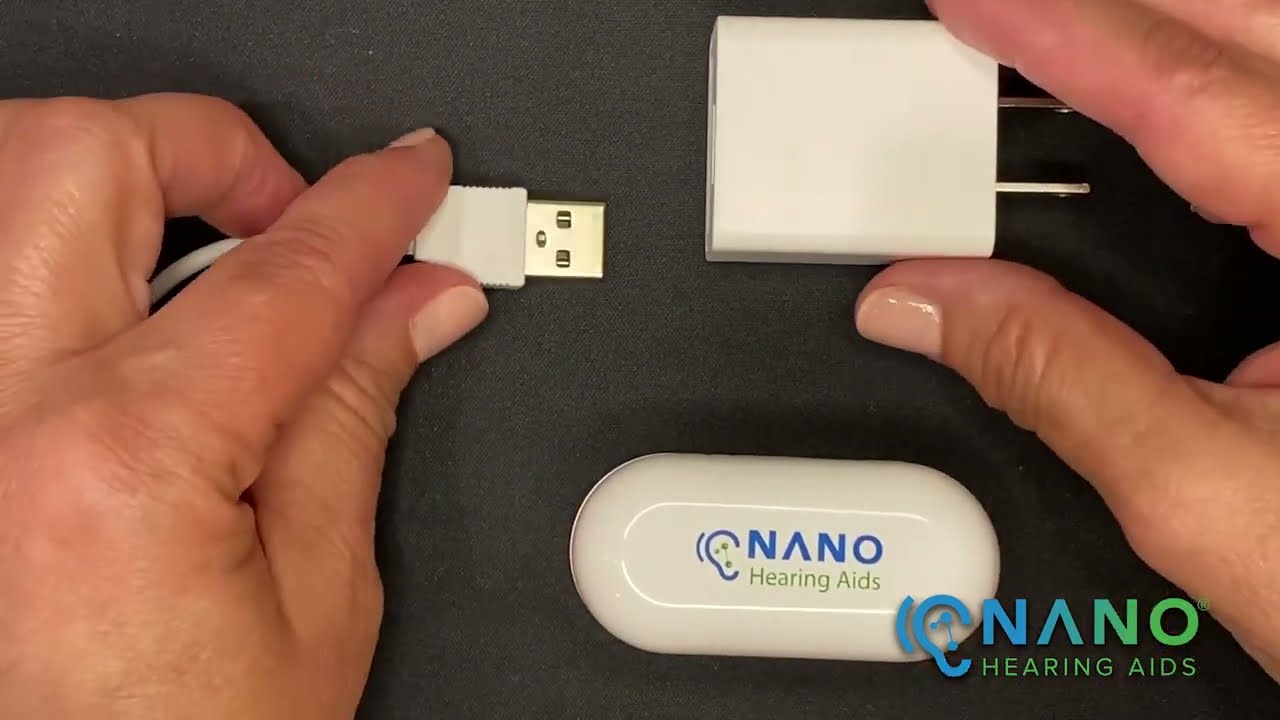
To charge the case, plug the larger end of the cable into the charger plug, which can be connected to the wall. Attach the other end to the charging case.
Indicator Lights
The three lights on the case's front indicate charging status:
Left Light: Indicates the left hearing aid's charging status.
Right Light: Indicates the right hearing aid's charging status.
Center Light: Reflects the charging case's status.
Understanding Light Indications
Orange Lights: Show that the case or hearing aids are charging.
Green Lights: Indicate that the case or hearing aids are fully charged.
Preparation for First Use
Before using your hearing aids for the first time, ensure they are fully charged. Remember to turn off the hearing aids before charging. If they're on, hold the button on the faceplate for four seconds to turn them off.
Proper Placement in Charging Wells
To charge the hearing aids, use the provided removable handle. Align the hearing aids' charging contacts with the charging plate in the well. You'll feel a magnetic click when they're securely in place.
Charging Tips
Charging Time: It takes approximately two hours to fully charge the hearing aids.
Battery Life: Once charged, your hearing aids will last for 10 to 13 hours.
Case Management: You can turn off the charging case when not in use.
Overnight Charging: Leave your hearing aids in the case when not in use.
Smart Charging Case
When the center light turns green, the case is fully charged. You can use the case to charge your hearing aids three times without being connected to power. If the center light is green, it means you can charge your hearing aids without needing to plug in the case.
You can either charge your hearing aids while the case is connected to power or use the case's stored charge by checking the green center light.
These instructions can also be found in your user manual or on www.nanohearingaids.com. You can also speak with our Customer Success Team at 619-738-2438 for assistance.
Повторяем попытку...
Доступные форматы для скачивания:
Скачать видео
-
Информация по загрузке: