ycliper

Популярное

Музыка Кино и Анимация Автомобили Животные Спорт Путешествия Игры Юмор

Интересные видео

2025 Сериалы Трейлеры Новости Как сделать Видеоуроки Diy своими руками

Топ запросов

смотреть а4 schoolboy runaway турецкий сериал смотреть мультфильмы эдисон
Скачать

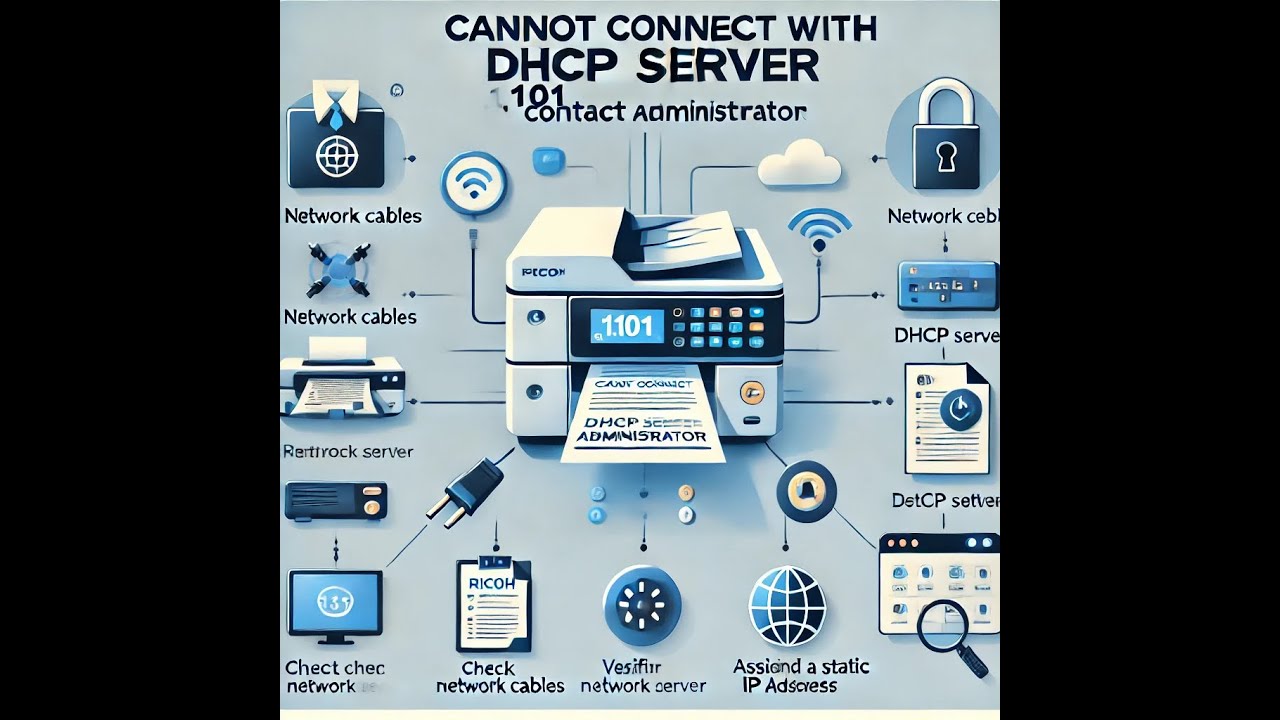
How to fix "Cannot connect with DHCP server .101 contact administrator" on a Ricoh MPC C4504 printer

Автор: Bassonia Tv

Загружено: 2024-09-19

Просмотров: 6578

Описание: The error "Cannot connect with DHCP server .101 contact administrator" on a Ricoh MPC C4504 copier/printer usually means the device is unable to obtain an IP address from the DHCP server. Here are some steps you can take to resolve this issue:

1. Check Network Cables
Ensure that the network cable is securely connected to both the printer and the network switch or wall jack.
If possible, try using a different cable or port to rule out a faulty connection.
2. Restart the Printer and Network Devices
Power off the Ricoh printer and unplug it for about 30 seconds.
Restart the network devices like routers, switches, or DHCP servers.
After restarting the network devices, power on the Ricoh printer.
3. Verify DHCP Server is Running
Make sure the DHCP server in your network (usually on a router or dedicated server) is up and running.
Check that there are enough available IP addresses in the DHCP pool for the printer to obtain one.
4. Check Printer Network Settings
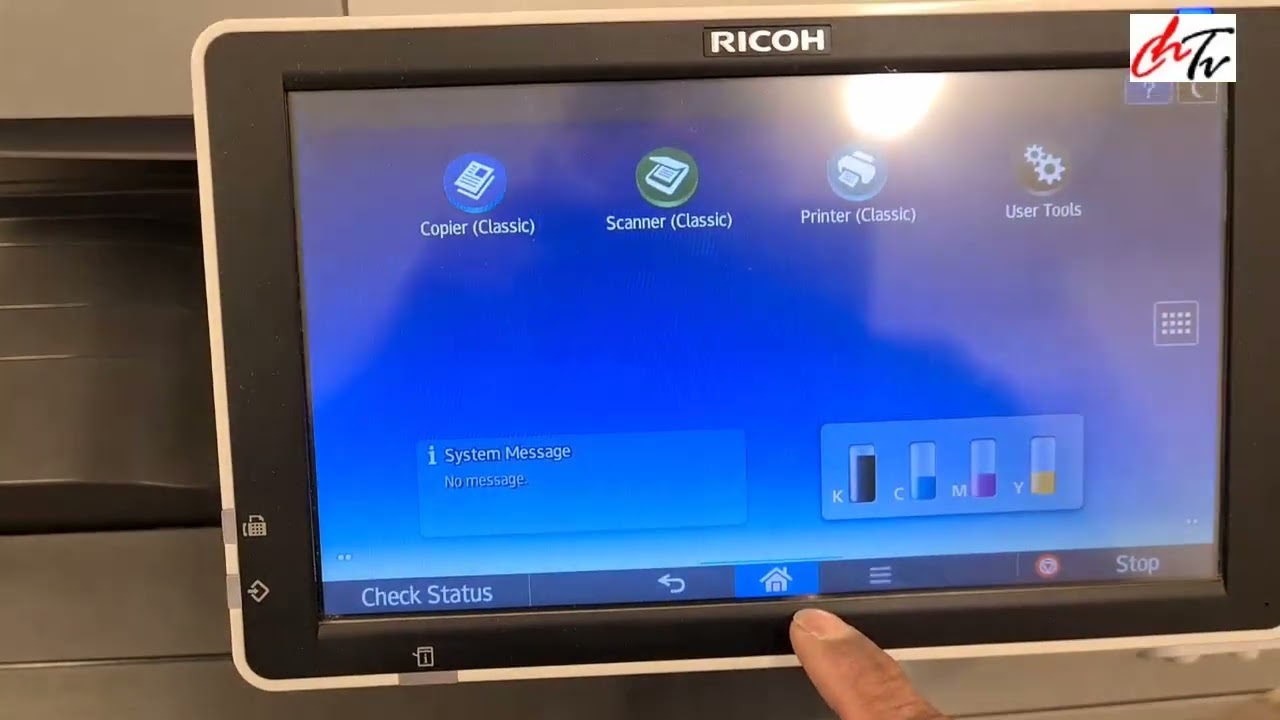
On the printer control panel, go to System Settings Interface Settings Network.
Verify that DHCP is enabled (the printer should be set to automatically obtain an IP address).
If DHCP is disabled, enable it and reboot the printer to see if it can connect to the network.
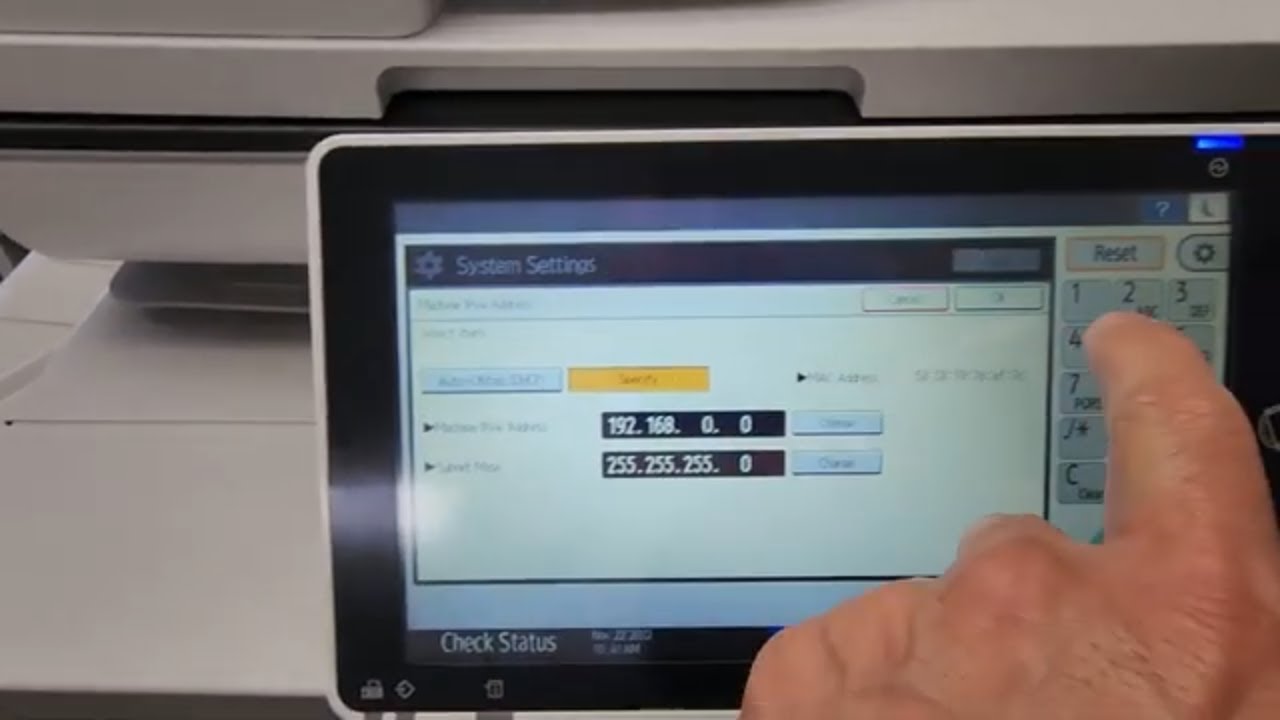
5. Assign a Static IP Address
If DHCP is not working, you can try manually assigning a static IP address to the printer.
Go to System Settings Interface Settings IPv4 Specify IP Address and manually configure the IP address, subnet mask, and gateway according to your network settings.
6. Firewall or Security Settings
If the network has a firewall or security settings that block certain devices, ensure that the printer’s MAC address is whitelisted.
7. Update Firmware
Check if there’s a firmware update available for the Ricoh MPC C4504. Sometimes network connectivity issues can be fixed by updating the printer’s firmware.
8. Contact IT or Network Administrator
If none of the above steps work, the issue may be with the network configuration or a DHCP server problem. In that case, contact your network or IT administrator for further assistance.
These steps should help you troubleshoot and resolve the DHCP connection issue on the Ricoh MPC C4504.

Не удается загрузить Youtube-плеер. Проверьте блокировку Youtube в вашей сети.
Повторяем попытку...
How to fix "Cannot connect with DHCP server .101 contact administrator" on a Ricoh MPC C4504 printer

Поделиться в:

Доступные форматы для скачивания:

Скачать видео

  • Информация по загрузке:

Скачать аудио

Похожие видео

Как подключить RICOH MP171 по сети

Как подключить RICOH MP171 по сети

Блокировка Telegram: ТОП-5 защищенных мессенджеров на замену

Блокировка Telegram: ТОП-5 защищенных мессенджеров на замену

Elegant Winter Floral Art | 4K Frame TV Screensaver | SSM Art

Elegant Winter Floral Art | 4K Frame TV Screensaver | SSM Art

30 minutes of silence

30 minutes of silence

Как настроить VPN (VLESS) на роутере Keenetic с нуля — Пошаговая инструкция 2026 🔥

Как настроить VPN (VLESS) на роутере Keenetic с нуля — Пошаговая инструкция 2026 🔥

how to sort out network connection issue of Ricoh copier

how to sort out network connection issue of Ricoh copier

Best Tropical Summer Vibes Mix 2026 🌊 Relaxing Deep House Music in 4K UHD for Smart TV | XDeep Music

Best Tropical Summer Vibes Mix 2026 🌊 Relaxing Deep House Music in 4K UHD for Smart TV | XDeep Music

Как лично ВЫ угрожаете господству мировых элит?

Как лично ВЫ угрожаете господству мировых элит?

Понимание Active Directory и групповой политики

Понимание Active Directory и групповой политики

Как исправить проблему с неработающей цветной печатью на принтере Canon Pixma G4110 (промывка чер...

Как исправить проблему с неработающей цветной печатью на принтере Canon Pixma G4110 (промывка чер...

РОУТЕР С VPN за 1200₽ | OpenWRT + Podkop + Amnezia | Полный Гайд на Xiaomi 4С

РОУТЕР С VPN за 1200₽ | OpenWRT + Podkop + Amnezia | Полный Гайд на Xiaomi 4С

Ricoh-Savin. Как назначить IP-адрес и добавить копировальный аппарат Ricoh в сеть

Ricoh-Savin. Как назначить IP-адрес и добавить копировальный аппарат Ricoh в сеть

Изучите Microsoft Active Directory (ADDS) за 30 минут

Изучите Microsoft Active Directory (ADDS) за 30 минут

🔴 Turn your television into a piece of art! 4K  UHD Pop Culture Meets Fine Art - 1 Hr. NO MUSIC 🔴

🔴 Turn your television into a piece of art! 4K UHD Pop Culture Meets Fine Art - 1 Hr. NO MUSIC 🔴

Ricoh WiFi Setup Tutorial – Connect Your Ricoh Printer to Wireless Network (All WiFi Models)

Ricoh WiFi Setup Tutorial – Connect Your Ricoh Printer to Wireless Network (All WiFi Models)

Маска подсети — пояснения

Маска подсети — пояснения

[4K FULL HD] Relaxing Water Background | 1 HOUR | Calm Water Wallpaper (No Sound)

[4K FULL HD] Relaxing Water Background | 1 HOUR | Calm Water Wallpaper (No Sound)

SHAZAM Top 50🏖️Лучшая Музыка 2025🏖️Зарубежные песни Хиты🏖️Популярные Песни Слушать Бесплатно2025 #39

SHAZAM Top 50🏖️Лучшая Музыка 2025🏖️Зарубежные песни Хиты🏖️Популярные Песни Слушать Бесплатно2025 #39

Как получить Online доступ к ODIS PIWIS FDRS FJDS MDARS TECHSTREAM WITECH TECH2WIN

Как получить Online доступ к ODIS PIWIS FDRS FJDS MDARS TECHSTREAM WITECH TECH2WIN

Как подключить RICOH Copier по сети

Как подключить RICOH Copier по сети

© 2025 ycliper. Все права защищены.


  • Контакты
  • О нас
  • Политика конфиденциальности


Контакты для правообладателей: [email protected]