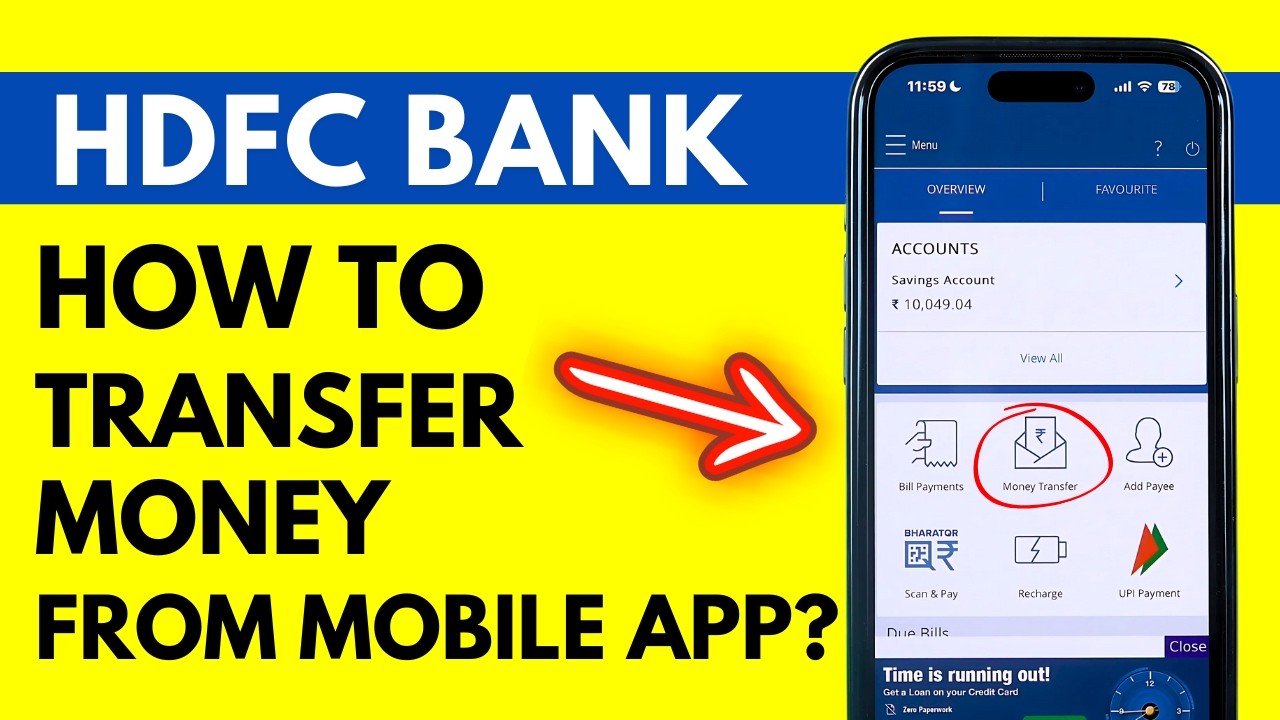
How to Transfer Money from HDFC Mobile App? HDFC Bank App Money Transfer - 2 Mins ONLY!!
Автор: House of Apps English
Загружено: 2024-10-24
Просмотров: 34722
Описание:
How to transfer money from the HDFC Mobile Banking App? To transfer money in the HDFC mobile banking app, you need to follow the steps given in this video. Open the HDFC Mobile Banking app on your phone, login to your account. Once you're logged in, click on the money transfer section on the home screen. Here you'll find multiple options to transfer money. Select 'Add/ Manage Payees'. You'll see the list of payees you have already added (if any) as well as the option 'Add Payee'.
Enter the details of the person you want to transfer money using HDFC mobile banking. You need to wait for thirty minutes before the newly added payee account is activated. Once the payee is activated in your HDFC app, select that payee from 'Add/ Manage payees section', and click on transfer money. Select the type of transaction, the amount you want to proceed with and click on 'Continue'. Now you'll see an option to receive a verification code on either your registered mobile no. or email ID. Select your desired option and the enter the code. Once you click on 'Confirm', your transaction is complete.
Note: You can select IMPS to transfer money immediately and NEFT to transfer within the hour.
More Videos:
How to Add Beneficiary in HDFC Mobile App?: • How to Add Beneficiary in HDFC Mobile App?...
Change Debit/Credit Card PIN in HDFC Mobile: • HDFC Bank Card PIN Forgot - How to Change ...
HDFC Bank share bank details: • HDFC Bank Share Details - How to Share HDF...
HDFC Download Bank Statement: • HDFC Download Statement - How to Download ...
#houseofappsenglish
Повторяем попытку...
Доступные форматы для скачивания:
Скачать видео
-
Информация по загрузке: