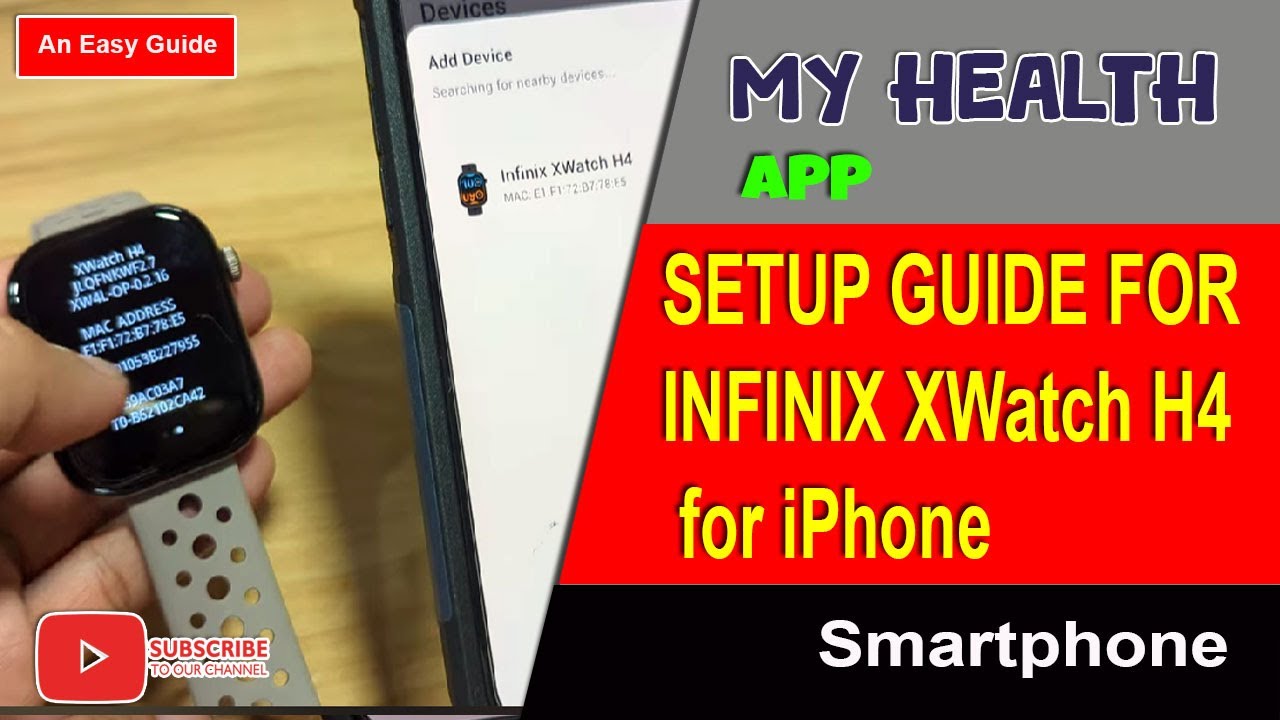
How to Connect Infinix XWatch H4 Smartwatch to iPhone
Автор: Smartwatch Specifications
Загружено: 2025-09-09
Просмотров: 3200
Описание:
How to Connect Infinix XWatch H4 Smartwatch to iPhone
The video shows how to connect the Infinix XWatch H4 to an iPhone using the My Health app. It starts by resetting the smartwatch, then downloading and installing the app from the App Store. After granting permissions and creating or logging into an account, the watch is added and paired via Bluetooth. Once connected, users can enable notifications, set reminders, adjust formats, and sync contacts for Bluetooth calling. The video also demonstrates downloading and applying a new watch face. In the end, it confirms that the XWatch H4 works smoothly with iOS and maintains a stable connection.
Timeline:
0:00 – Intro
0:23 – Video overview (Infinix XWatch H4 with iPhone)
1:09 – Reset smartwatch before pairing
1:42 – Scan QR code / search My Health app in App Store
2:47 – Download and install app
3:30 – Open app, allow permissions, set profile
4:09 – Register / log in to app
4:51 – Successfully registered, ready to add smartwatch
5:01 – Add and detect Infinix XWatch H4
5:24 – Pairing via Bluetooth
5:58 – Connection successful
6:22 – Check push notifications & enable apps
6:41 – Bluetooth calling, sync contacts, basic settings
7:25 – Download and apply new watch face
8:00 – Confirmation: stable connection, compatible with iPhone
8:18 – Closing (like, share, subscribe)
Повторяем попытку...
Доступные форматы для скачивания:
Скачать видео
-
Информация по загрузке:


![[ Demo ] Infinix XWatch H4 Smartwatch - Message Notifications](https://image.4k-video.ru/id-video/E12ly5NmMZM)


![[Demo] Infinix XWatch H4 - Bluetooth Call Feature](https://image.4k-video.ru/id-video/v13VdY9GATQ)