Thut Essentials - Shops & Economy Tutorial
Автор: Danny & Son
Загружено: 2017-02-08
Просмотров: 11438
Описание:
Tutorial on Thut Essentials economy and shop setup.
Shop setup summary:
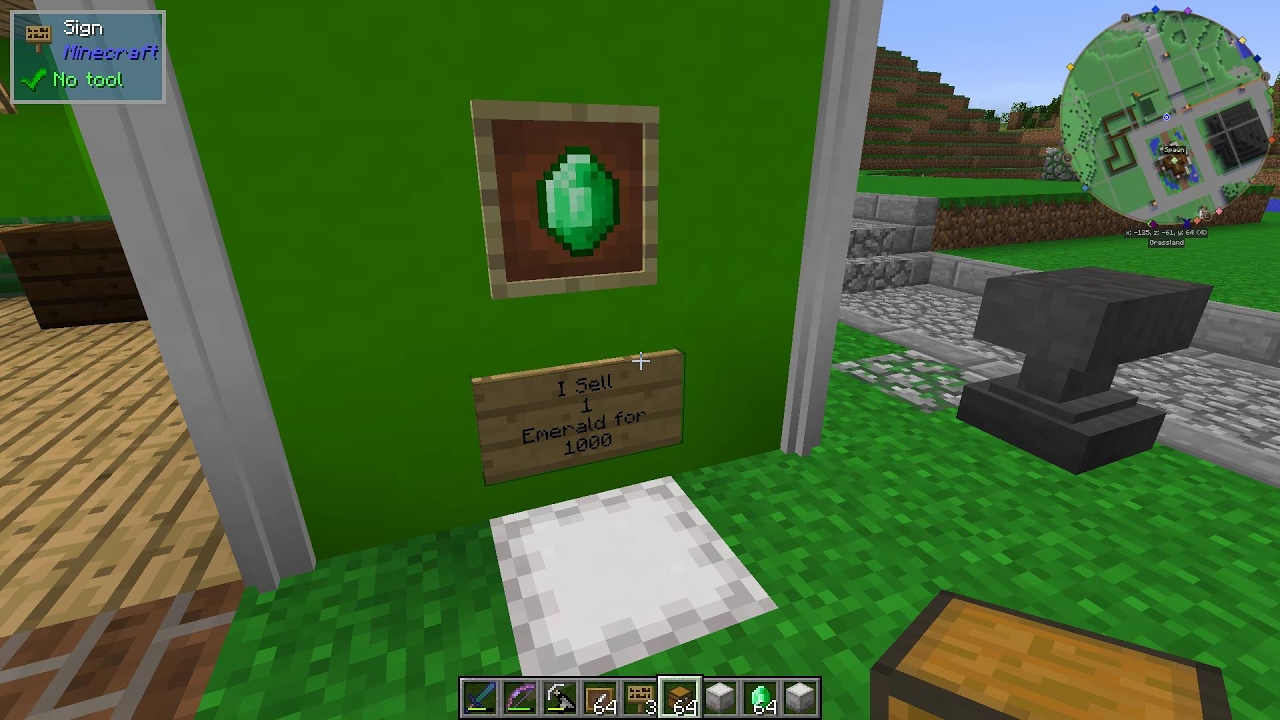
Step 1: Place item frame and insert item to sell or buy.
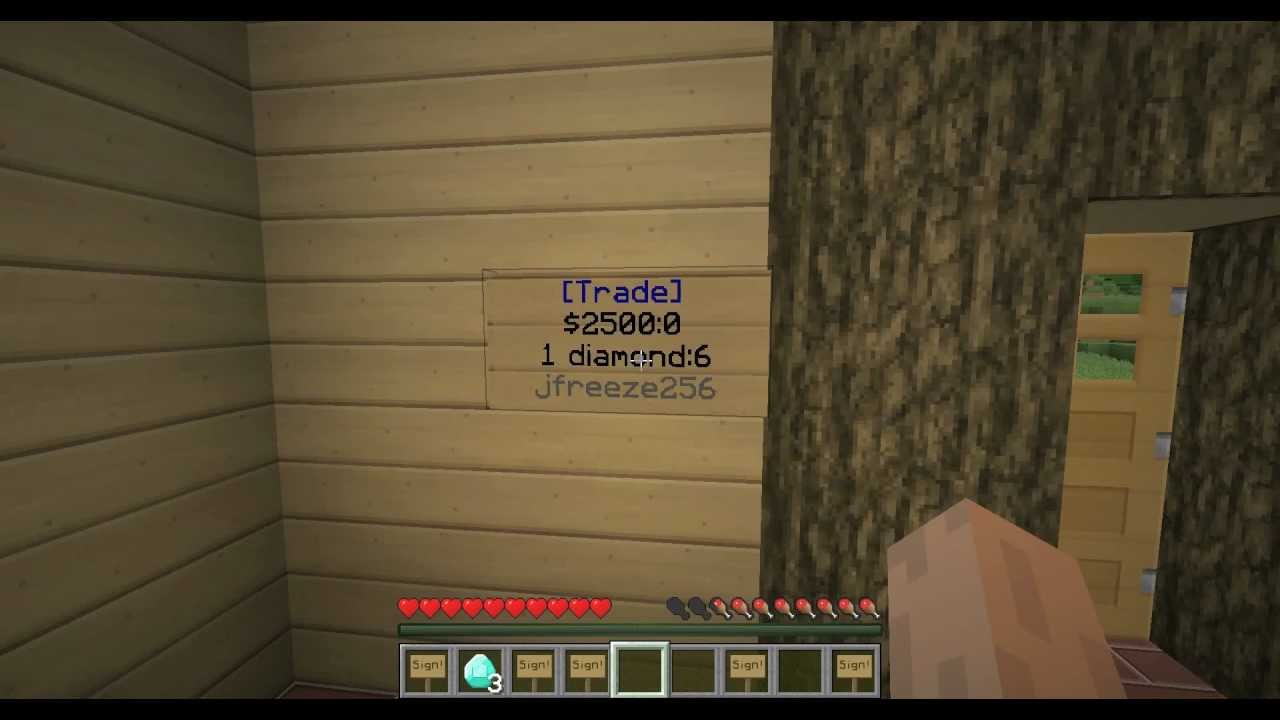
Step 2: Place a sign directly below the item frame with the following:
line 1: must contain the word Buy or Sell
line 2: number representing quantity of items
line 3: you can type any descriptive message here
line 4: the cost of the item(s) you are buying or selling
Step 3: Place protected inventory below sign.
Step 4: Shift-right click the sign with any item that is named one of the following:
"Shop" - for a regular shop with inventory
"Shop noTag" - for a regular shop that ignores NBT tags
"InfShop" - for an infinite admin shop (no inventory)
"InfShop noTag" - infinite shop that ignores NBT tags
Command summary:
bal - shows your current balance. By default this starts at 1000. Can be changed in configs.
pay (playername) (amount) - transfer funds from your balance to another player's balance.
Thut Essentials: https://minecraft.curseforge.com/proj...
Simple Protection (mod we use to protect blocks and inventory in our shops): https://minecraft.curseforge.com/proj...
Background music credits:
"Chipper Doodle v2"
Kevin MacLeod (incompetech.com)
Licensed under Creative Commons: By Attribution 3.0
http://creativecommons.org/licenses/b...
Повторяем попытку...
Доступные форматы для скачивания:
Скачать видео
-
Информация по загрузке: