How to Add Expense Receipt Summaries to a SharePoint List in Power Automate
Автор: Cloudmersive
Загружено: 2026-03-03
Просмотров: 18
Описание:
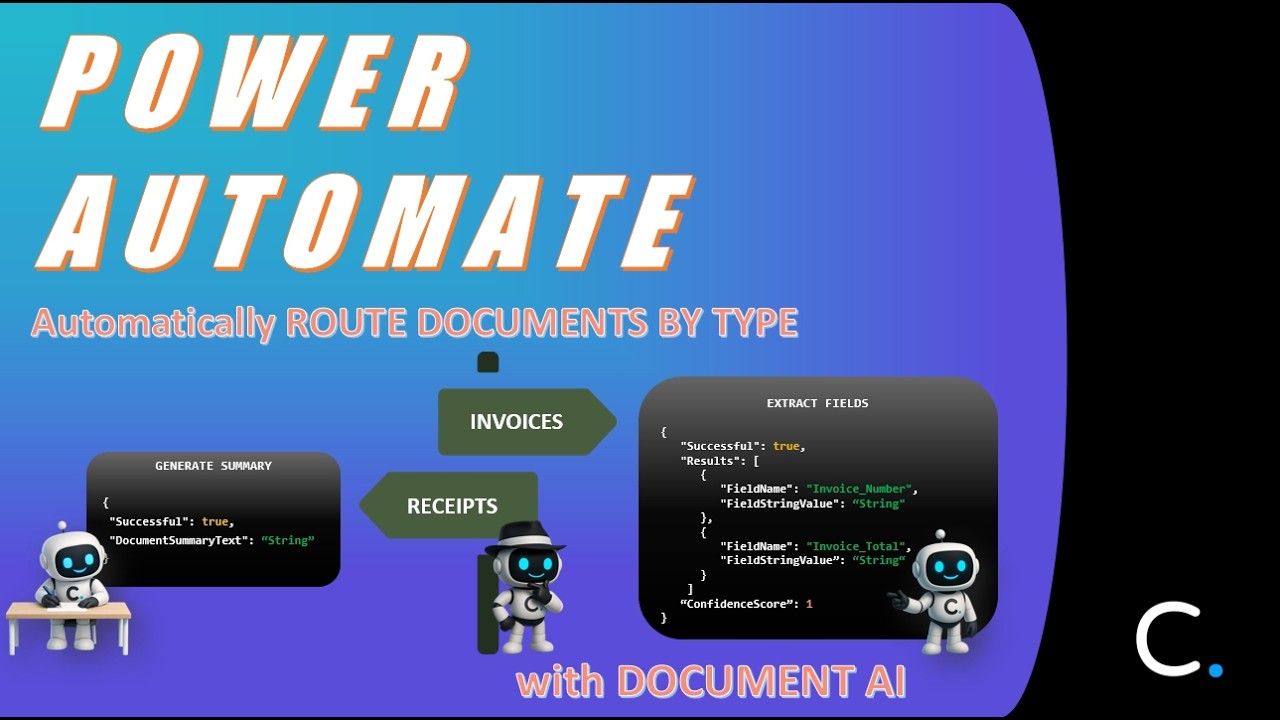
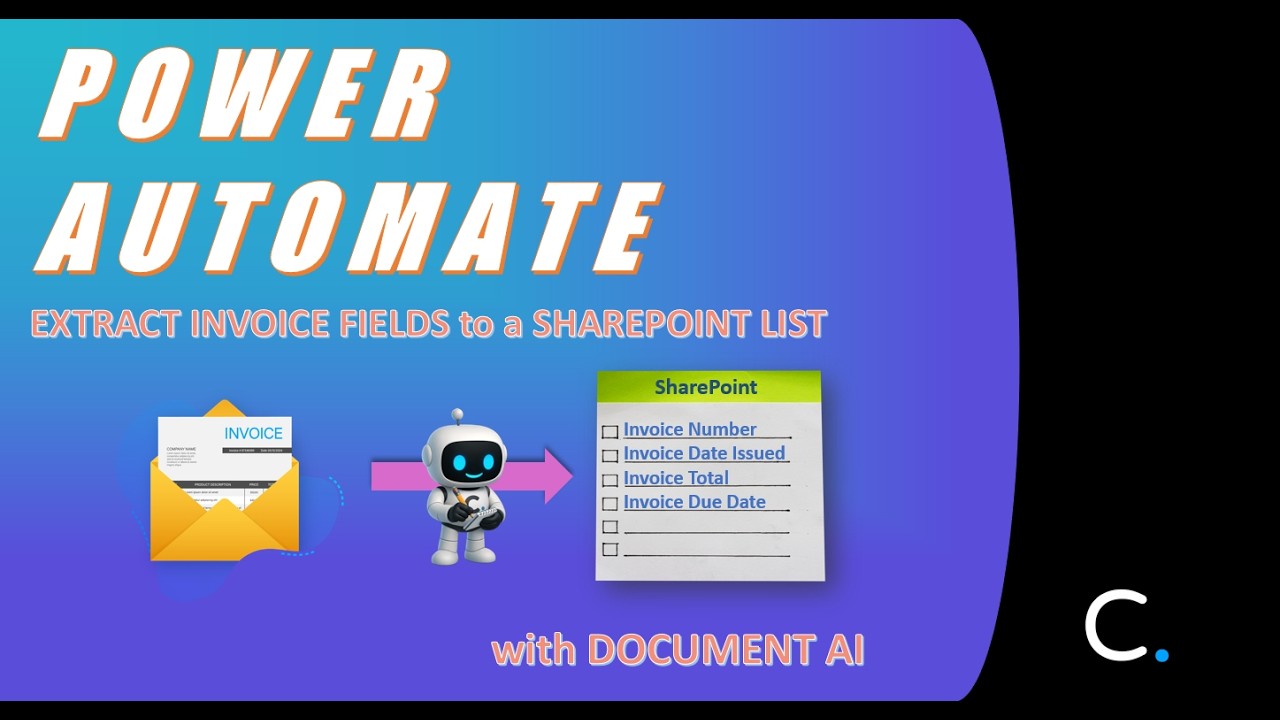
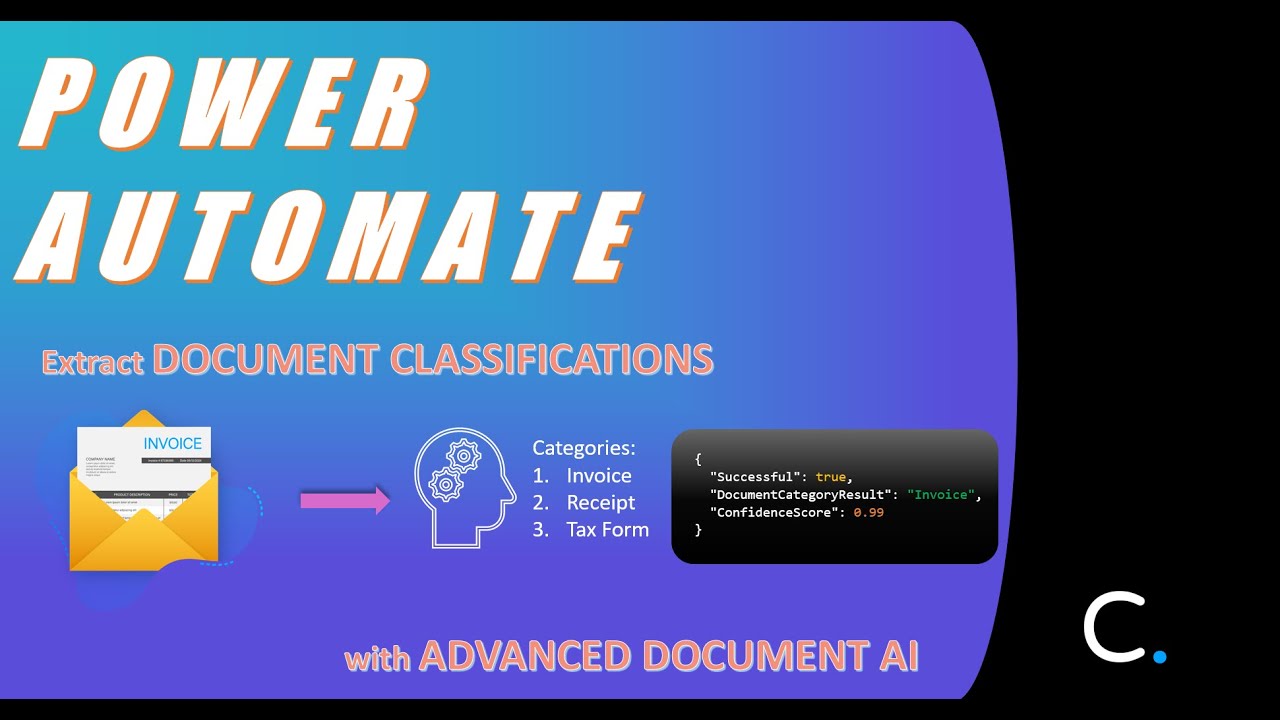
In this video, you will learn how to summarize receipts with Document AI in Power Automate and add those receipt summaries to a SharePoint list via the SharePoint connector. This flow uses the "Extract Summary from a Document using AI" action from the Document AI connector in conjunction with the "Create Item" and "Add Attachment" actions from the SharePoint connector.
In order to use Cloudmersive connectors in Power Automate, you will need a Cloudmersive API key. You can get one by creating an account on the Cloudmersive website. While free API keys are available (with a limit of 800 API calls/month), we recommend API keys with enterprise-level bandwidth when using Document AI in any capacity.
If you have any questions after following along with this video, please feel free to contact a member of our team and they will be glad to assist you.
Contact Sales: https://portal.cloudmersive.com/conta....
#powerautomate #documentai #ai #documentautomation
Повторяем попытку...

Доступные форматы для скачивания:
Скачать видео
-
Информация по загрузке: