FUSER KYOCERA M2040 M2135 M2540 M2635 M2640 M2735 P2235 P2335 P2040
Автор: COPY-EXPERT by Tomasz Jemiołek
Загружено: 2026-01-08
Просмотров: 177
Описание:
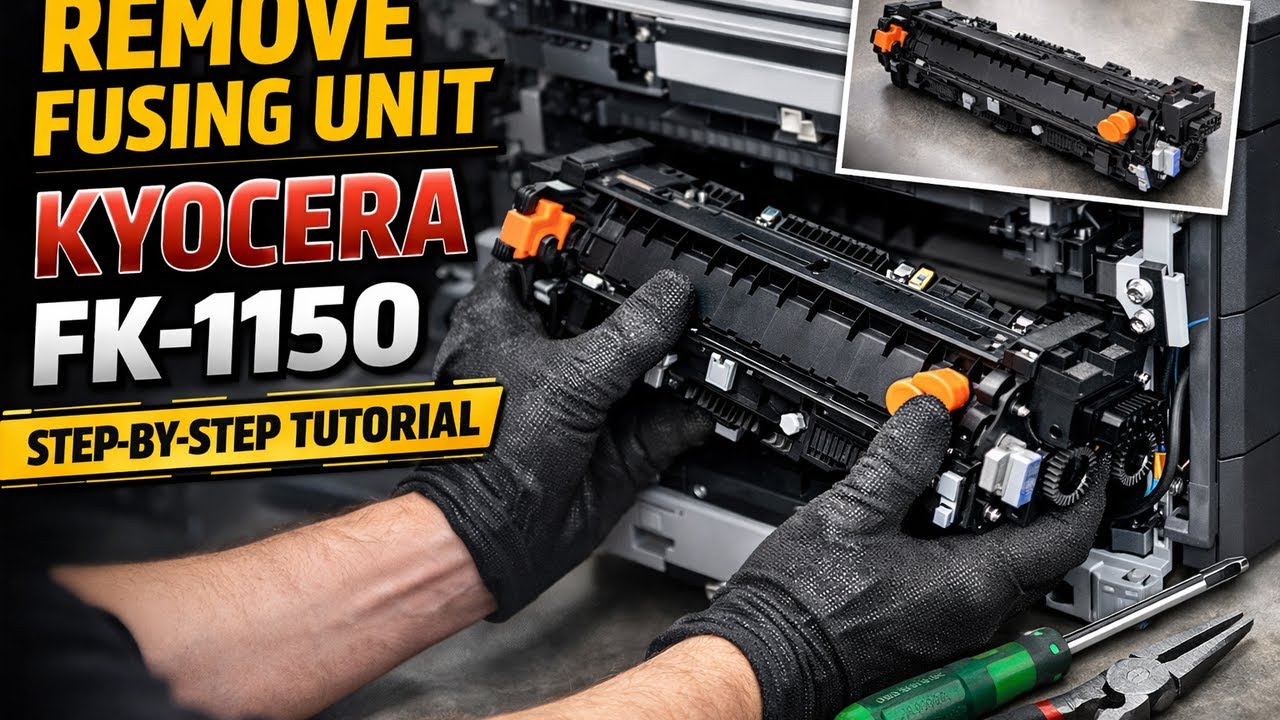
How to remove Fusing Unit Printer Kyocera FK1150, FK-1150, 302RV93050.
On our channel we create practical service videos, step-by-step tutorials, and real-world tips & tricks for printer technicians, service engineers, and advanced users. No marketing talk – only real repairs and real experience straight from the service bench.
In this video, we show how to safely remove the Fusing Unit (Fuser) from Kyocera printers.
🎥 Video topic:
How to Remove Fusing Unit – Kyocera FK-1150 / 302RV93050
🖨️ Supported models:
Kyocera M2040
Kyocera M2135
Kyocera M2540
Kyocera M2635
Kyocera M2640
Kyocera M2735
Kyocera P2235
Kyocera P2335
Kyocera P2040
🔧 In this video you will learn:
where the fuser unit is located
step-by-step removal of FK-1150
what to watch out for during disassembly
practical service tips based on real experience
common mistakes to avoid
This is a technical instructional video, perfect for:
printer service companies
IT technicians
office equipment maintenance
advanced users
If you’re interested in Kyocera printer repairs, spare parts, real tests, and honest service guides – this channel is for you.
📌 Subscribe for more professional printer repair tutorials and service tips.
#kyocera #fuser #fusingunit #printerrepair
#serwisdrukarek #kyoceraservice #naprawadrukarki
#printermaintenance #laserprinter #officeequipment
Повторяем попытку...
Доступные форматы для скачивания:
Скачать видео
-
Информация по загрузке: