How to create and edit email signature templates in Sigsync?
Автор: Sigsync
Загружено: 2025-07-26
Просмотров: 37
Описание:
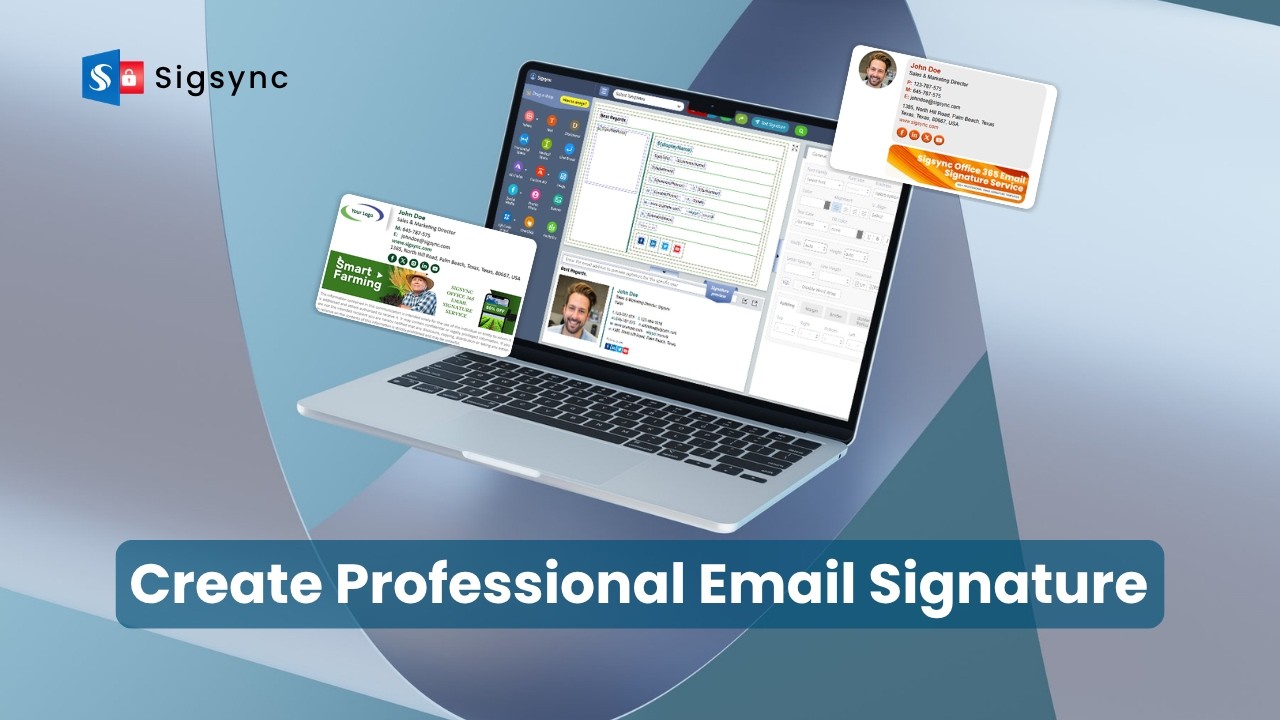
Learn how to create and manage professional email signature templates using Sigsync's built-in editor.
This step-by-step tutorial shows you how to design effective email signatures using dynamic placeholders, Azure AD user attributes, images, social media icons, banners, and more. You'll also learn how to insert table rows for better layout control, add legal disclaimers, and build responsive designs that display correctly across all devices and email clients.
Whether you're setting up a company-wide standard or customizing templates for different teams, Sigsync offers a centralized and easy-to-manage solution. The video also covers editing, formatting and previewing your signature in real time—ensuring consistent branding and compliance throughout your organization.
Resources:
Try it for Free:
👉 https://www.sigsync.com
Need help or support?
👉 https://www.sigsync.com/support.html
Hope you found this tutorial helpful!
👍Give it a like, 🔔subscribe for more, and explore Sigsync tips to enhance your email signatures.
Check Out More Tutorials:
• How to set up Office 365 email signatures ...
• How to use Social Media Icons in Sign
• How to add address fields in an email sign...
#SigsyncOffice365EmailSignatureService #CreateEmailSignature #EditSignatureTemplate #Sigsync #EmailSignatureTemplateDesign #SigsyncSignatureEditor #OutlookSignature #Office365EmailSignature #EmailBranding #DynamicEmailSignature #EmailSignatureDesignTool
Повторяем попытку...

Доступные форматы для скачивания:
Скачать видео
-
Информация по загрузке:




![🔴 EXPRESS BIEDRZYCKIEJ | MAGDALENA RIGAMONTI, PROF. BARBARA BRODZIŃSKA MIROWSKA [NA ŻYWO]](https://imager.clipsaver.ru/3qJm0zW_5p4/max.jpg)






![Почему работает теория шести рукопожатий? [Veritasium]](https://imager.clipsaver.ru/ggI1xKzoANs/max.jpg)




