Duux Whisper Flex Ultimate Smart Wireless Fan - App Pairing Instructions
Автор: Duux
Загружено: 2021-06-17
Просмотров: 7974
Описание:
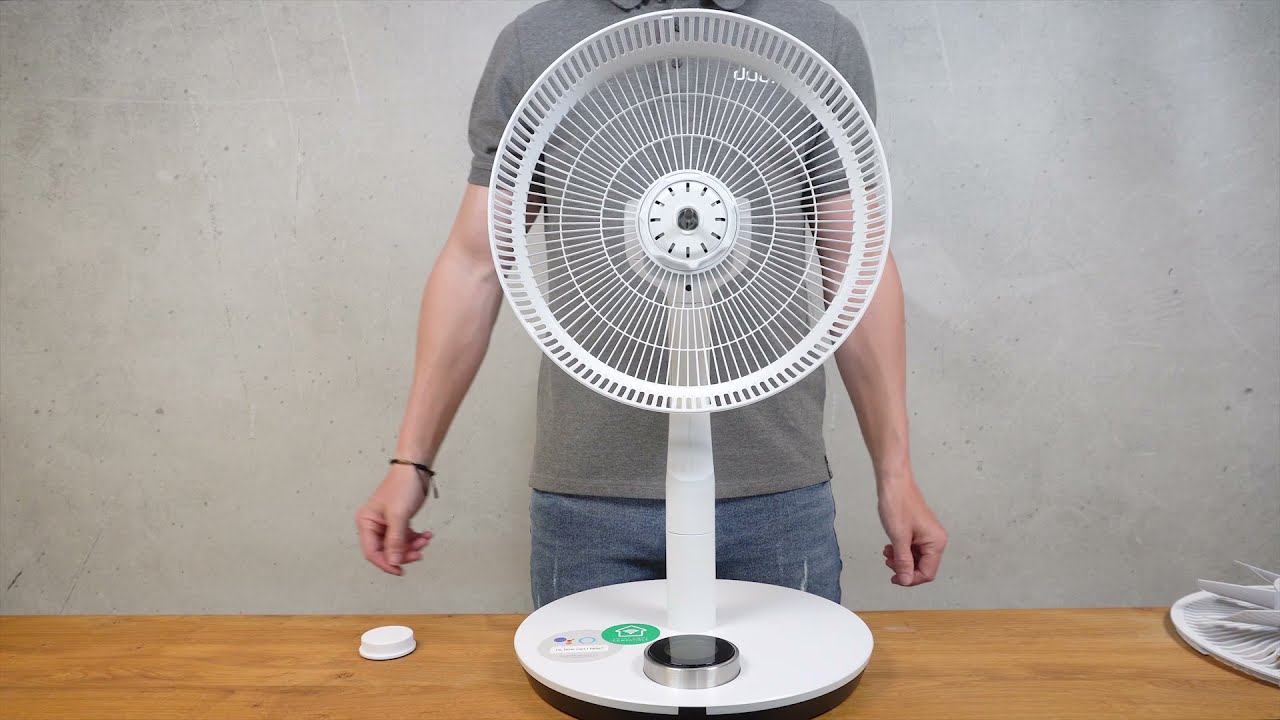
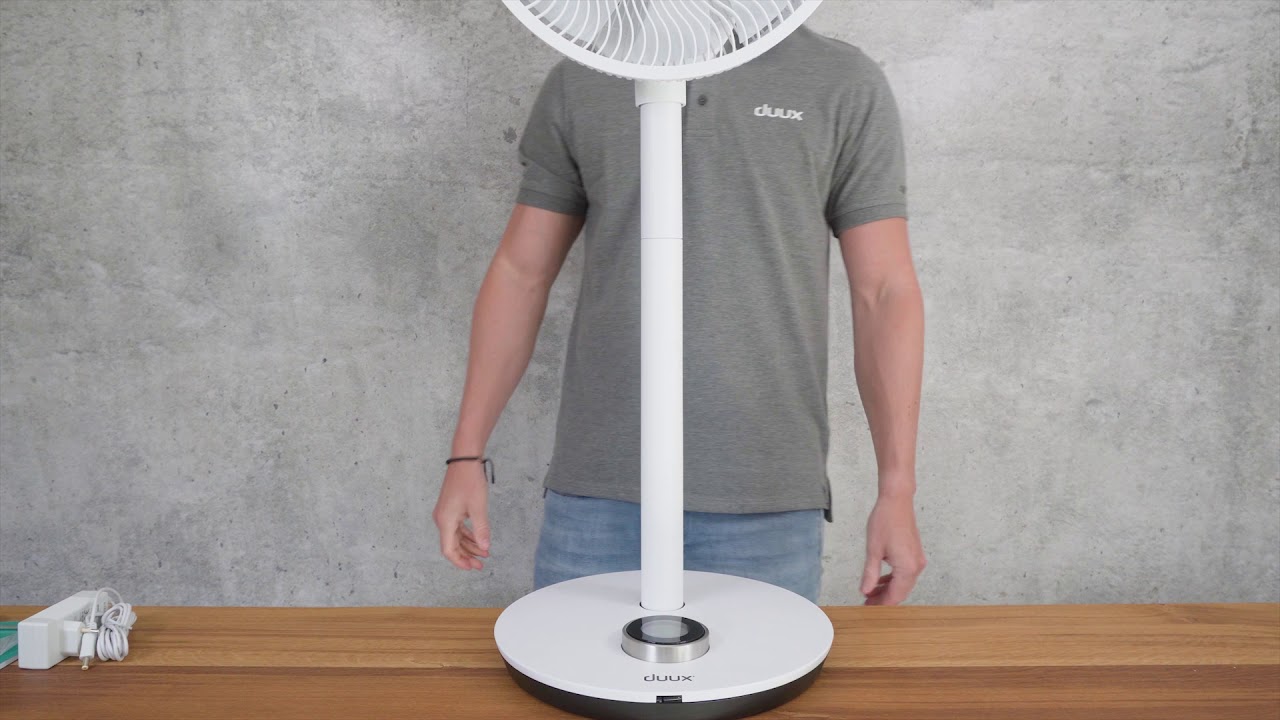
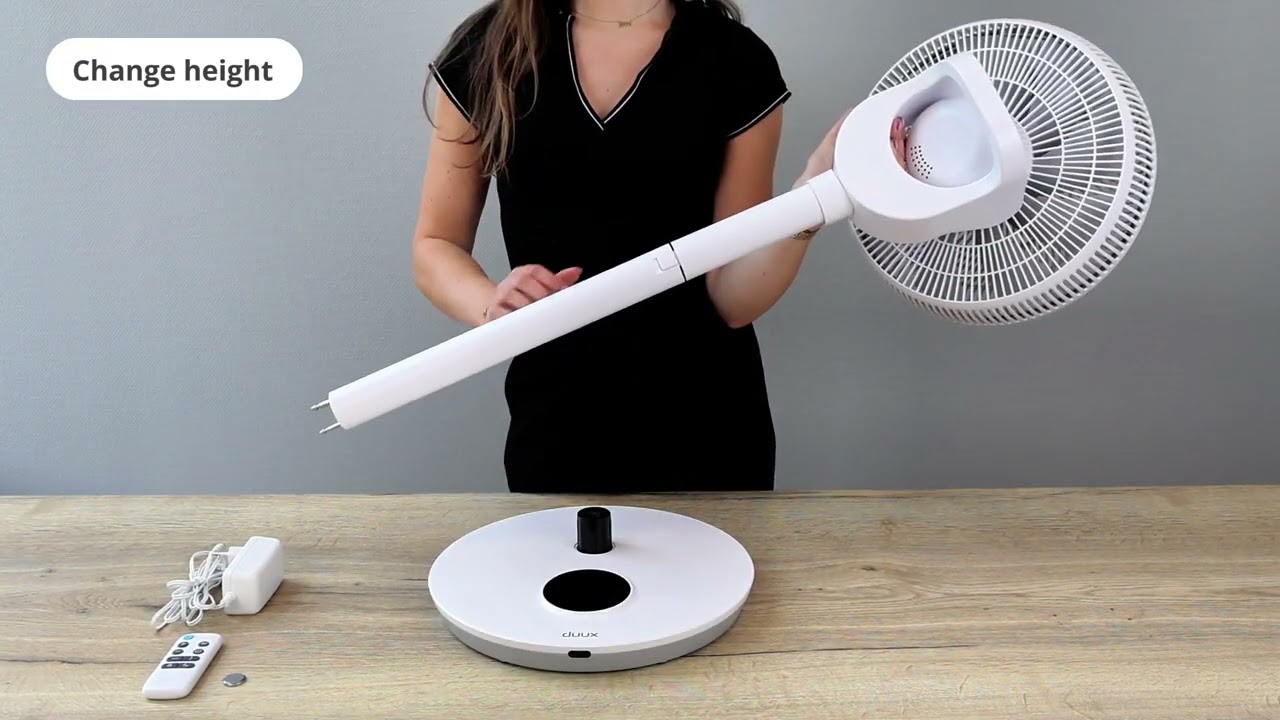
Please watch this video if you're having difficulties connecting your Whisper Flex Ultimate to the Duux app. Follow these step by step instructions:
1. Download the Duux app from the App Store of Google Play store. Register your account and click "Add your Duux device" or use the + sign in the top right corner to add a new device;
2. Select "Whisper Flex Ultimate" from the list of products;
3. Press and hold the control ring for 5 seconds to activate the WiFi mode. Wait for the device to connect as the display counts down from 99.
3. Confirm that the WiFi indicator light is blinking by pressing "Indicator is blinking".
6. Once connected, you can set a name for your device and proceed by pressing "Add device". If you're experiencing issues at this stage, please consult the FAQ in the settings menu of the app. It may take up to 3 minutes to connect;
7. Select your location for real-time outdoor air quality data;
8. Congratulations! Your Whisper Flex Ultimate has now been succesfully connected.
Повторяем попытку...

Доступные форматы для скачивания:
Скачать видео
-
Информация по загрузке: