Quick Fixes for Your AirPods Issues! CLICK SUBSCRIBE! 👍THANK YOU!
Автор: JD TUBE
Загружено: 2025-06-14
Просмотров: 21
Описание:
@jdtube1000 CLICK SUBSCRIBE & SHARE!👍LIKE! THANK YOU!
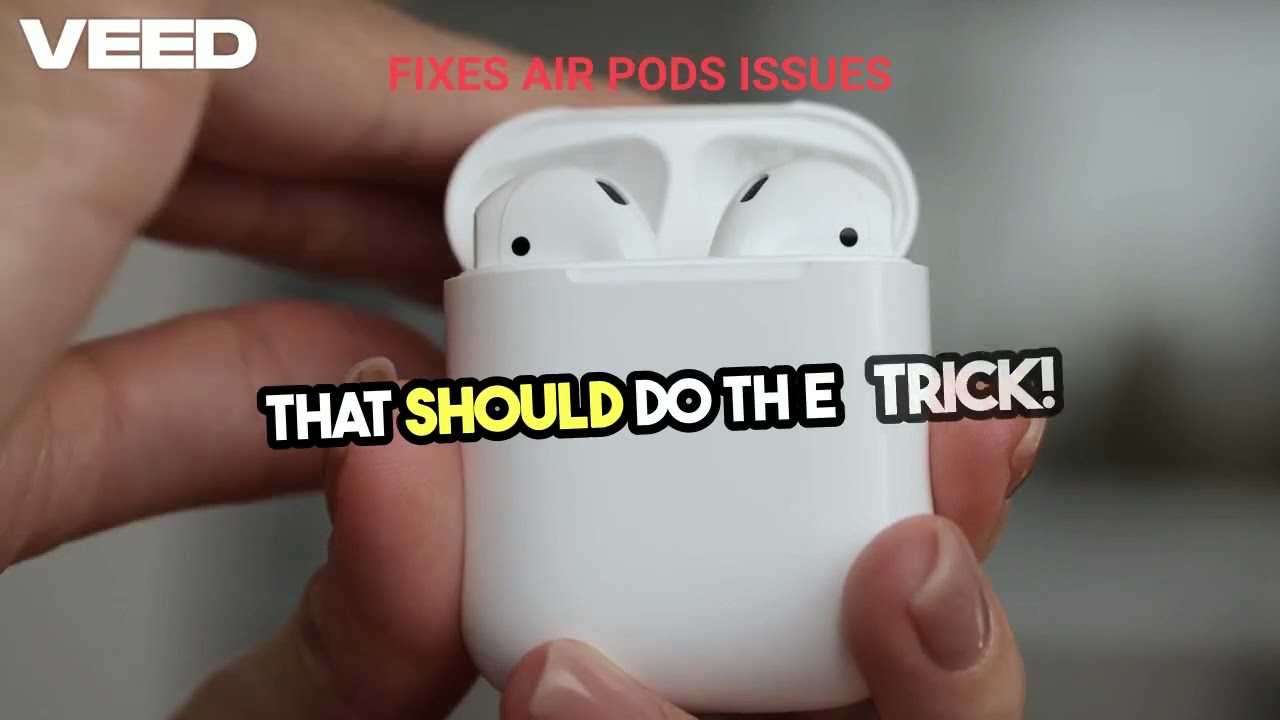
To repair your AirPods, you can follow several steps depending on the specific issue you are experiencing. Here’s a detailed guide on troubleshooting and repair options:
Basic Troubleshooting Steps
1. Reset Your AirPods.
If your AirPods are not connecting, charging, or playing audio properly, resetting them can often resolve these issues. Here’s how to reset your AirPods:
Place your AirPods in the charging case** and close the lid. Wait for about 30 seconds.
Open the lid** of the charging case.
On your iPhone or iPad, go to Settings Bluetooth. If your AirPods appear in the list, tap the More Info button (the "i" icon), select Forget This Device, and confirm.
With the lid still open, press and hold the setup button on the back of the case for about 15 seconds until the status light flashes amber, then white.
Follow the on-screen instructions on your device to reconnect your AirPods5.
2. Clean Your AirPods:
Sometimes, dirt or debris can affect the performance of your AirPods. Use a soft, dry, lint-free cloth to clean the exterior. For the speaker mesh, use a dry cotton swab to gently remove any debris. Avoid using liquids or abrasive materials.
Repair Options
If basic troubleshooting does not resolve the issue, consider the following repair options:
1. Apple Authorized Service:
If your AirPods are still under warranty or you have AppleCare+, you can get them serviced at an Apple Authorized Service Provider or an Apple Store. They can perform repairs using genuine Apple parts, ensuring safety and performance standards are met.
Battery Replacement:** If your AirPods' battery is not holding a charge, you can have it replaced for a service fee. If you have AppleCare+ and the battery holds less than 80% of its original capacity, the replacement may be free[2].
Lost AirPods:** If you've lost one AirPod or the charging case, you can purchase a replacement directly from Apple.
2. Third-Party Repair Services:
If your AirPods are out of warranty and you prefer a potentially cheaper option, you can look for third-party repair services. However, be cautious as these may not use genuine parts, which could affect performance and safety.
When to Seek Professional Help
If you have tried resetting and cleaning your AirPods and they still do not function properly, it may be time to seek professional help. Issues such as physical damage, internal component failure, or persistent connectivity problems typically require expert repair services.
By following these steps, you can troubleshoot and potentially repair your AirPods effectively. If problems persist, utilizing Apple’s repair services is recommended for the best outcome.
Повторяем попытку...
Доступные форматы для скачивания:
Скачать видео
-
Информация по загрузке: