Скачать
How to open your nat type permanently on the ps3 wired connection
Автор: THEBLING1991
Загружено: 2011-12-19
Просмотров: 43822
Описание:
here are the instructions
1. go to network settings in settings
2. go to internet conection settings
3. select custom
4. select wired connection
5. select auto-detect
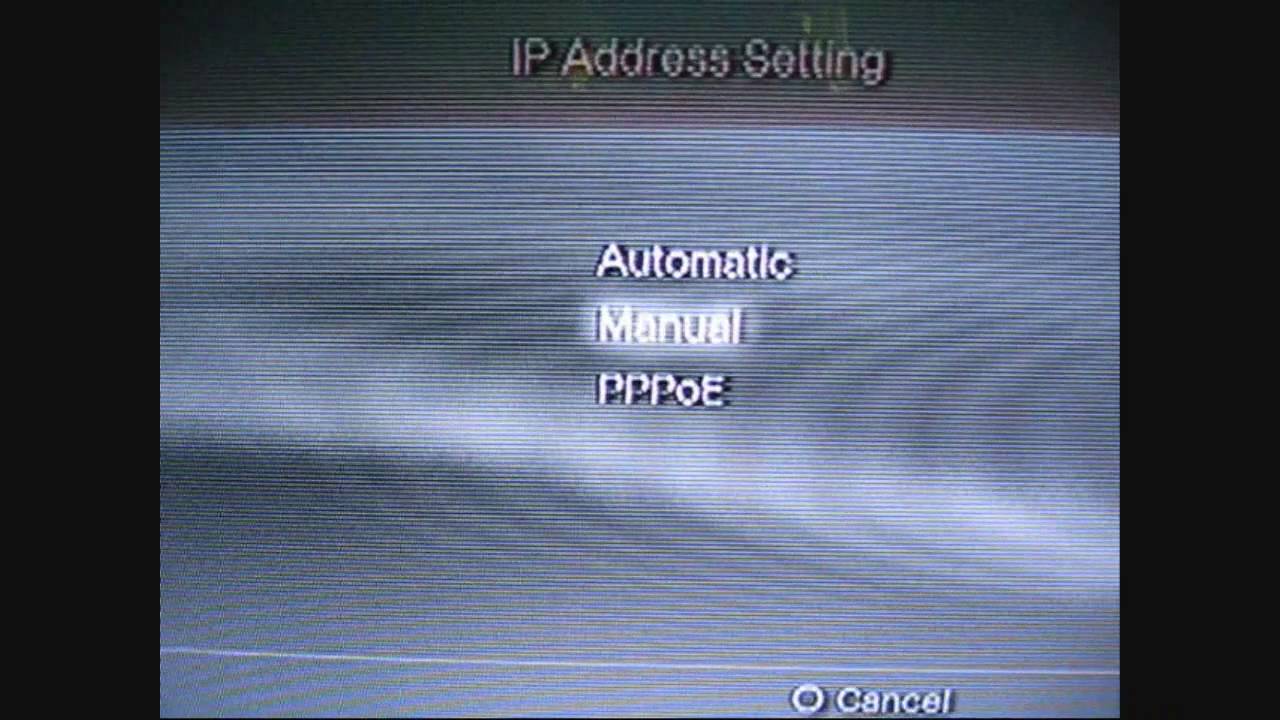
6. select pppoe
7. enter your pppoe username and password
8. select automating on dns
9. select manual on mtu
10. leave this as 1500
11. select do not use on proxy server
12. enable upnp
13. thats it all you gotta do then is long into your psn account and ur nat type will be open always
Не удается загрузить Youtube-плеер. Проверьте блокировку Youtube в вашей сети.
Повторяем попытку...
Повторяем попытку...

Доступные форматы для скачивания:
Скачать видео
-
Информация по загрузке:
![Best of Deep House [2026] | Melodic House & Progressive Flow](https://imager.clipsaver.ru/Il-ZpBuC8tA/max.jpg)